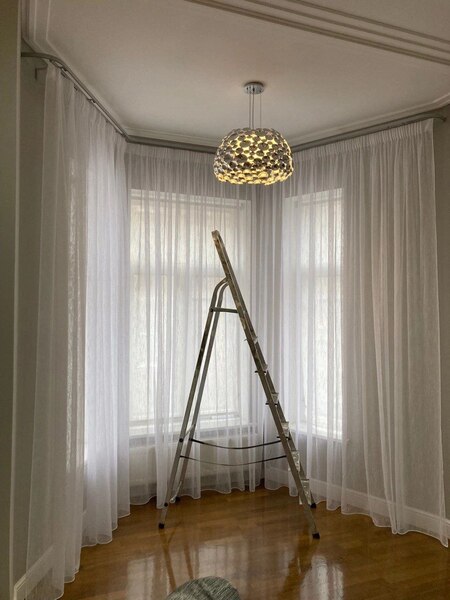
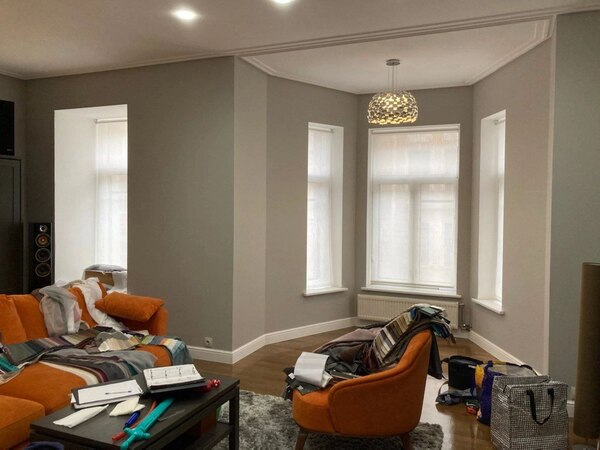
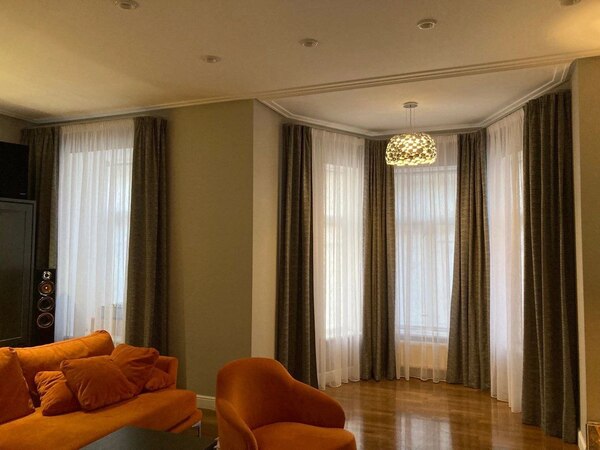
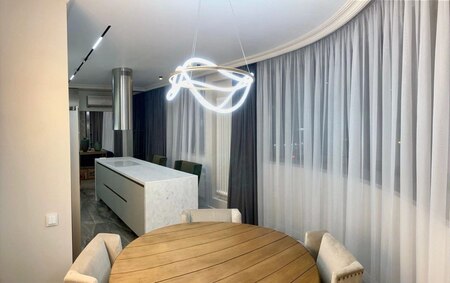
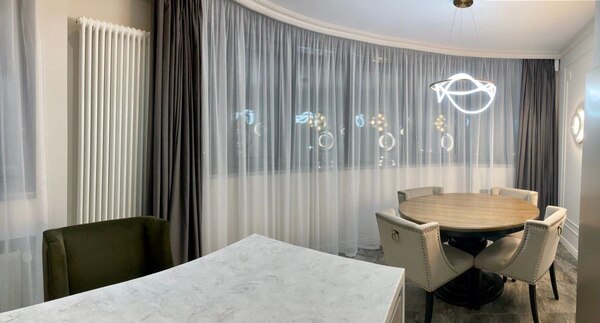
Сеть салонов текстильного декорирования интерьера «Raffinati» Санкт-Петербург
MY ACTIVITY: Дизайнер (текстиль)
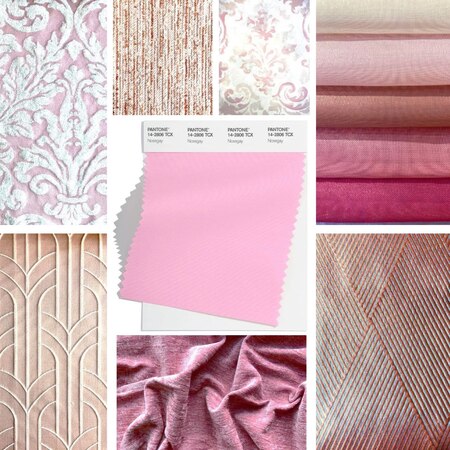
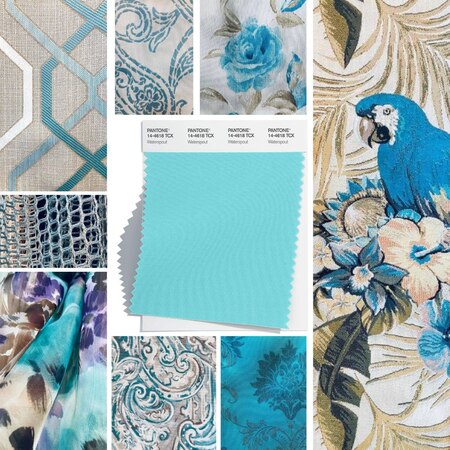
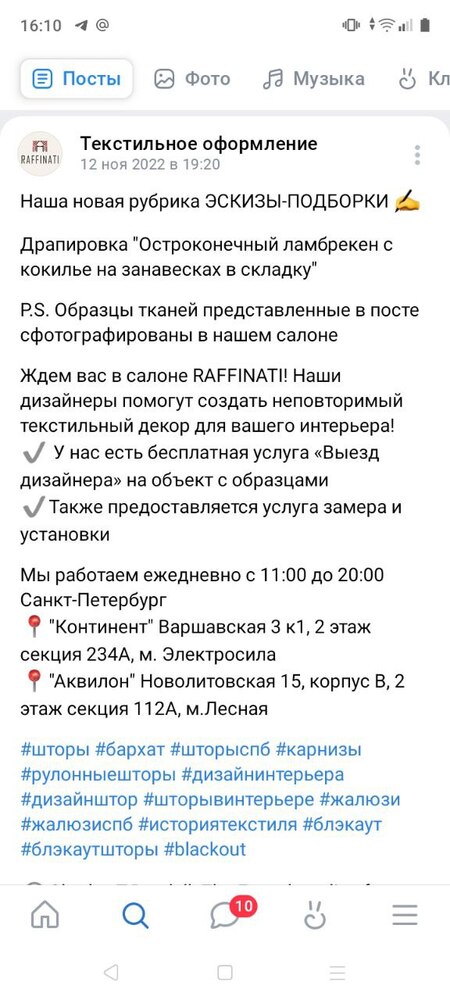
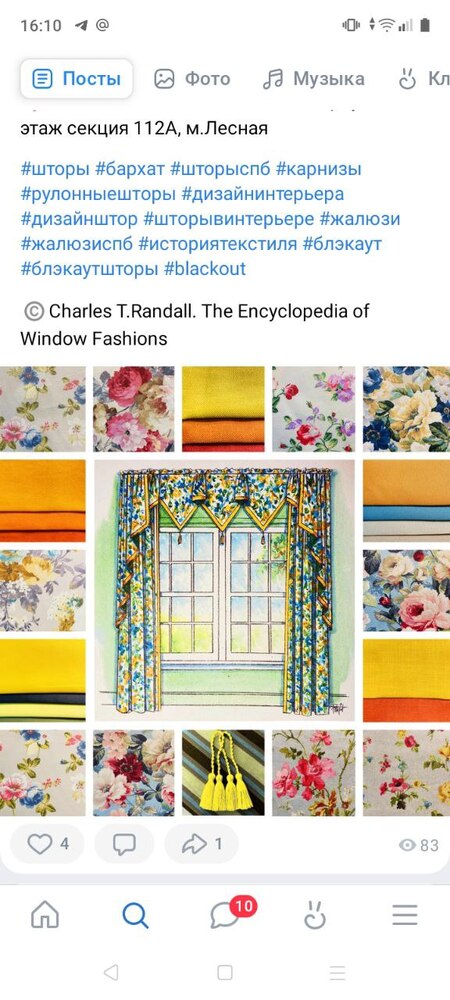
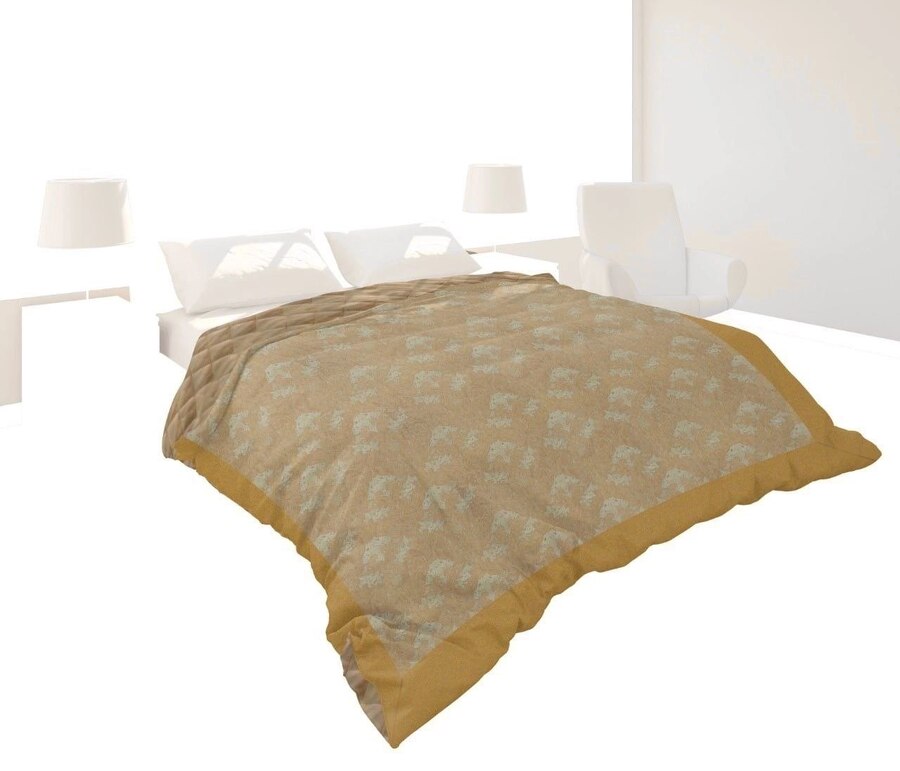
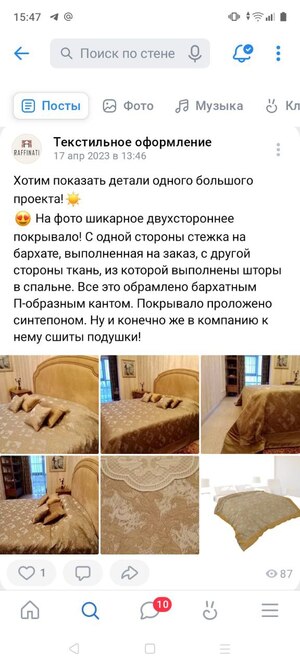
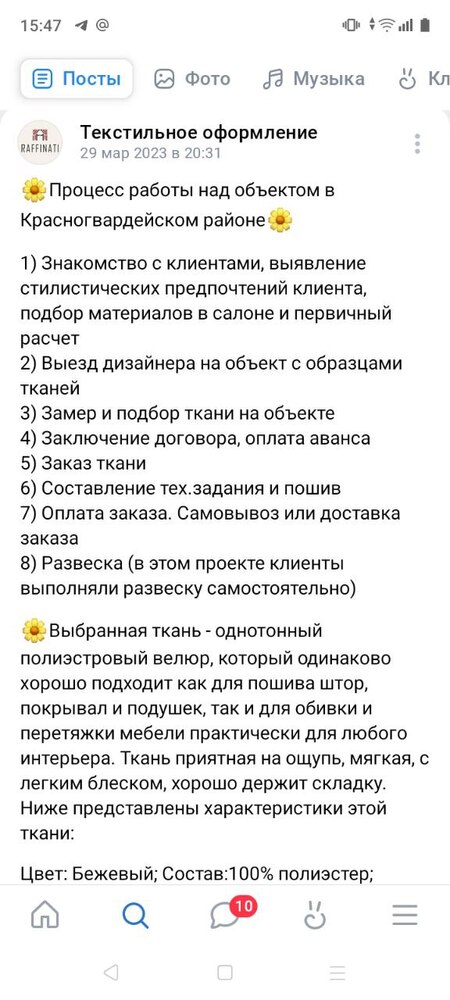
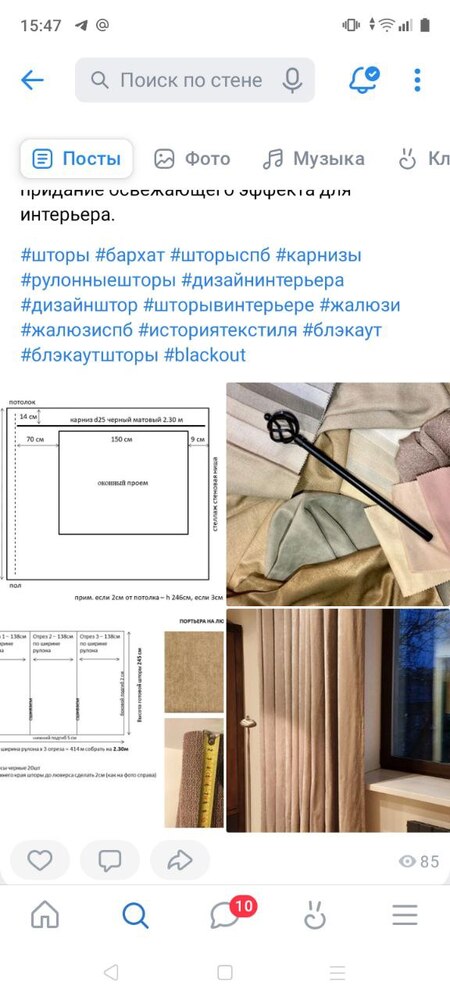
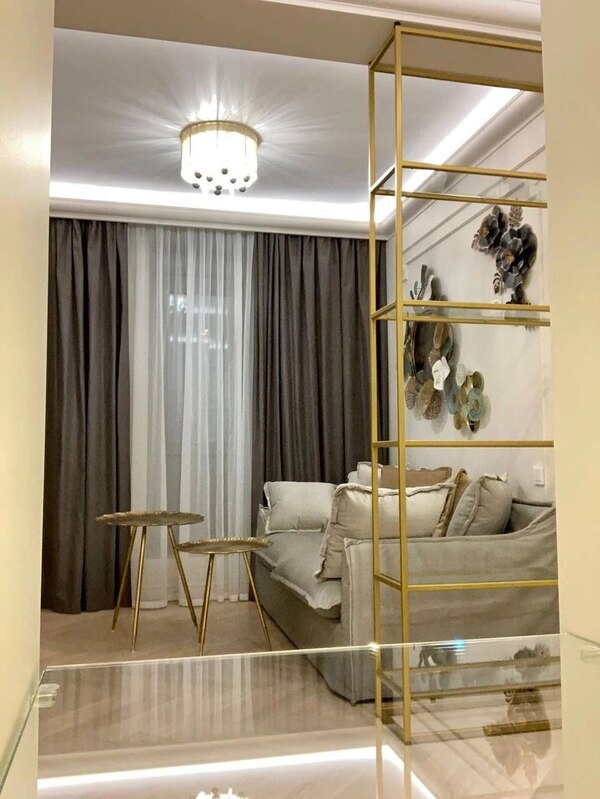
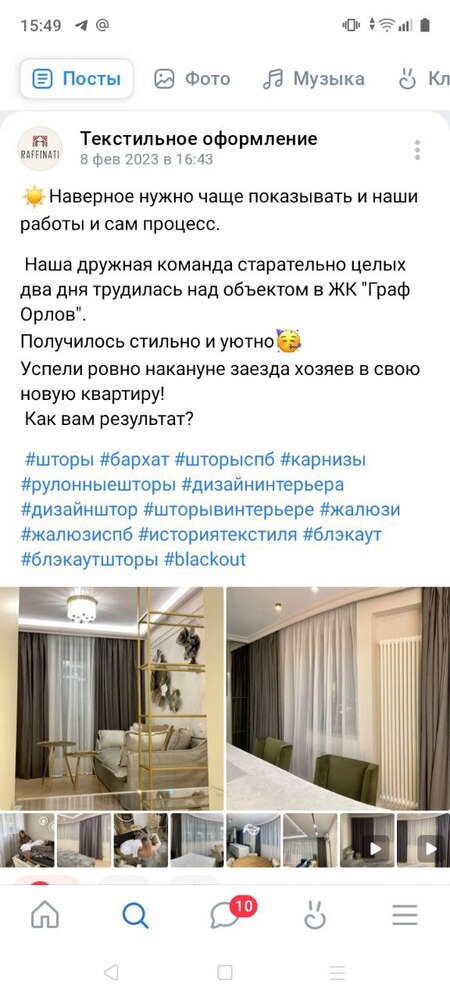
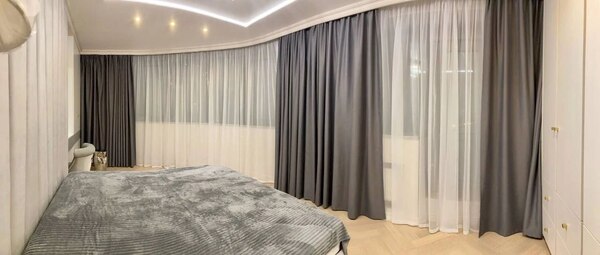
Работа с входящими клиентами, выявление основных потребностей и индивидуальных желаний заказчика; Расчет стоимости, подготовка коммерческих предложений, заключение договоров; Поиск и привлечение новых клиентов (дизайнеры, архитекторы); Активные продажи; Выезд на объект, выполнение замеров, подбор материалов, тканей и фурнитуры; разработка эскизов, дизайн-проектов; выполнение отрисовки принтов (ручное и цифровое); подготовка технического задания для производства; Ведение отчетности; Участие в презентационных выставках и отраслевых мероприятиях; прохождение обучения Компания «УЮТ» Оптовый отдел продаж Спб; Ведение социальных сетей ВК/ Instagram/ Telegram (разработка контент-плана и стратегии ведения смм; Написание текстов, подготовка картинок, баннеров и публикация постов; Организация конкурсов и публикация акций; Отчетность, оценка эффективности, план-стратегия для дальнейшего продвижения)
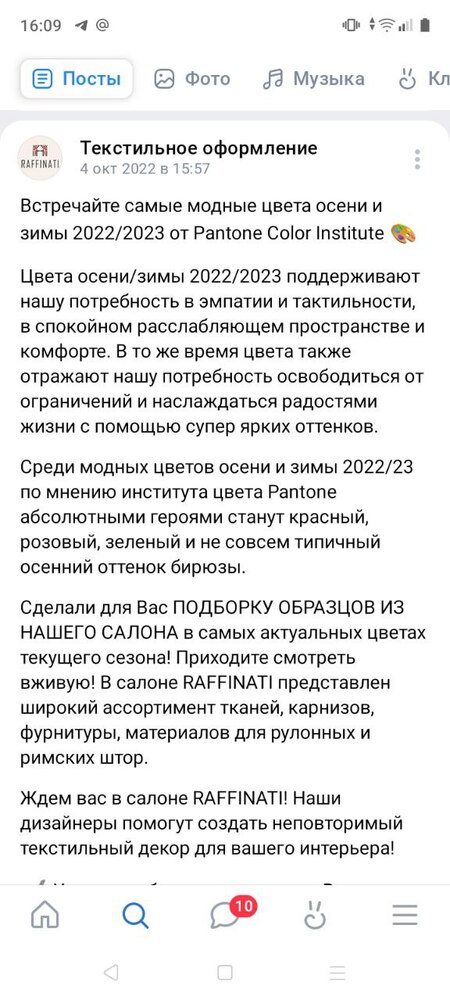
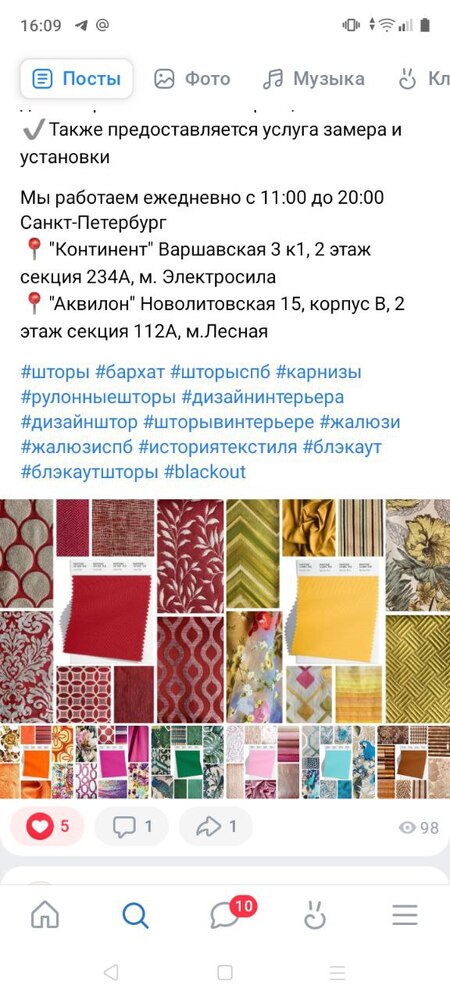
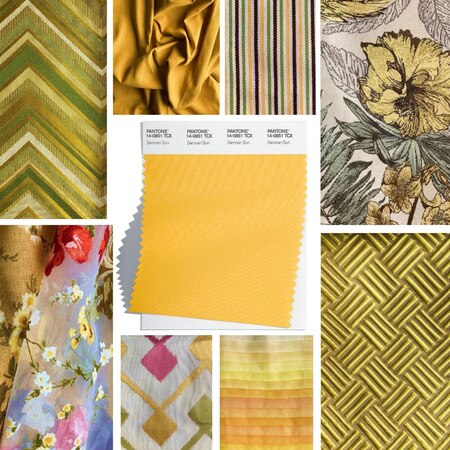
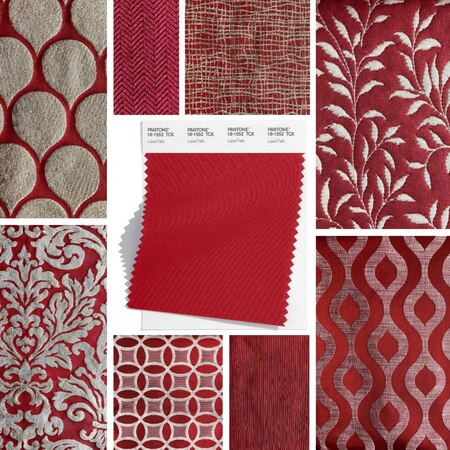
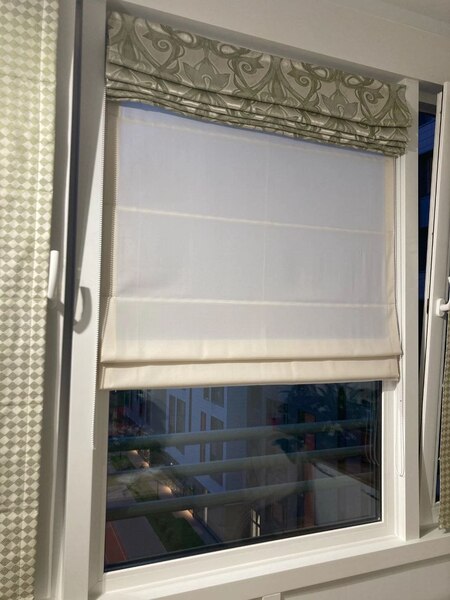
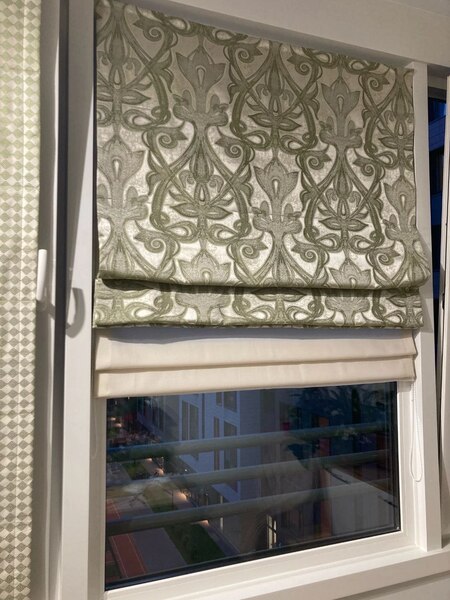
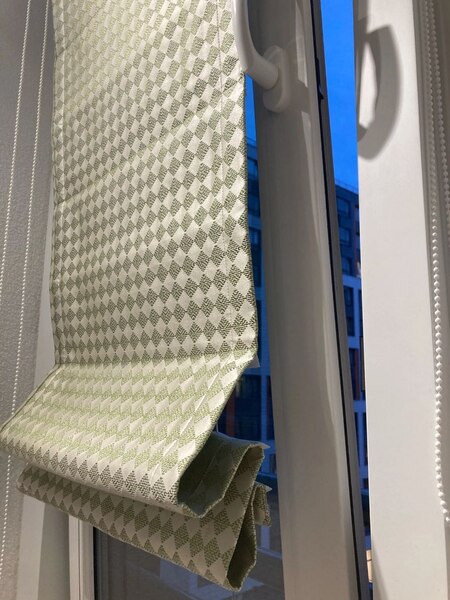
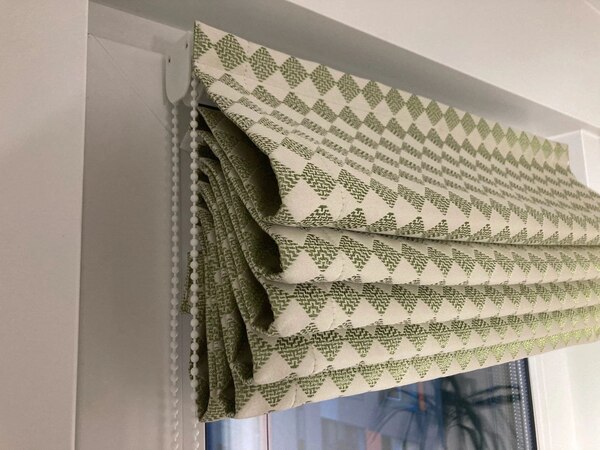
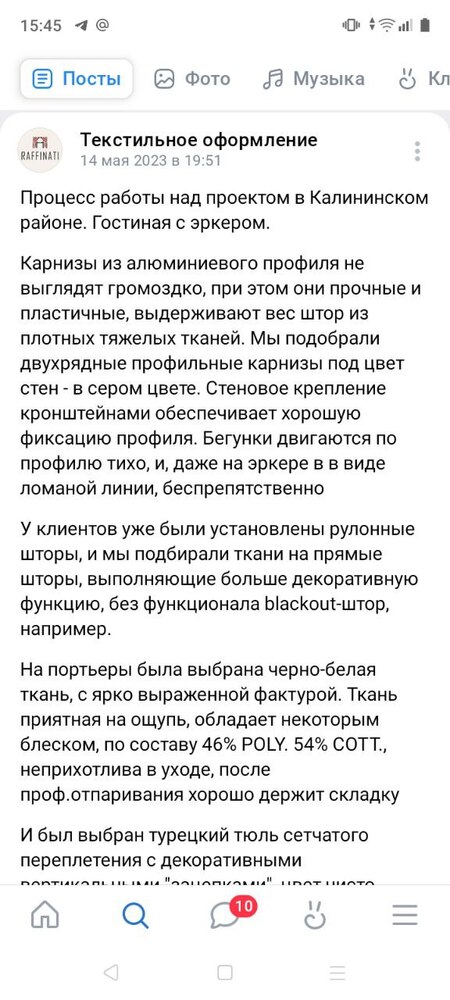
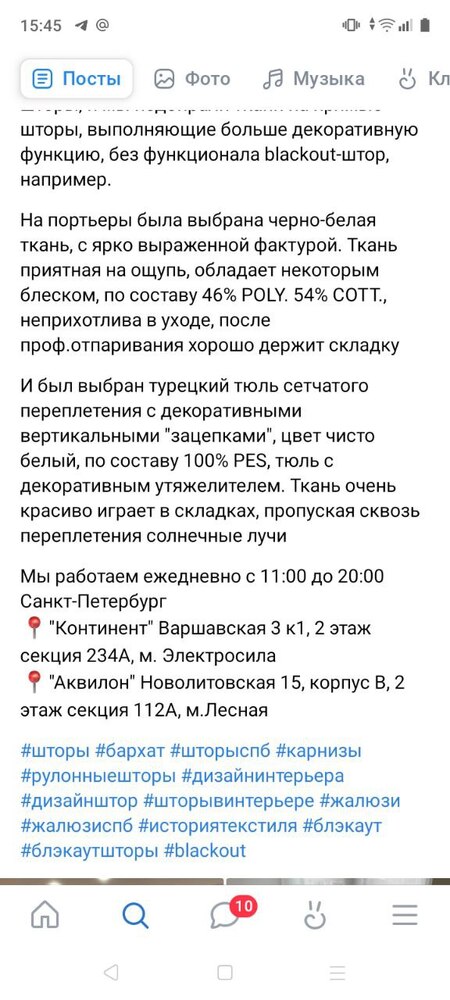
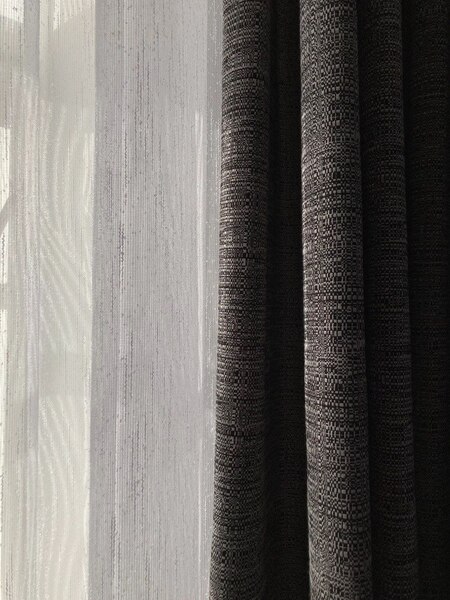
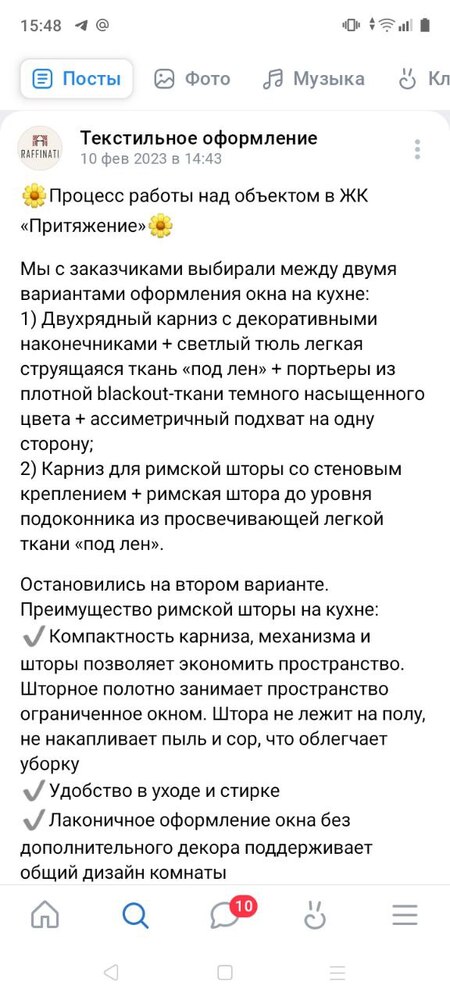
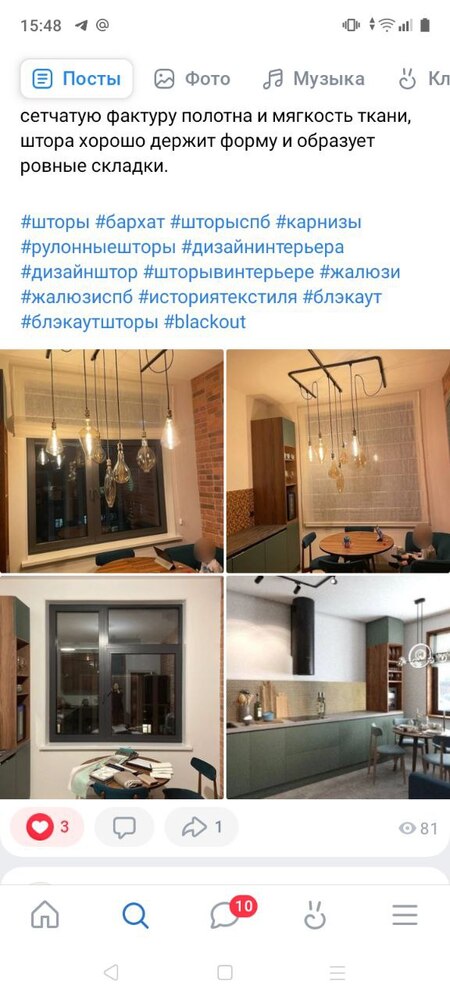
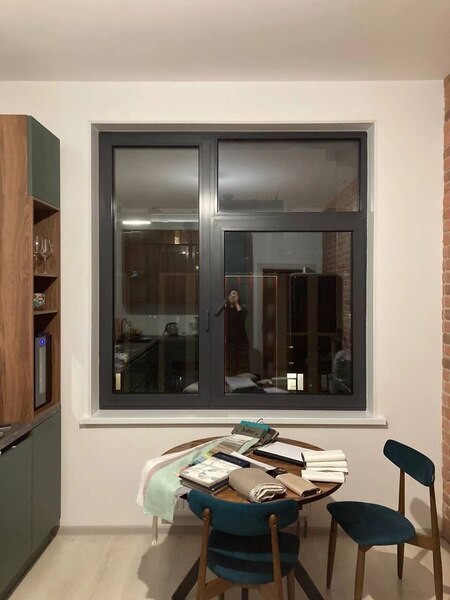
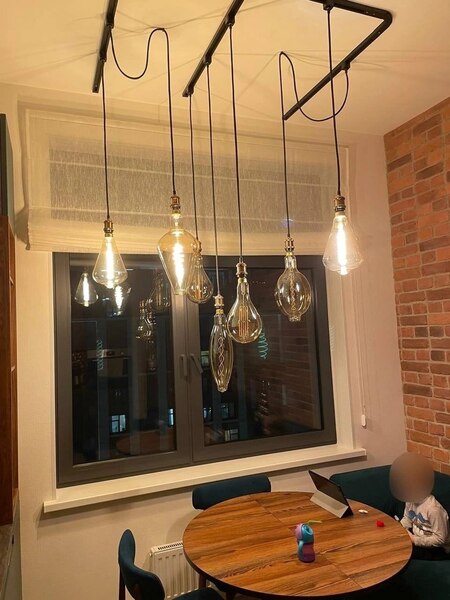
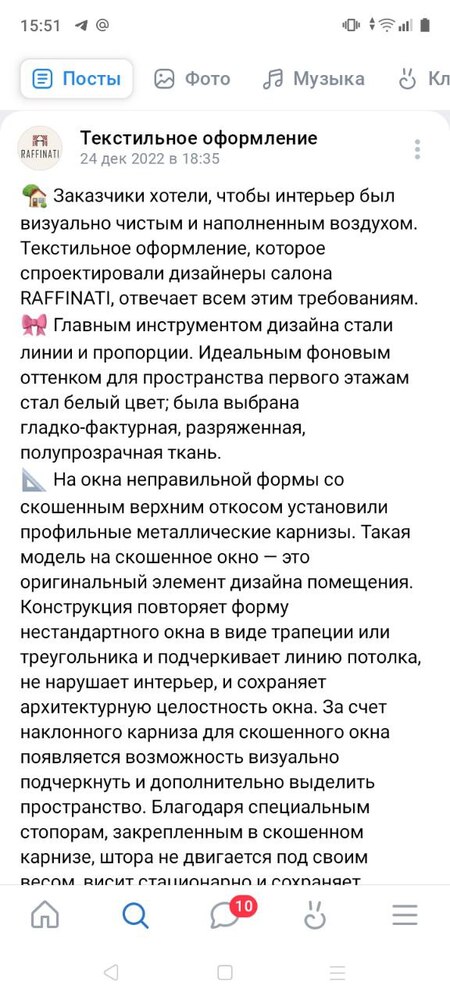
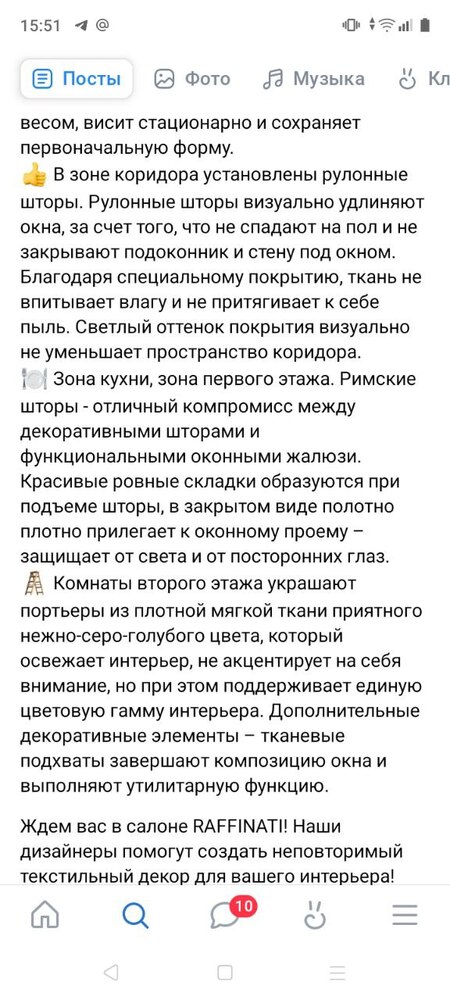
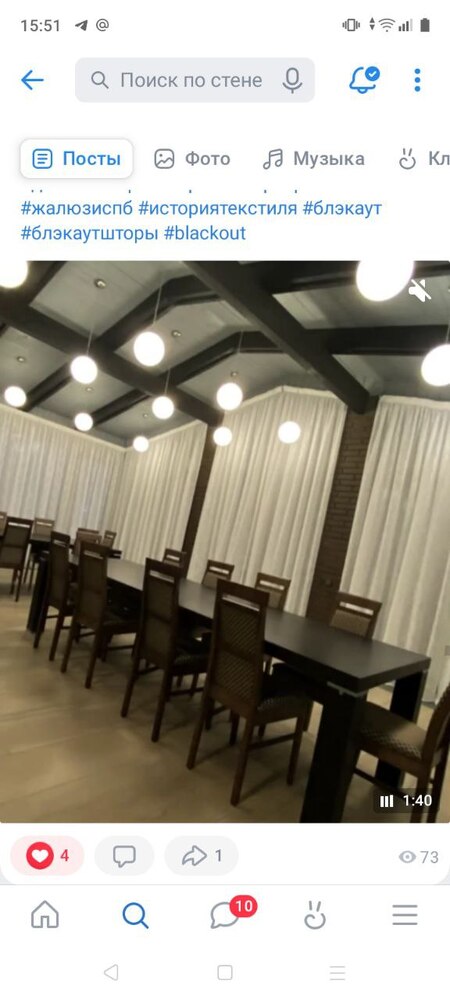
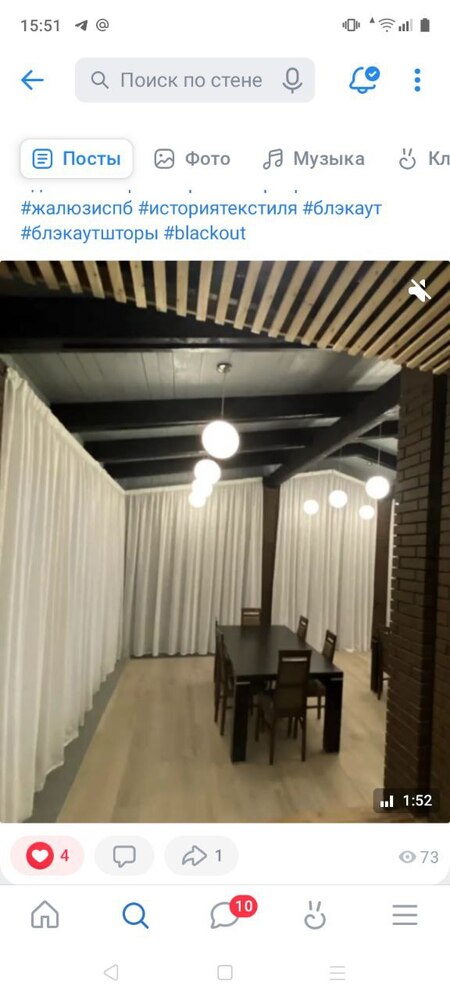
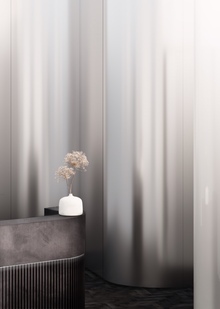
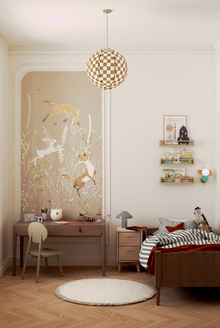
Екатерина Судакова разработала дизайн-проекты для текстильного салона "Raffinati" в Санкт-Петербурге. Проект включал в себя подбор материалов, отрисовку принтов и ведение социальных сетей с разработкой контент-плана.
Милана Цишба создала концепцию гастрономического отеля "АПАЦХА" с акцентом на традиционные ценности Абхазии. Проект включает в себя планировку, визуализации и использование местных материалов, таких как орешник и дуб, для подчеркивания экологической устойчивости.
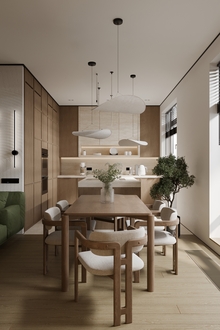
Анна Крамсакова создала дизайн-проект интерьера для семейной пары, сочетающий современный стиль и теплый минимализм. Проект включает элементы скандинавского стиля и японской мебели, что подчеркивает индивидуальные предпочтения заказчиков.
Екатерина Крутая создала проект интерьера квартиры в кирпичном доме 1956 года для семьи из трёх человек. Проект включает в себя продуманную планировку с отдельными спальнями, рабочими зонами и функциональной кухней, отражающую любовь заказчиков к винтажу и семейным традициям.
We use cookies to improve the operation of the HSE website and to enhance its usability. More detailed information on the use of cookies can be fou...
Show more
Press space bar to start a drag.
When dragging you can use the arrow keys to move the item around and escape to cancel.
Some screen readers may require you to be in focus mode or to use your pass through key
Press space bar to start a drag.
When dragging you can use the arrow keys to move the item around and escape to cancel.
Some screen readers may require you to be in focus mode or to use your pass through key
Press space bar to start a drag.
When dragging you can use the arrow keys to move the item around and escape to cancel.
Some screen readers may require you to be in focus mode or to use your pass through key
Press space bar to start a drag.
When dragging you can use the arrow keys to move the item around and escape to cancel.
Some screen readers may require you to be in focus mode or to use your pass through key
Press space bar to start a drag.
When dragging you can use the arrow keys to move the item around and escape to cancel.
Some screen readers may require you to be in focus mode or to use your pass through key
Press space bar to start a drag.
When dragging you can use the arrow keys to move the item around and escape to cancel.
Some screen readers may require you to be in focus mode or to use your pass through key
Press space bar to start a drag.
When dragging you can use the arrow keys to move the item around and escape to cancel.
Some screen readers may require you to be in focus mode or to use your pass through key
Press space bar to start a drag.
When dragging you can use the arrow keys to move the item around and escape to cancel.
Some screen readers may require you to be in focus mode or to use your pass through key
Press space bar to start a drag.
When dragging you can use the arrow keys to move the item around and escape to cancel.
Some screen readers may require you to be in focus mode or to use your pass through key
Press space bar to start a drag.
When dragging you can use the arrow keys to move the item around and escape to cancel.
Some screen readers may require you to be in focus mode or to use your pass through key
Press space bar to start a drag.
When dragging you can use the arrow keys to move the item around and escape to cancel.
Some screen readers may require you to be in focus mode or to use your pass through key
Press space bar to start a drag.
When dragging you can use the arrow keys to move the item around and escape to cancel.
Some screen readers may require you to be in focus mode or to use your pass through key
Press space bar to start a drag.
When dragging you can use the arrow keys to move the item around and escape to cancel.
Some screen readers may require you to be in focus mode or to use your pass through key
Press space bar to start a drag.
When dragging you can use the arrow keys to move the item around and escape to cancel.
Some screen readers may require you to be in focus mode or to use your pass through key
Press space bar to start a drag.
When dragging you can use the arrow keys to move the item around and escape to cancel.
Some screen readers may require you to be in focus mode or to use your pass through key
Press space bar to start a drag.
When dragging you can use the arrow keys to move the item around and escape to cancel.
Some screen readers may require you to be in focus mode or to use your pass through key
Press space bar to start a drag.
When dragging you can use the arrow keys to move the item around and escape to cancel.
Some screen readers may require you to be in focus mode or to use your pass through key
Press space bar to start a drag.
When dragging you can use the arrow keys to move the item around and escape to cancel.
Some screen readers may require you to be in focus mode or to use your pass through key
Press space bar to start a drag.
When dragging you can use the arrow keys to move the item around and escape to cancel.
Some screen readers may require you to be in focus mode or to use your pass through key