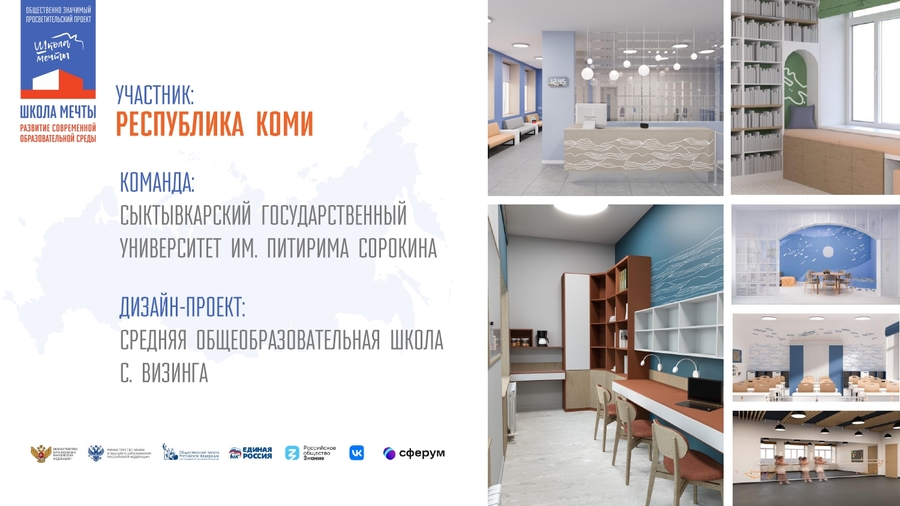
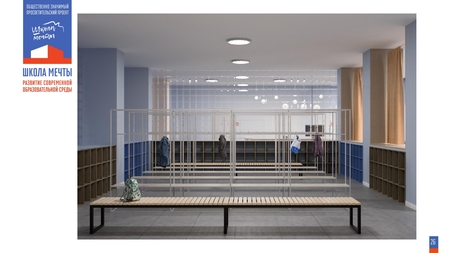
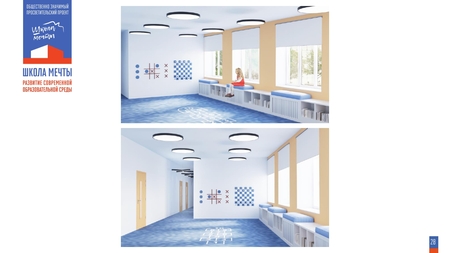
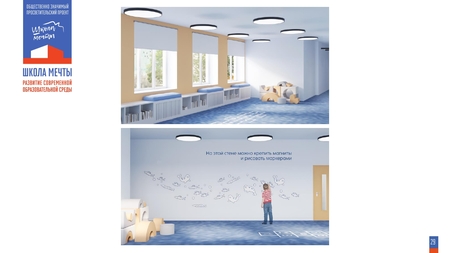
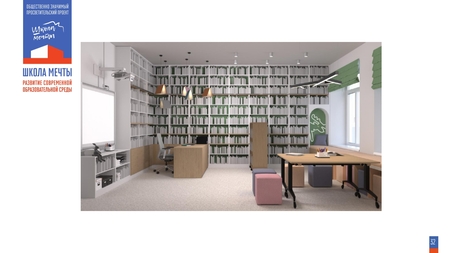
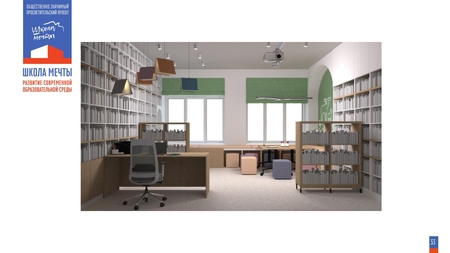
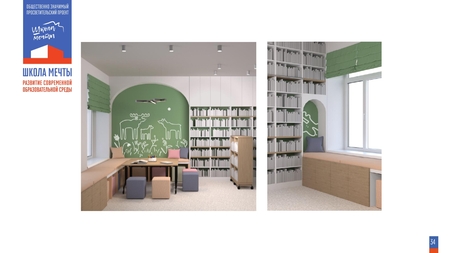
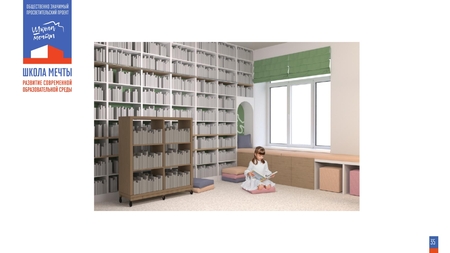
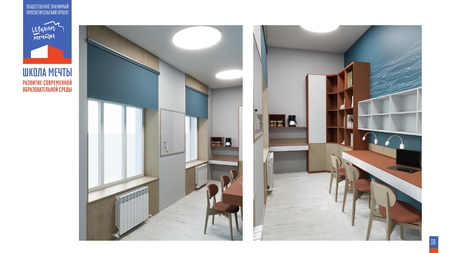
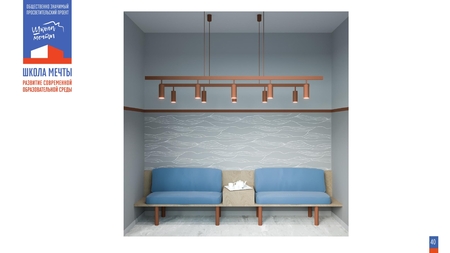
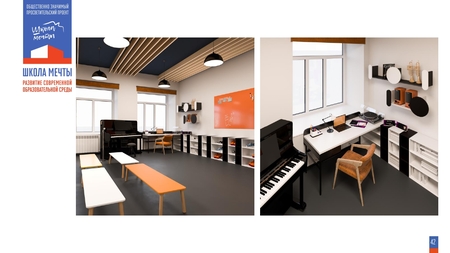
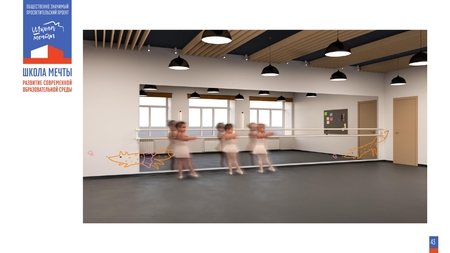
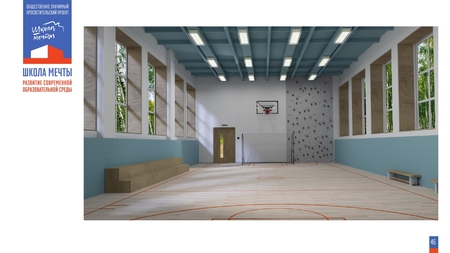
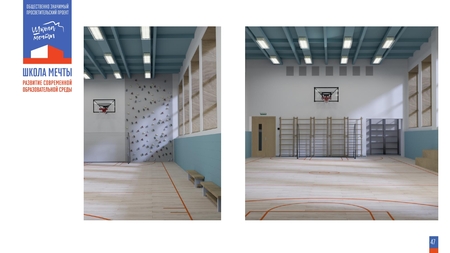
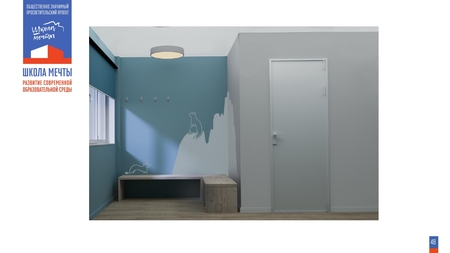
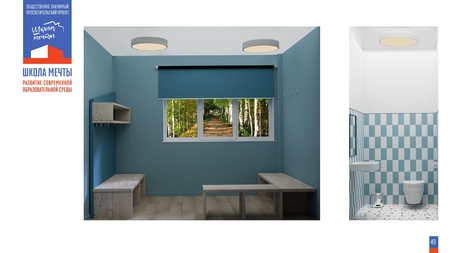
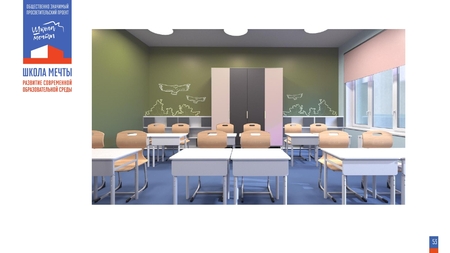
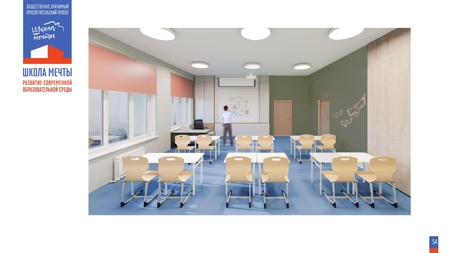
Пространство школы визуально делится на три зоны согласно объемно-планировочной структуре этажности здания:
— Речная зона/1 этаж
— Лесная зона/2 этаж
-Зона лугов, гор и неба/3 этаж
Художественно-образная подача пространств основывается на фауне, представленной на территории Республики Коми. Такой подход обеспечивает визуальное разнообразие проекта, а также способствует развитию познавательных способностей обучающихся.
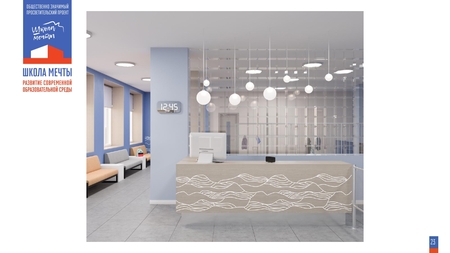
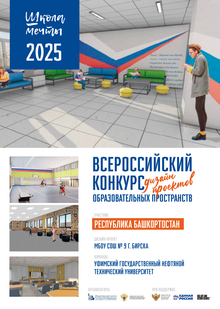
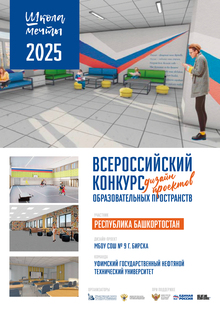
Снежана Малая спроектировала дизайн входной зоны школы, включая стилизованное дерево и удобные зоны для ожидания и работы. Проект включает воссозданное памятное дерево с подсветкой и цветовую гамму, повторяющую оттенки древесины и листвы.
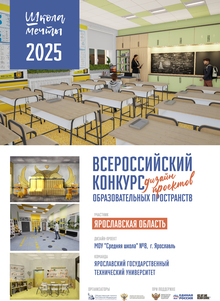
Диана Кузнецова создала дизайн-проект спортивного зала для МОУ «Средняя школа» № 8 в Ярославле. Проект включает использование насыщенного желтого цвета для стен, чтобы подчеркнуть энергию и мотивацию учащихся.
We use cookies to improve the operation of the HSE website and to enhance its usability. More detailed information on the use of cookies can be fou...
Show more
Press space bar to start a drag.
When dragging you can use the arrow keys to move the item around and escape to cancel.
Some screen readers may require you to be in focus mode or to use your pass through key
Press space bar to start a drag.
When dragging you can use the arrow keys to move the item around and escape to cancel.
Some screen readers may require you to be in focus mode or to use your pass through key
Press space bar to start a drag.
When dragging you can use the arrow keys to move the item around and escape to cancel.
Some screen readers may require you to be in focus mode or to use your pass through key
Press space bar to start a drag.
When dragging you can use the arrow keys to move the item around and escape to cancel.
Some screen readers may require you to be in focus mode or to use your pass through key
Press space bar to start a drag.
When dragging you can use the arrow keys to move the item around and escape to cancel.
Some screen readers may require you to be in focus mode or to use your pass through key
Press space bar to start a drag.
When dragging you can use the arrow keys to move the item around and escape to cancel.
Some screen readers may require you to be in focus mode or to use your pass through key
Press space bar to start a drag.
When dragging you can use the arrow keys to move the item around and escape to cancel.
Some screen readers may require you to be in focus mode or to use your pass through key
Press space bar to start a drag.
When dragging you can use the arrow keys to move the item around and escape to cancel.
Some screen readers may require you to be in focus mode or to use your pass through key
Press space bar to start a drag.
When dragging you can use the arrow keys to move the item around and escape to cancel.
Some screen readers may require you to be in focus mode or to use your pass through key
Press space bar to start a drag.
When dragging you can use the arrow keys to move the item around and escape to cancel.
Some screen readers may require you to be in focus mode or to use your pass through key
Press space bar to start a drag.
When dragging you can use the arrow keys to move the item around and escape to cancel.
Some screen readers may require you to be in focus mode or to use your pass through key