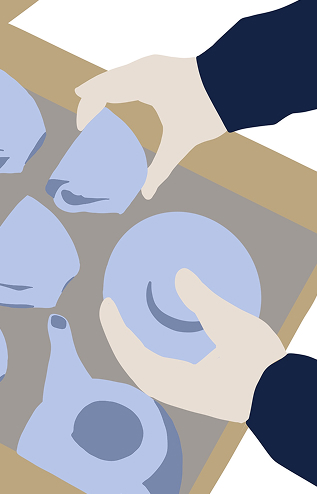
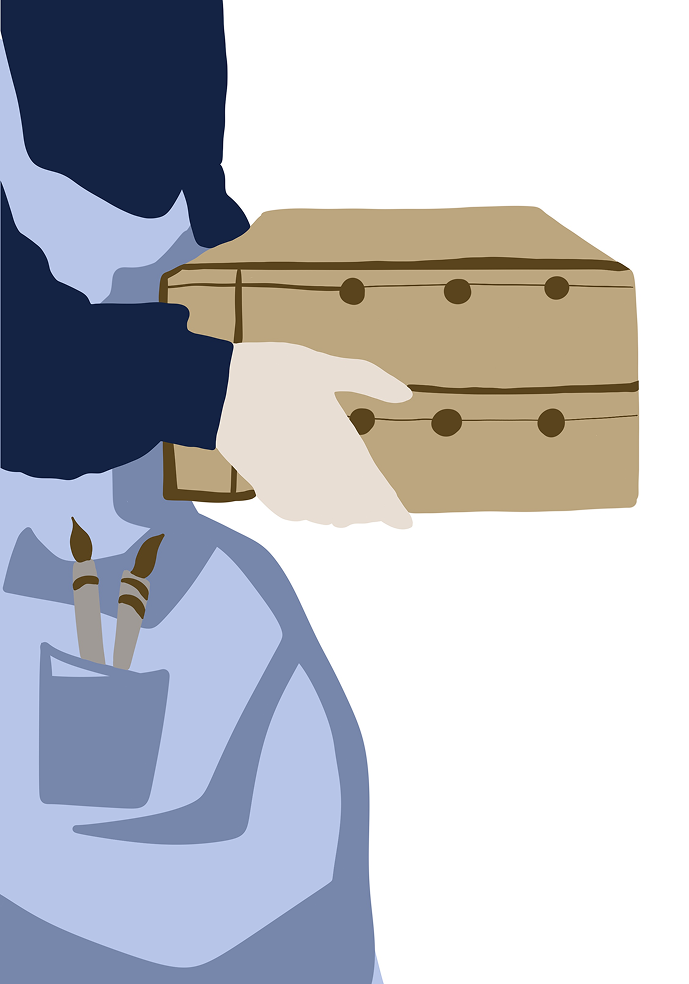
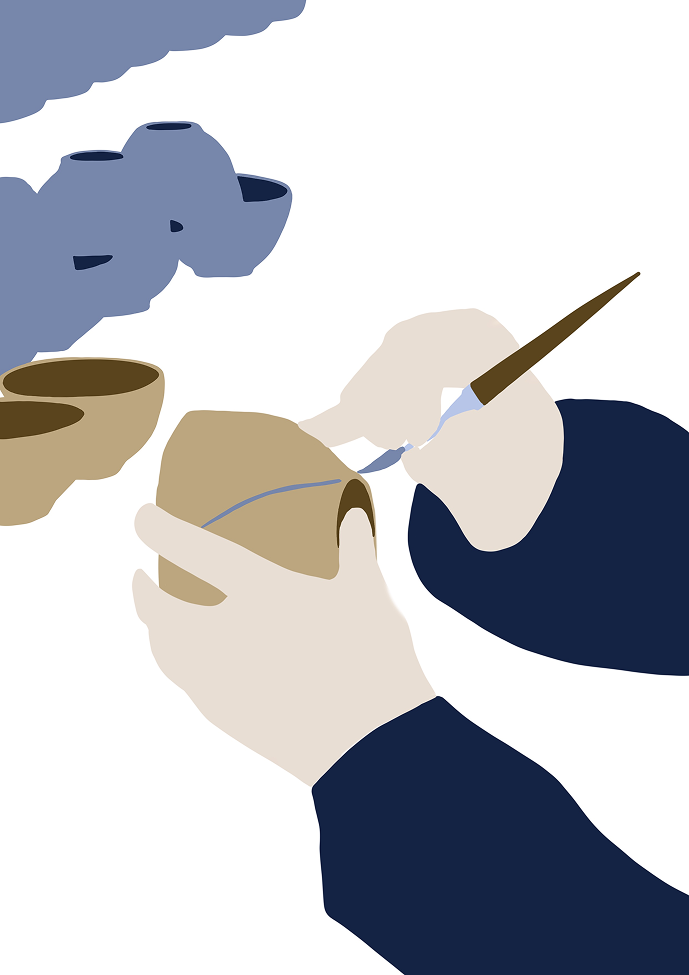
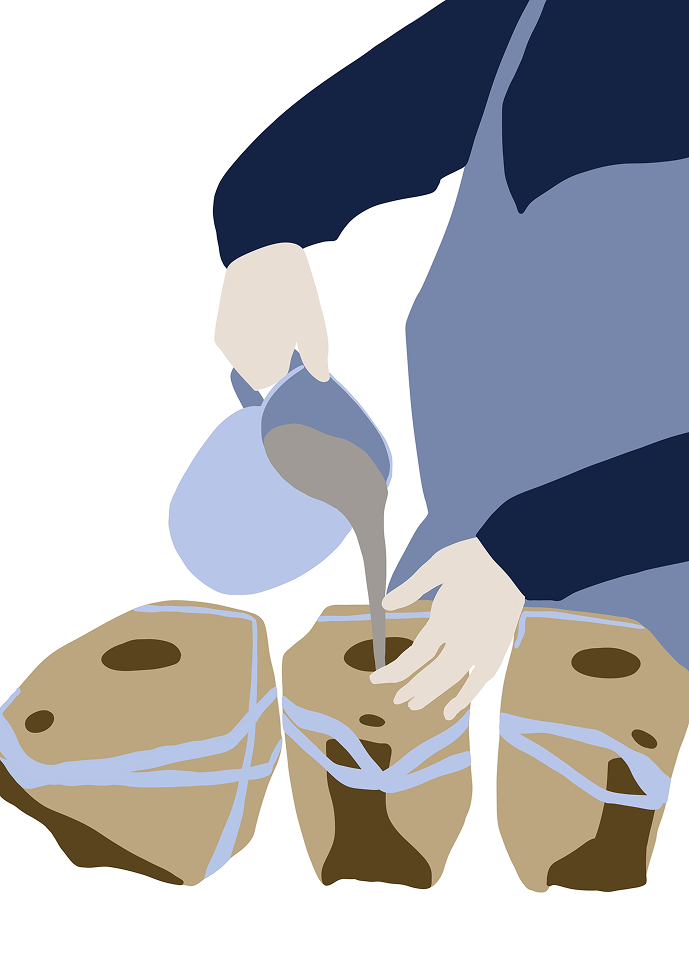
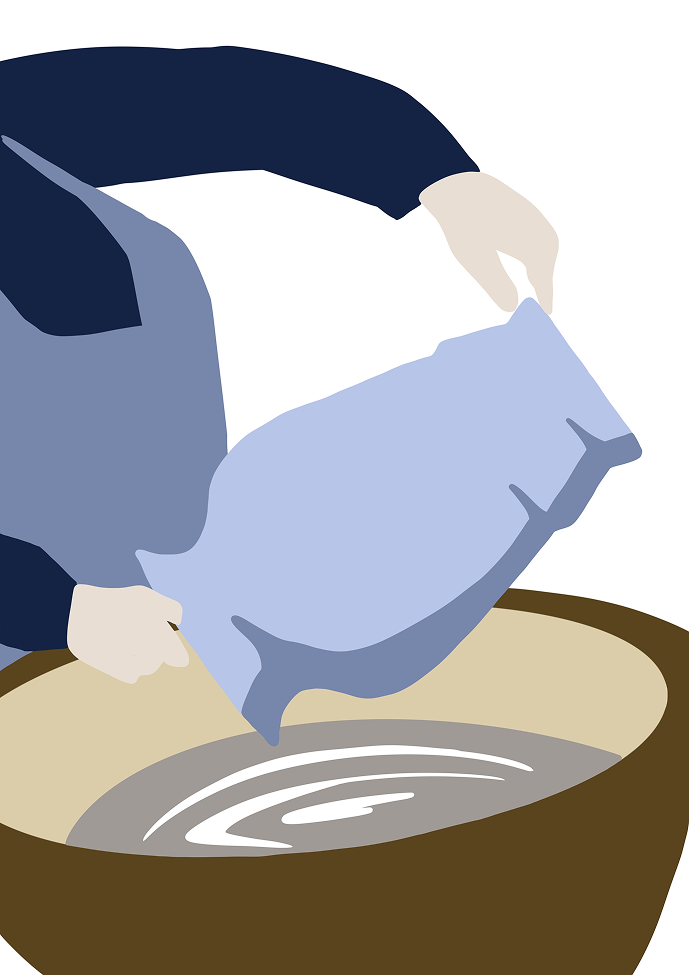
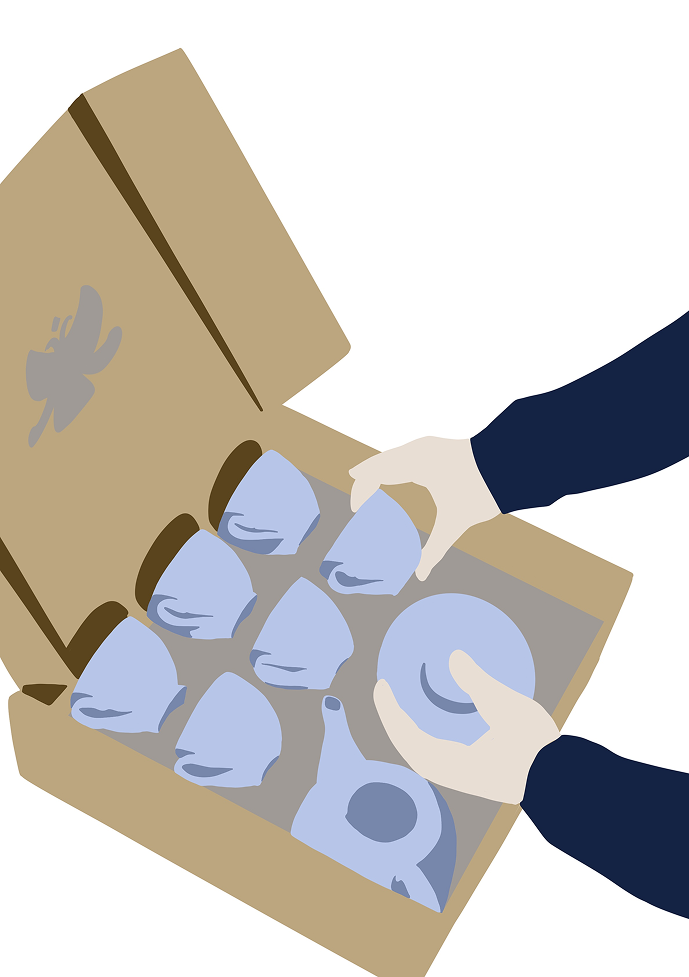
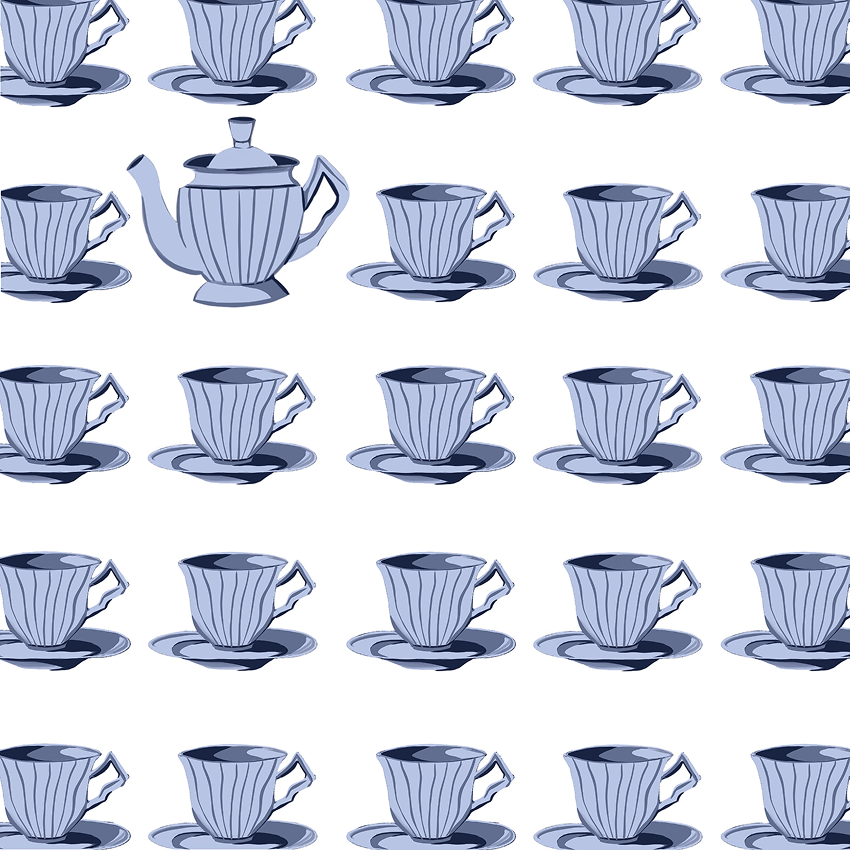
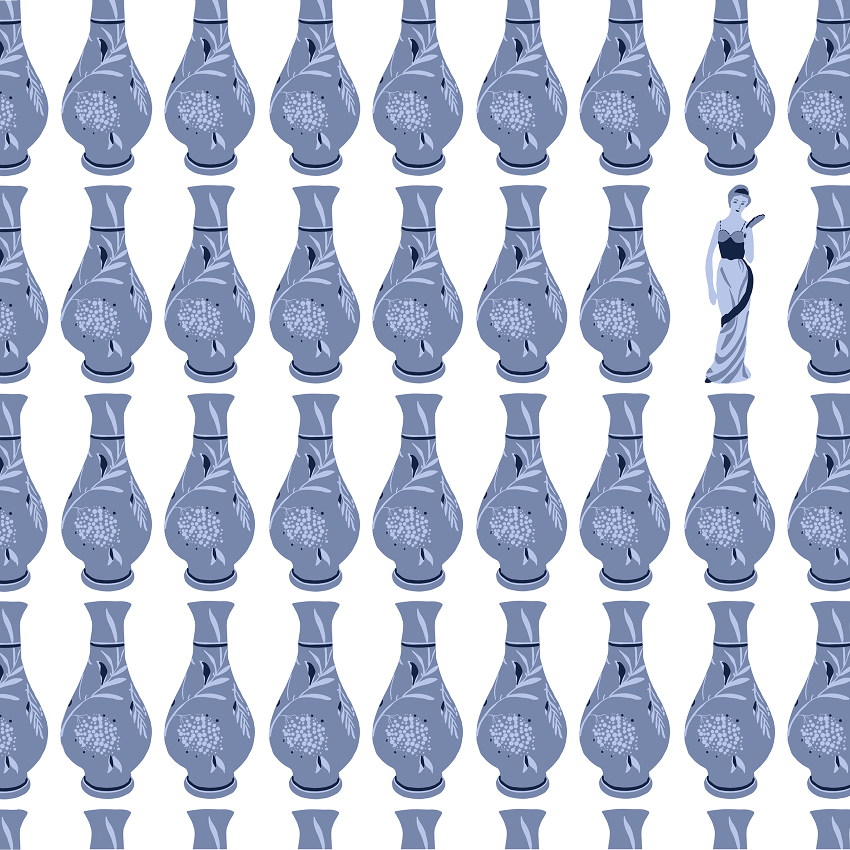
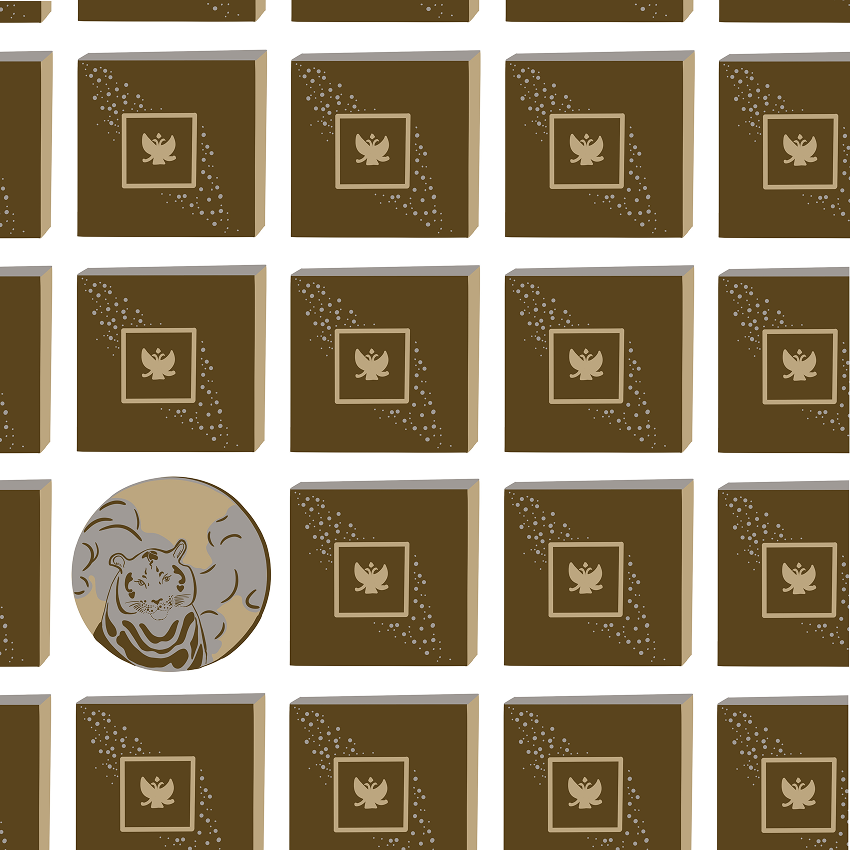
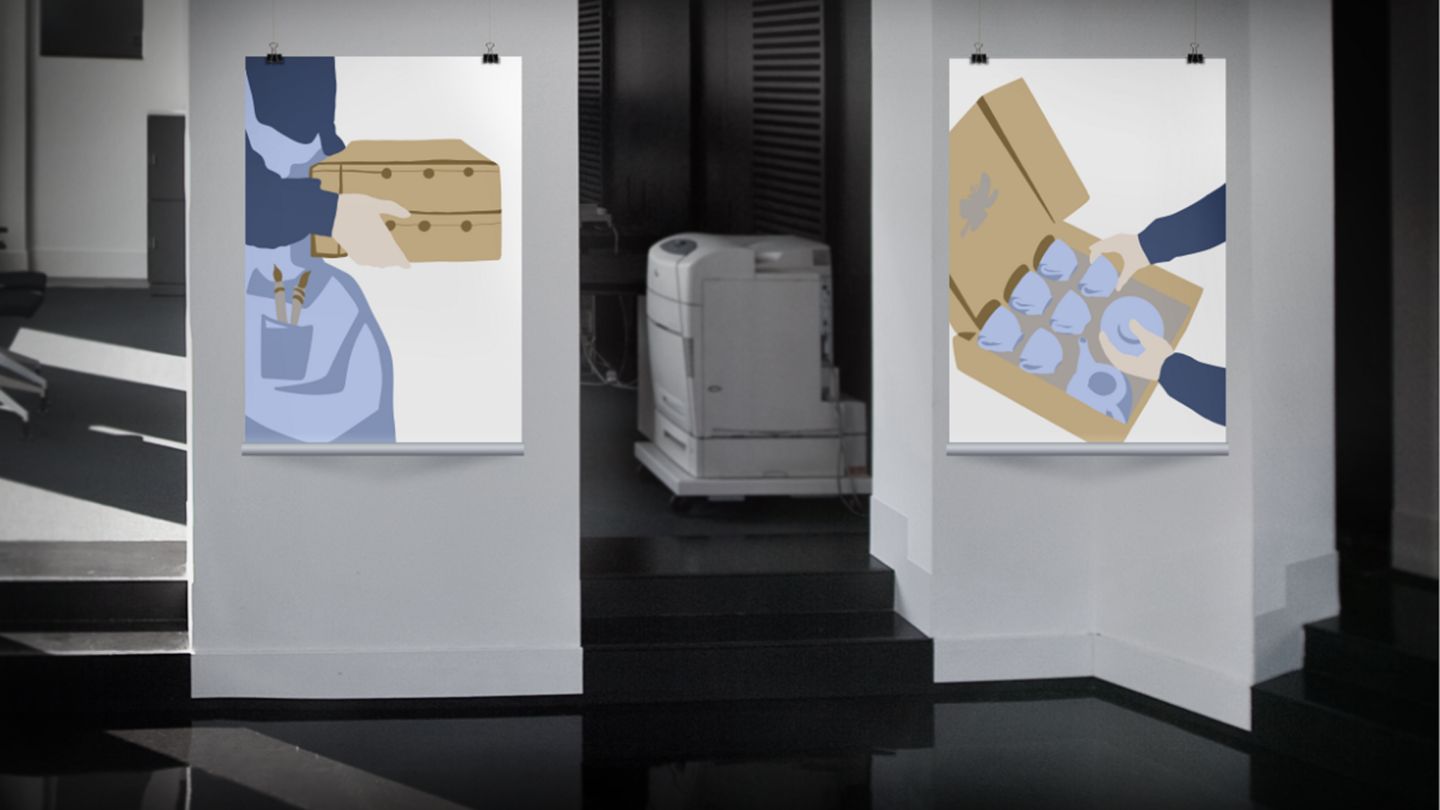
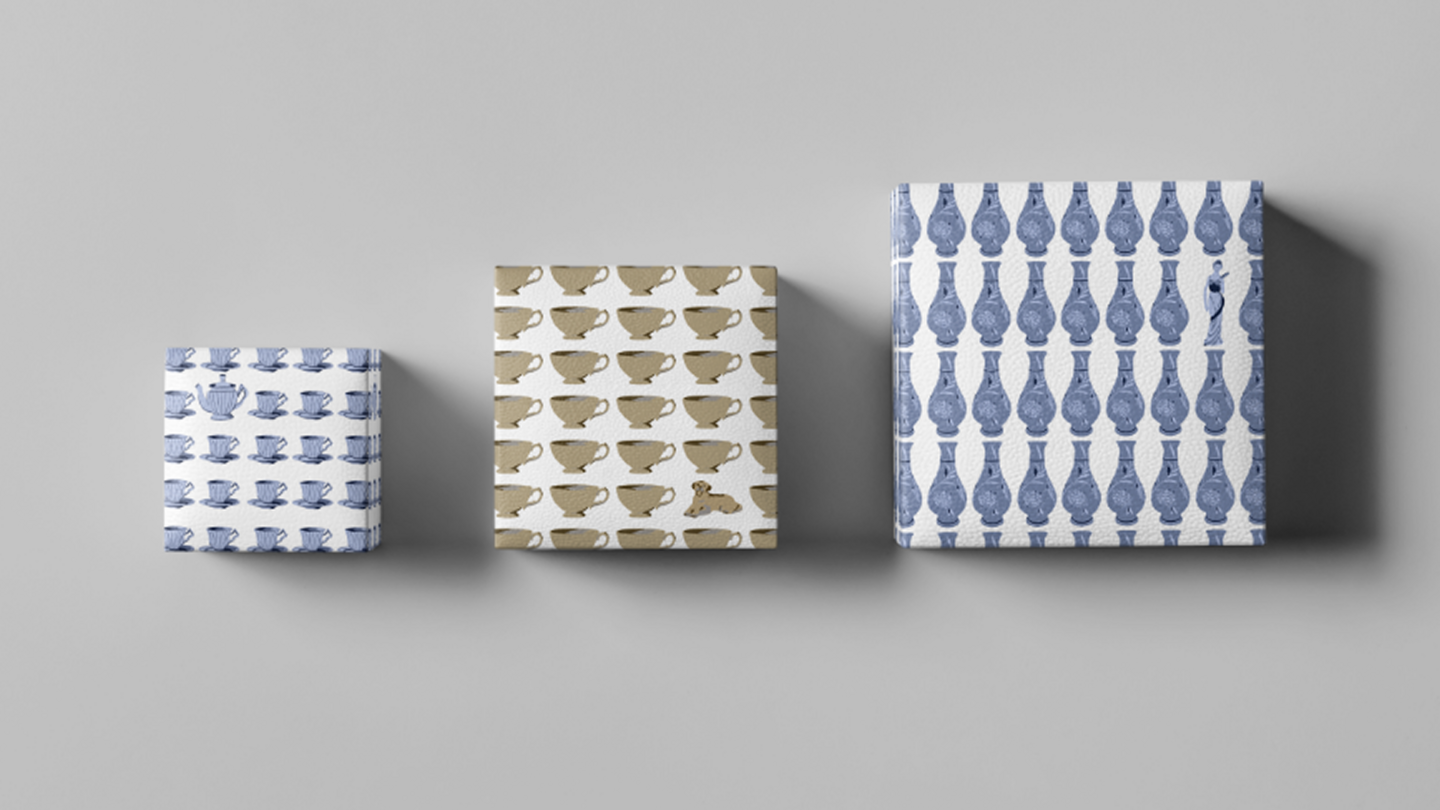
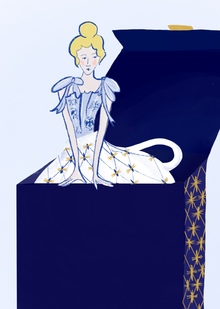
В первой серии я создала иллюстрации к ИФЗ. Мне было важно передать природу фарфорового производства: одно изделие существует во множестве экземпляров, и в этом заключается его суть.
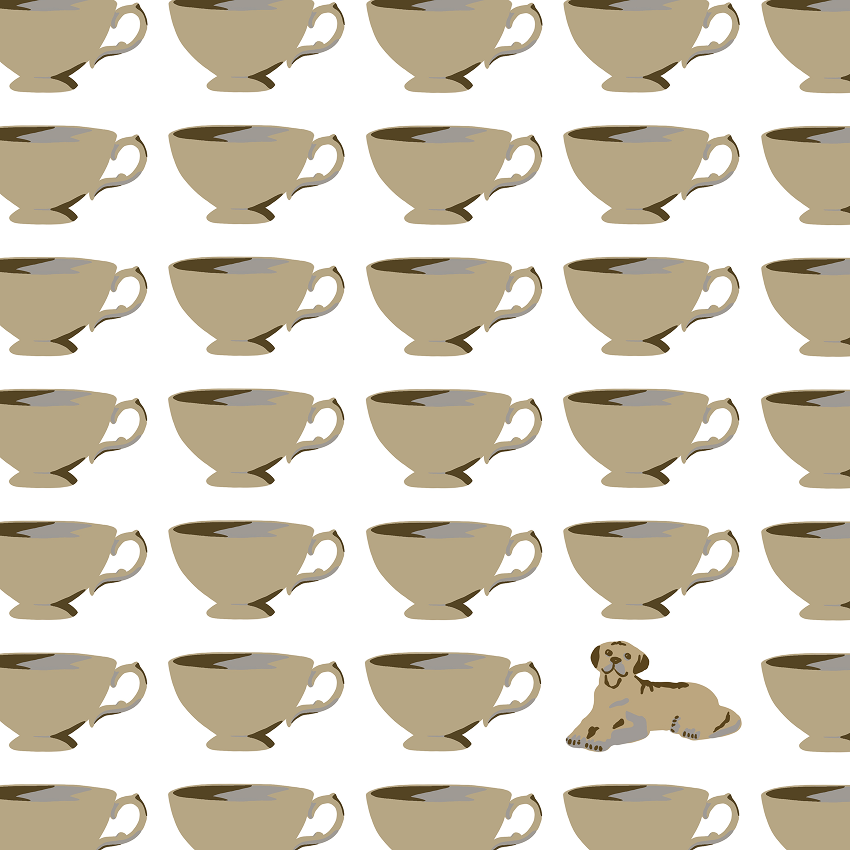
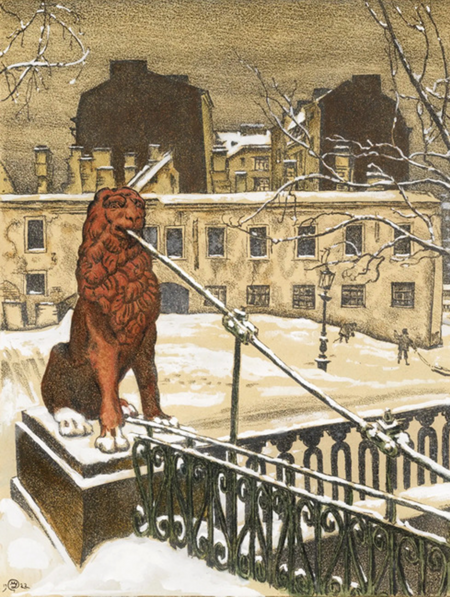
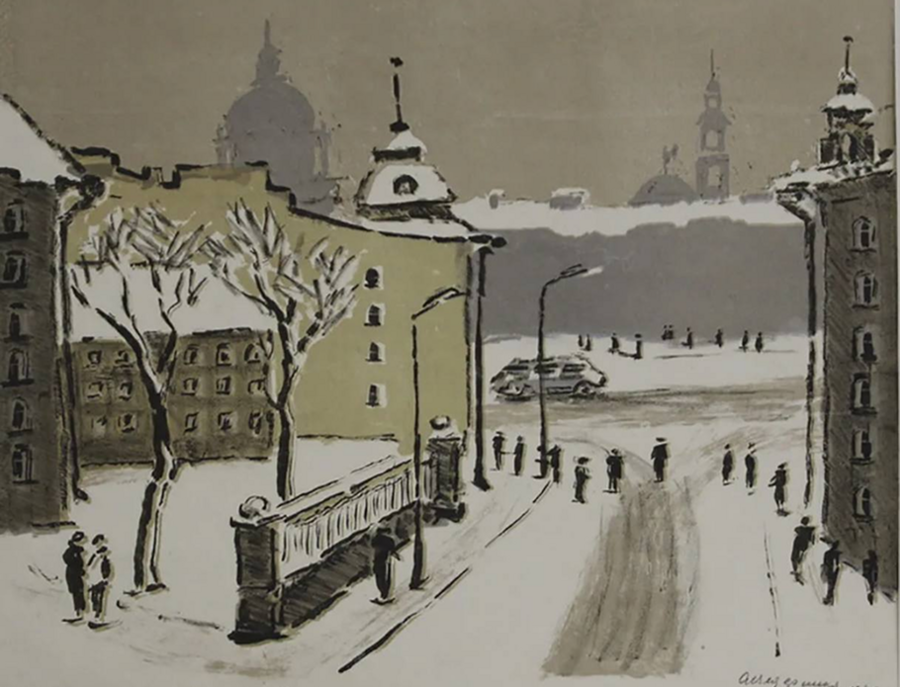
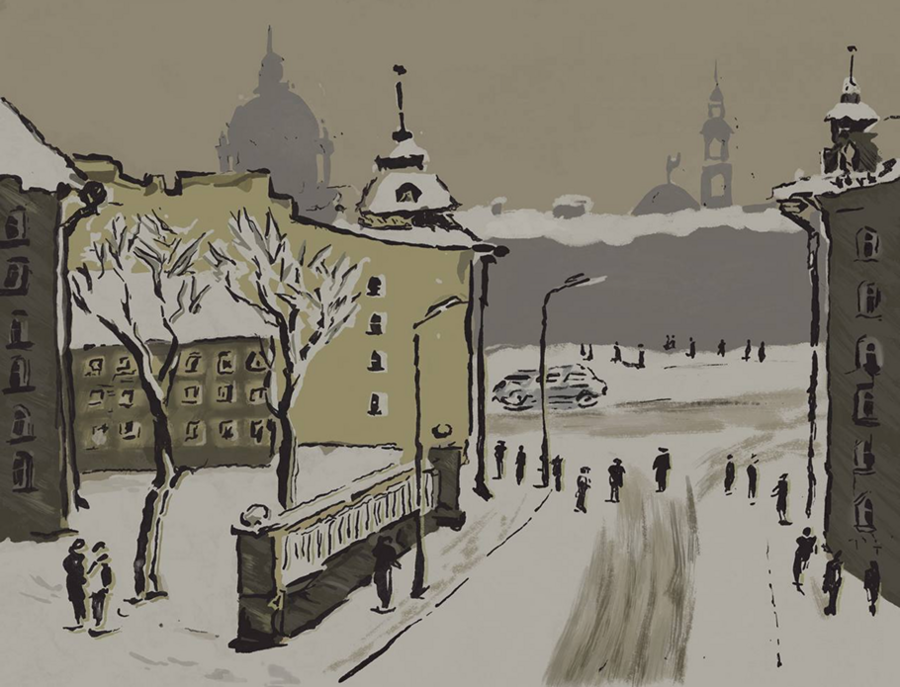
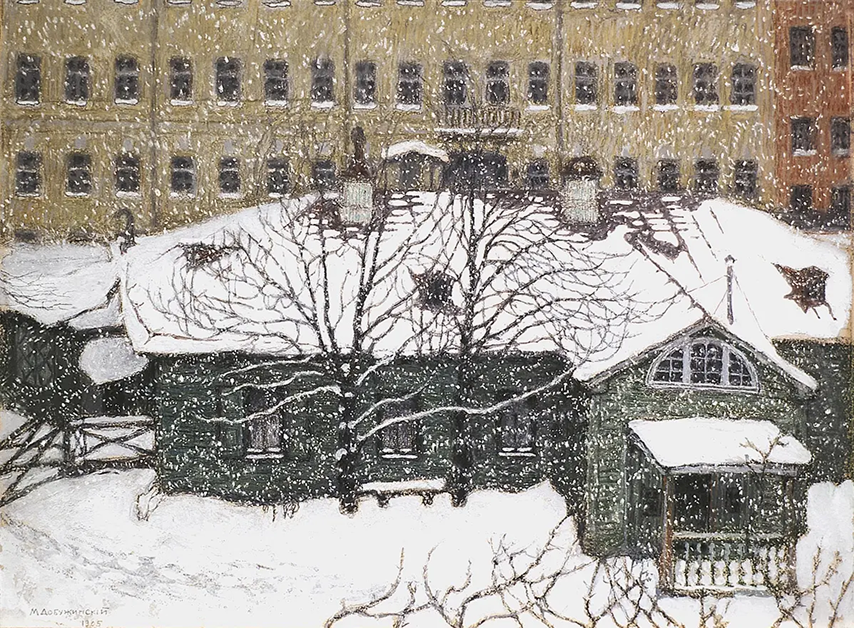
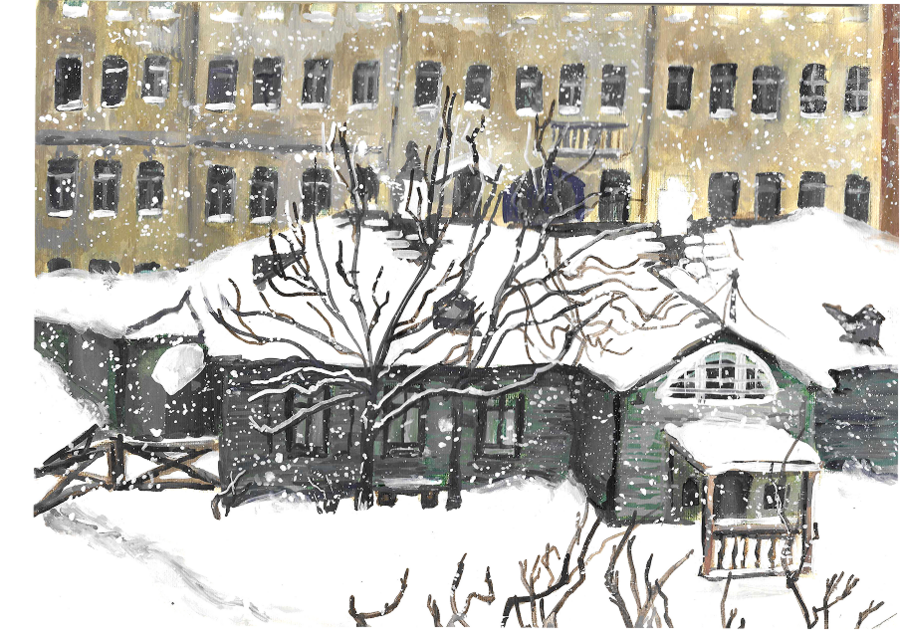
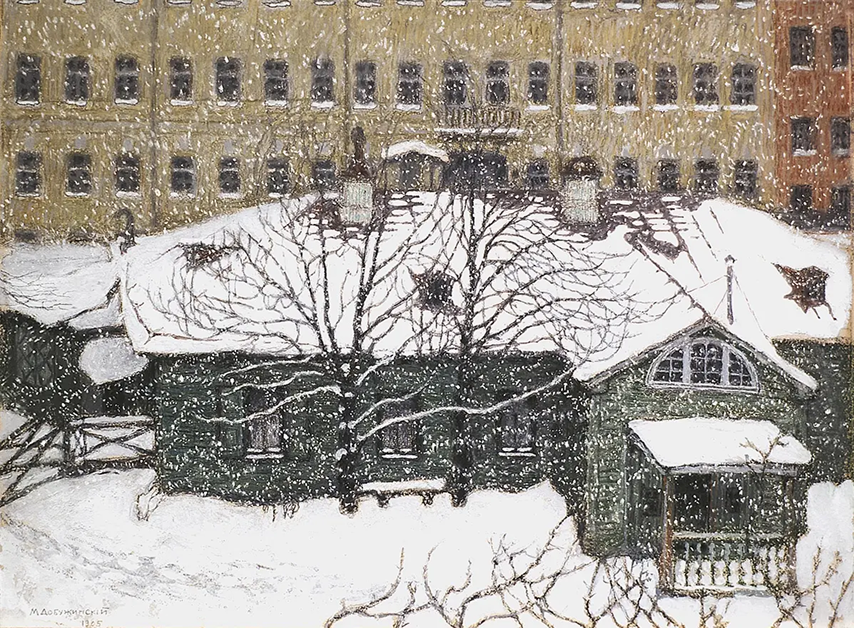
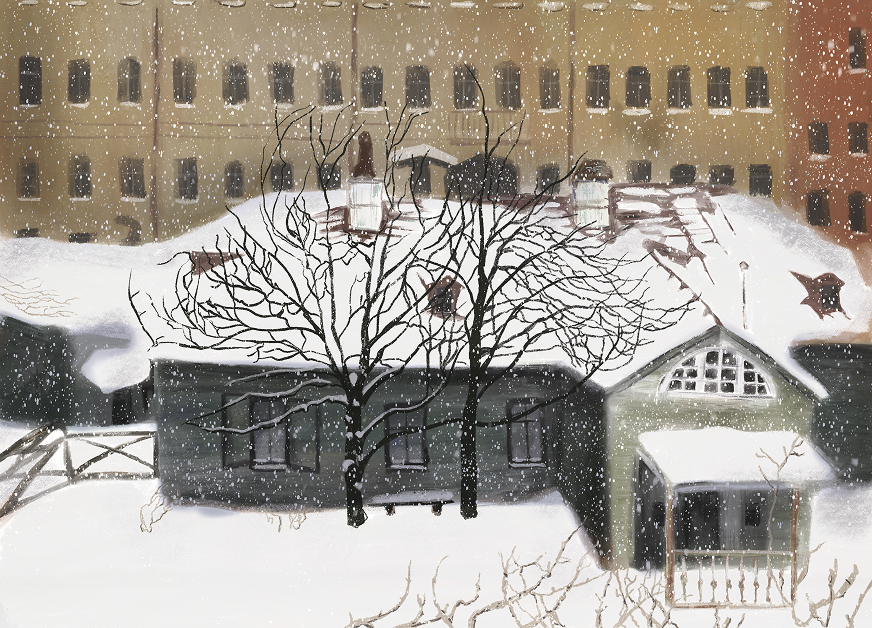
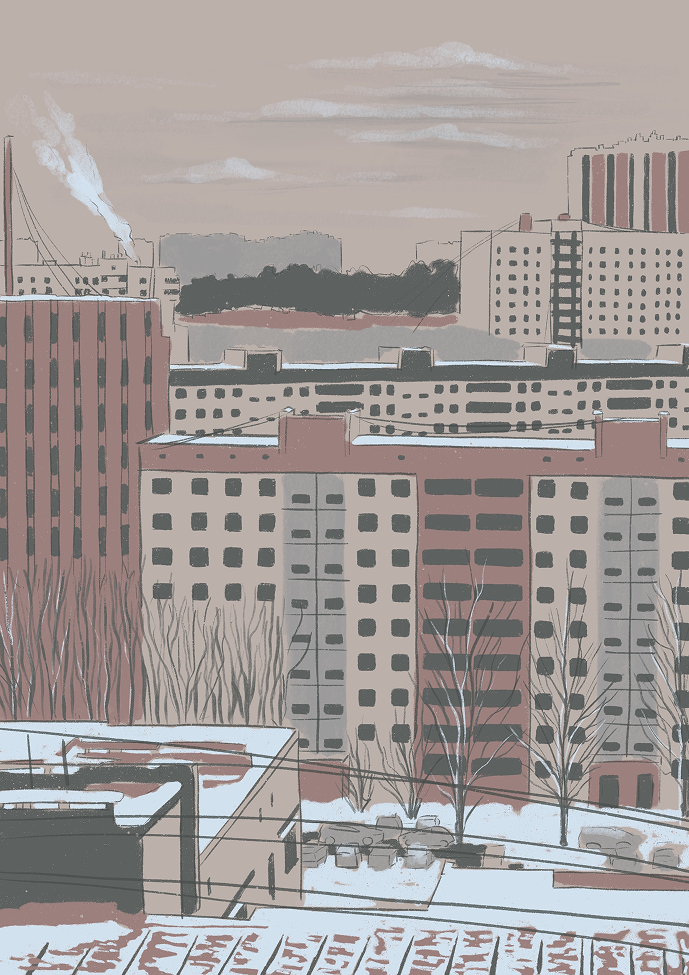
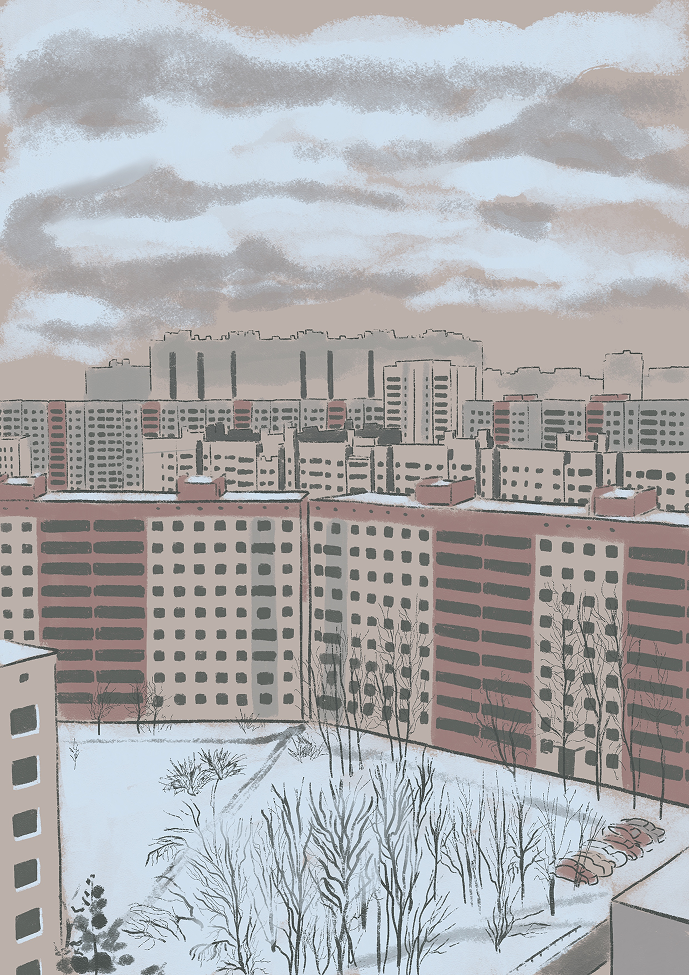
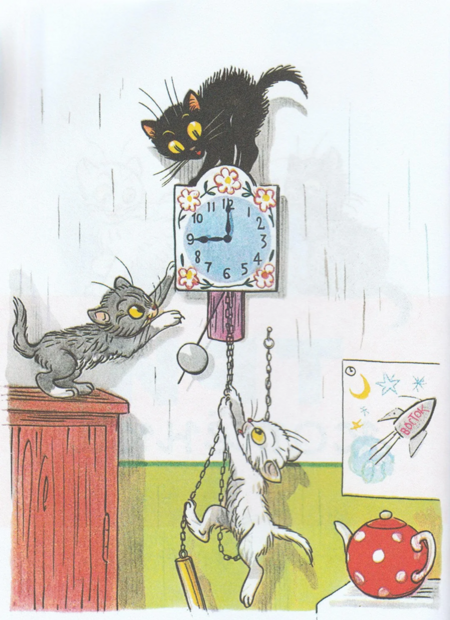
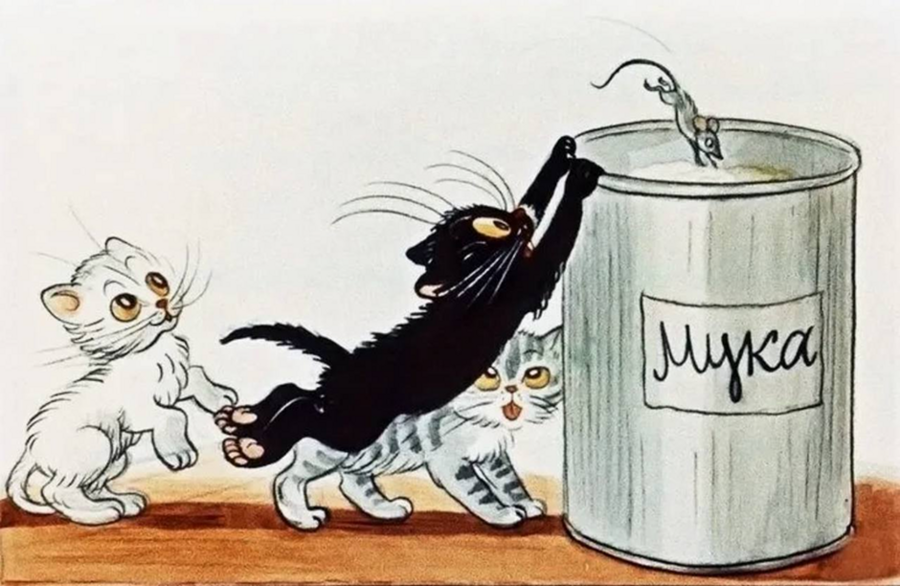
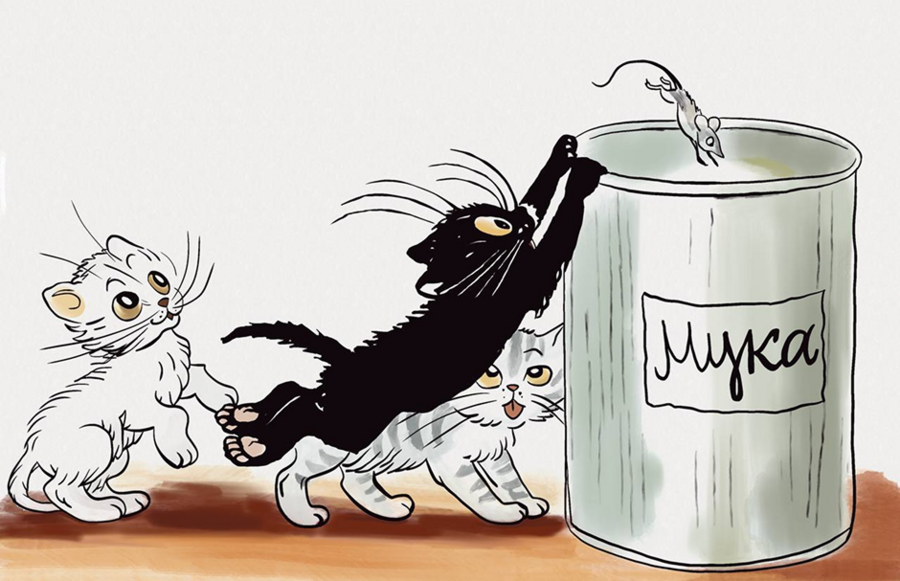
Во второй серии я обратилась к Добужинскому и Сутееву — создала цикл, применяя их технику.
Императорский фарфоровый завод — одно из старейших фарфоровых предприятий в мире
и крупнейший отечественный производитель фарфора.
Я сделала для него серию иллюстраций, посвященную двум темам: рождению фарфорового изделия и его бесчисленному множеству в итоге.
Здесь процесс создания становится главным сюжетом, а множество готовых форм обретает единство, где каждый предмет — часть большого целого.
Арина Куликова создала серию иллюстраций для Императорского фарфорового завода, посвящённую процессу создания фарфора и его множеству экземпляров. Проект включает визуальное исследование, в котором автор применила технику двух художников — Добужинского и Сутеева.
Светлана Афанасьева создала серию открыток с сказочными образами для детей. Проект включает тексты, где девочка в алой юбке и её друг путешествуют по миру животных.
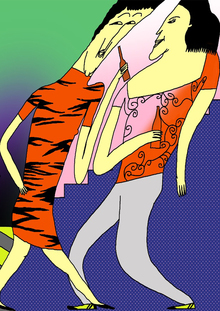
Автор Дарина Зубарева создала иллюстрационный проект «История одной чашечки» для музея Императорского фарфорового завода. Проект включает в себя визуальное исследование, посвящённое стилям двух художников: Анри де Тулуз-Лотрека и Натальи Шалошвили.
We use cookies to improve the operation of the HSE website and to enhance its usability. More detailed information on the use of cookies can be fou...
Show more
Press space bar to start a drag.
When dragging you can use the arrow keys to move the item around and escape to cancel.
Some screen readers may require you to be in focus mode or to use your pass through key
Press space bar to start a drag.
When dragging you can use the arrow keys to move the item around and escape to cancel.
Some screen readers may require you to be in focus mode or to use your pass through key
Press space bar to start a drag.
When dragging you can use the arrow keys to move the item around and escape to cancel.
Some screen readers may require you to be in focus mode or to use your pass through key
Press space bar to start a drag.
When dragging you can use the arrow keys to move the item around and escape to cancel.
Some screen readers may require you to be in focus mode or to use your pass through key
Press space bar to start a drag.
When dragging you can use the arrow keys to move the item around and escape to cancel.
Some screen readers may require you to be in focus mode or to use your pass through key
Press space bar to start a drag.
When dragging you can use the arrow keys to move the item around and escape to cancel.
Some screen readers may require you to be in focus mode or to use your pass through key
Press space bar to start a drag.
When dragging you can use the arrow keys to move the item around and escape to cancel.
Some screen readers may require you to be in focus mode or to use your pass through key
Press space bar to start a drag.
When dragging you can use the arrow keys to move the item around and escape to cancel.
Some screen readers may require you to be in focus mode or to use your pass through key
Press space bar to start a drag.
When dragging you can use the arrow keys to move the item around and escape to cancel.
Some screen readers may require you to be in focus mode or to use your pass through key
Press space bar to start a drag.
When dragging you can use the arrow keys to move the item around and escape to cancel.
Some screen readers may require you to be in focus mode or to use your pass through key
Press space bar to start a drag.
When dragging you can use the arrow keys to move the item around and escape to cancel.
Some screen readers may require you to be in focus mode or to use your pass through key