A practical project dedicated to mastering the fundamentals of working in Pro Tools. As part of this assignment, I set up the session, created and organized the audio tracks, and placed the film files on the timeline according to the assignment’s requirements.
Assignment Objective• Master the basic project structure in Avid Pro Tools. • Open the provided session and verify its settings. • Prepare the workspace for further sound work.
Opening and Setting Up the Session
• Opening the source project. • Familiarization with the interface and session organization. • Reviewing and configuring project parameters according to source materials and assignment requirements.
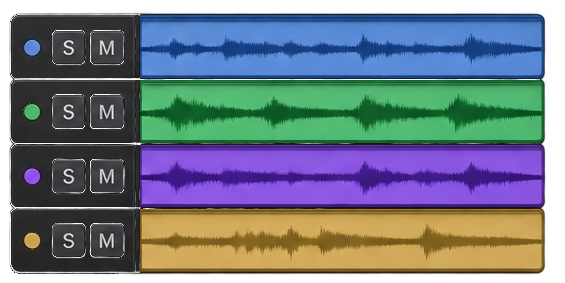
Creating Tracks
• Creating the necessary tracks to house materials. • Organizing tracks by purpose. • Preparing a clear session structure for seamless file management.
Importing and Placing Files• Adding provided audio files to the project. • Assigning files to their respective tracks. • Positioning elements on the timeline and verifying their placement relative to each other.
Project Structure Check• Verify that all necessary files are in the correct folders. • Monitor material placement on the timeline. • Save the session after making changes.
What I Mastered
• Basic session organization in Pro Tools. • Creating and structuring tracks. • Importing and placing audio materials. • Understanding how a multi-track project is structured.
Result• A Pro Tools session was prepared with configured parameters. • Necessary tracks were created and the film files were placed. • The main objective—mastering the basic workflow—was accomplished.
Conclusion• This work helped solidify my understanding of Pro Tools' basic logic and session structure. • Special attention was paid to the correct organization of tracks and the precise placement of files. • These skills form the foundation for subsequent sound editing and mixing.