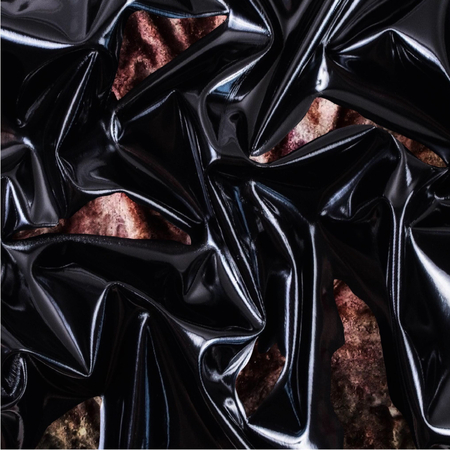
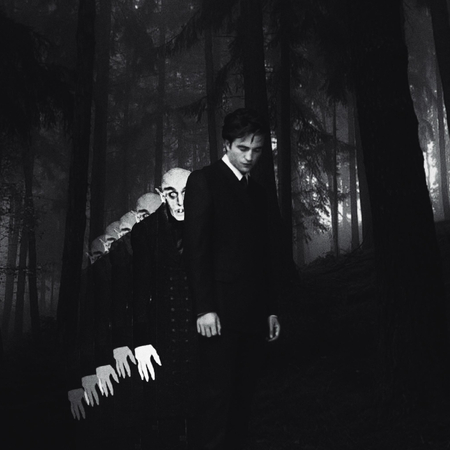
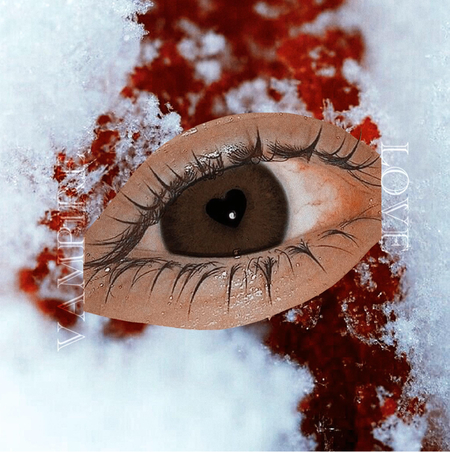
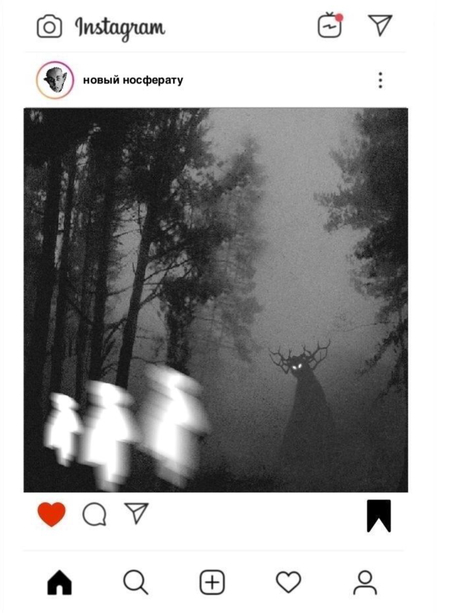
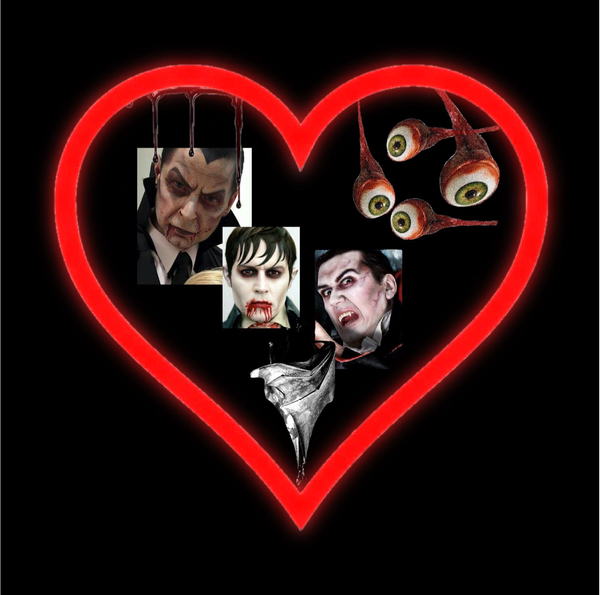
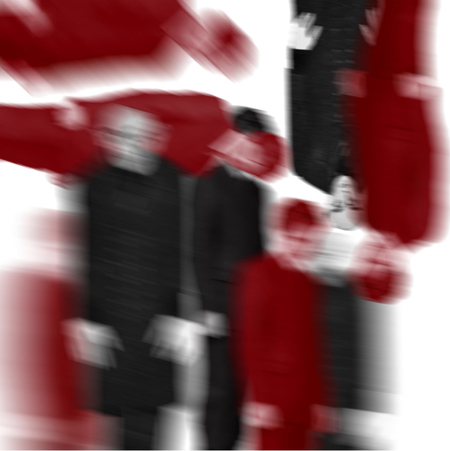
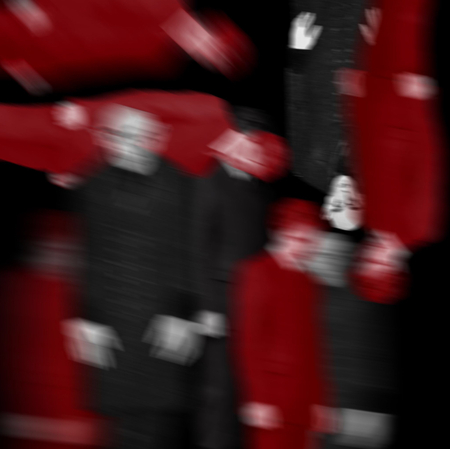
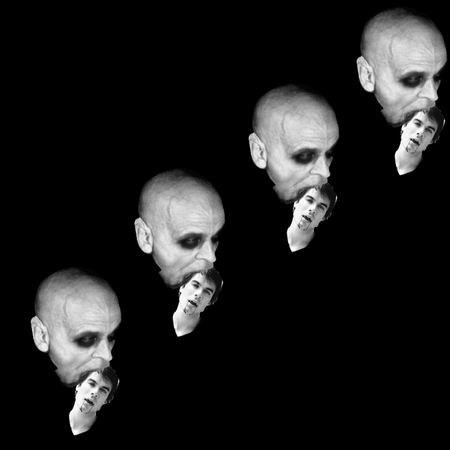
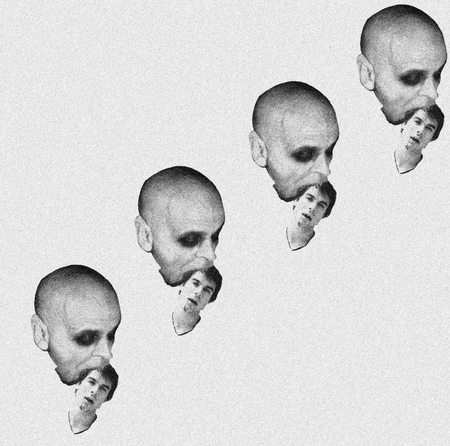
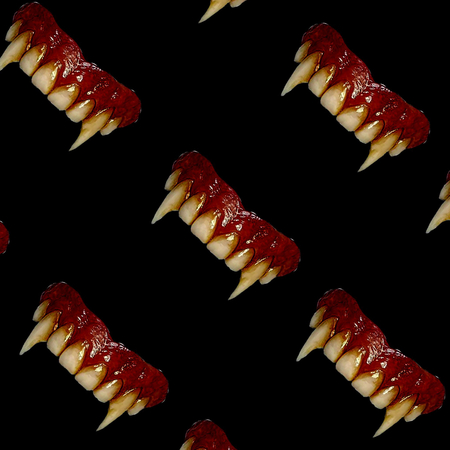
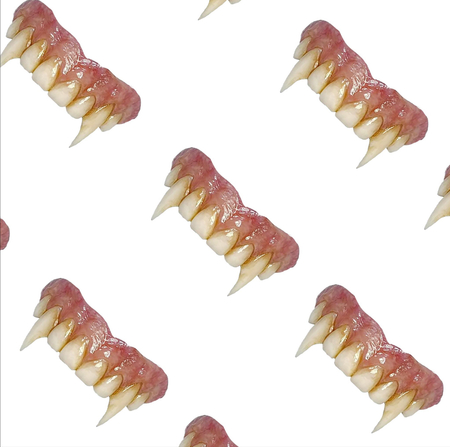
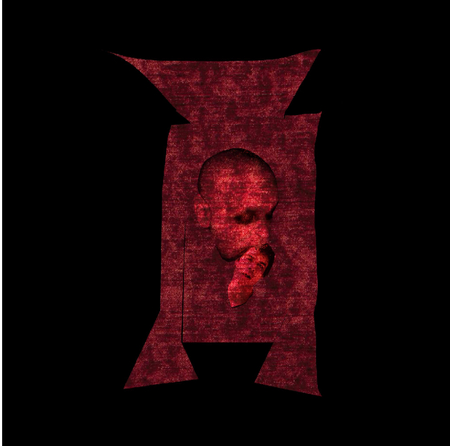
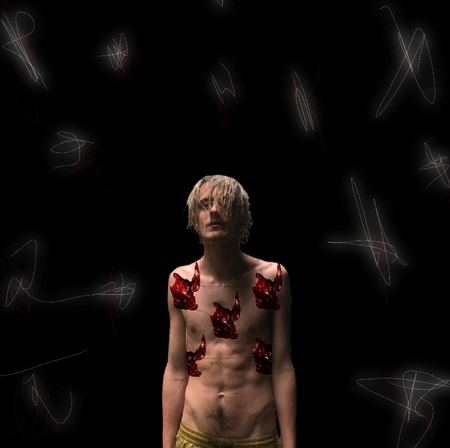
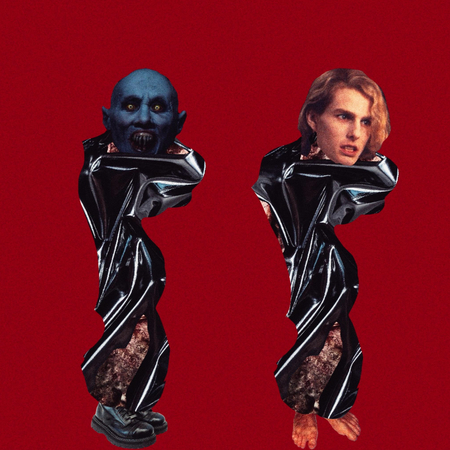
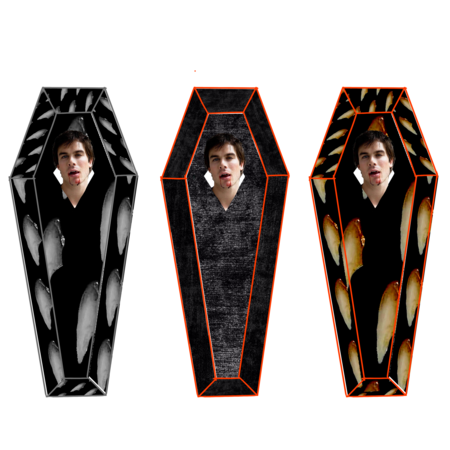
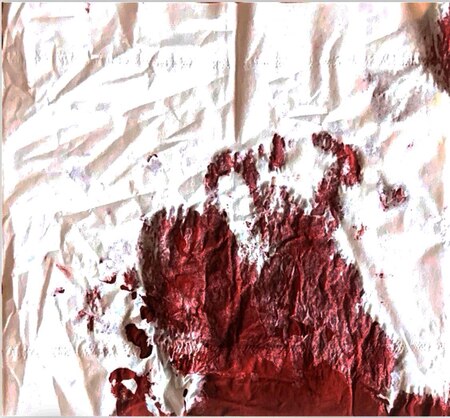
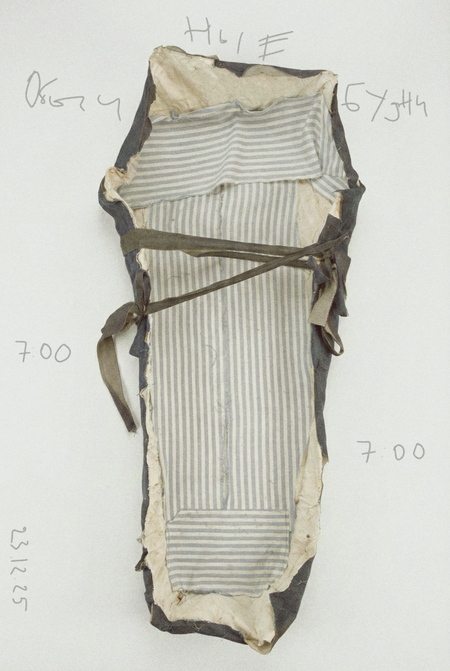
Михаил Щепетов создал проект «Обычные будни» в формате книги. Проект включает в себя тексты, мудборды, принты, эскизы и другие материалы, посвящённые эволюции образа вампира.
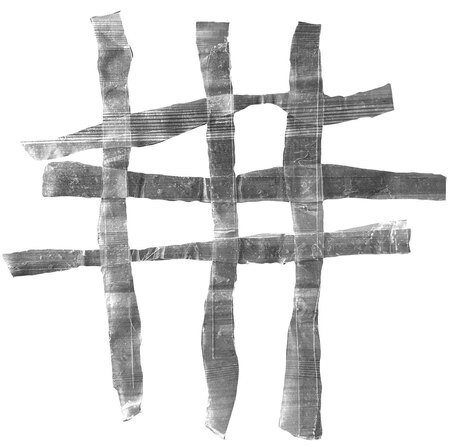
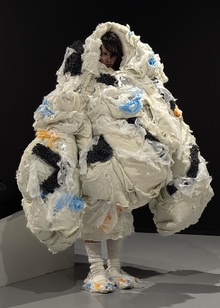
Аня Наумова создала проект «NO MORE DUST», в котором обычная уборка превращается в художественное выражение через пыль, грязь и мусор. В проекте пыль и предметы уборщика становятся объектами искусства с философскими оттенками.
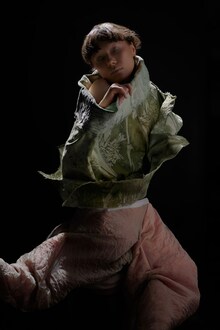
Евгения Скороходова создала проект «IMPERSONal», исследующий утрату авторства в эпоху медиа-перенасыщения. Проект включает тексты и посты, в которых анализируется влияние медиа-шума на восприятие индивидуальности и безличное присутствие креатора.
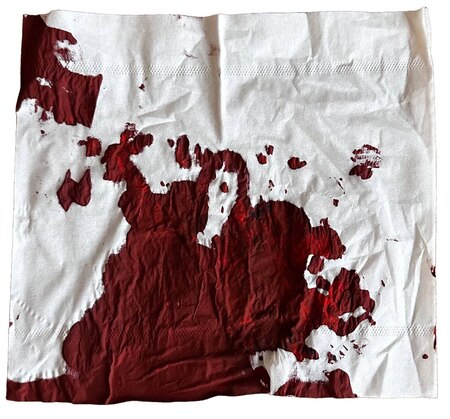
Елена Кошелап создала проект «Someone Else», посвящённый важности наблюдательности и личной ответственности в предотвращении преступлений. Проект включает анализ психологических явлений, таких как эффект свидетеля и диффузия ответственности, подтверждающих влияние активной позиции человека на безопасность окружающих.
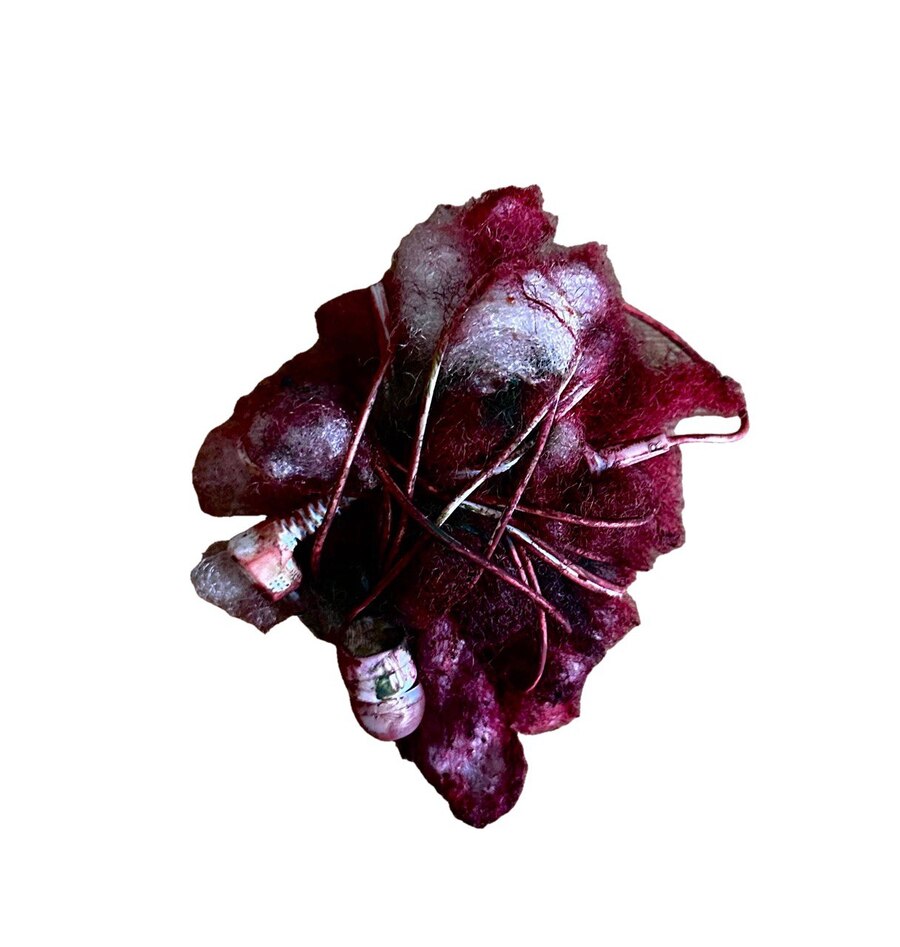
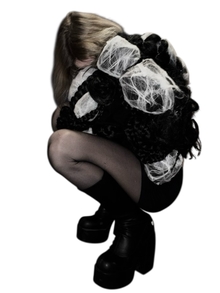
Автор Kireya A создал авторское изделие на основе концепции дуализма женской красоты и страха в формате книги. Проект включает в себя эскизы, мудборд, съёмку и принты, отражающие превращение изящных причёсок гейш в оружие из шёлка и волос.
We use cookies to improve the operation of the HSE website and to enhance its usability. More detailed information on the use of cookies can be fou...
Show more
Press space bar to start a drag.
When dragging you can use the arrow keys to move the item around and escape to cancel.
Some screen readers may require you to be in focus mode or to use your pass through key
Press space bar to start a drag.
When dragging you can use the arrow keys to move the item around and escape to cancel.
Some screen readers may require you to be in focus mode or to use your pass through key
Press space bar to start a drag.
When dragging you can use the arrow keys to move the item around and escape to cancel.
Some screen readers may require you to be in focus mode or to use your pass through key
Press space bar to start a drag.
When dragging you can use the arrow keys to move the item around and escape to cancel.
Some screen readers may require you to be in focus mode or to use your pass through key
Press space bar to start a drag.
When dragging you can use the arrow keys to move the item around and escape to cancel.
Some screen readers may require you to be in focus mode or to use your pass through key
Press space bar to start a drag.
When dragging you can use the arrow keys to move the item around and escape to cancel.
Some screen readers may require you to be in focus mode or to use your pass through key
Press space bar to start a drag.
When dragging you can use the arrow keys to move the item around and escape to cancel.
Some screen readers may require you to be in focus mode or to use your pass through key
Press space bar to start a drag.
When dragging you can use the arrow keys to move the item around and escape to cancel.
Some screen readers may require you to be in focus mode or to use your pass through key
Press space bar to start a drag.
When dragging you can use the arrow keys to move the item around and escape to cancel.
Some screen readers may require you to be in focus mode or to use your pass through key
Press space bar to start a drag.
When dragging you can use the arrow keys to move the item around and escape to cancel.
Some screen readers may require you to be in focus mode or to use your pass through key
Press space bar to start a drag.
When dragging you can use the arrow keys to move the item around and escape to cancel.
Some screen readers may require you to be in focus mode or to use your pass through key
Press space bar to start a drag.
When dragging you can use the arrow keys to move the item around and escape to cancel.
Some screen readers may require you to be in focus mode or to use your pass through key
Press space bar to start a drag.
When dragging you can use the arrow keys to move the item around and escape to cancel.
Some screen readers may require you to be in focus mode or to use your pass through key
Press space bar to start a drag.
When dragging you can use the arrow keys to move the item around and escape to cancel.
Some screen readers may require you to be in focus mode or to use your pass through key
Press space bar to start a drag.
When dragging you can use the arrow keys to move the item around and escape to cancel.
Some screen readers may require you to be in focus mode or to use your pass through key