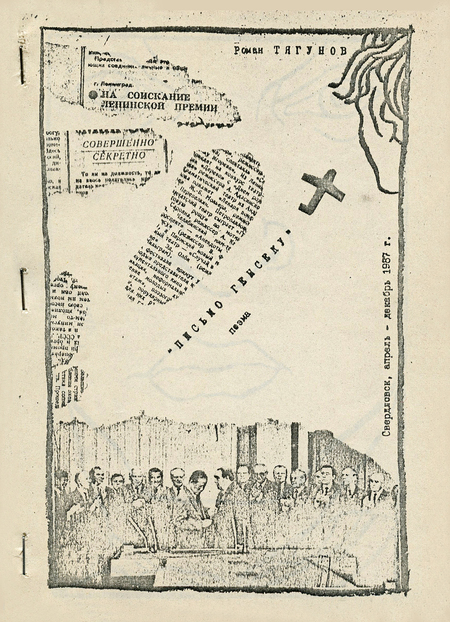
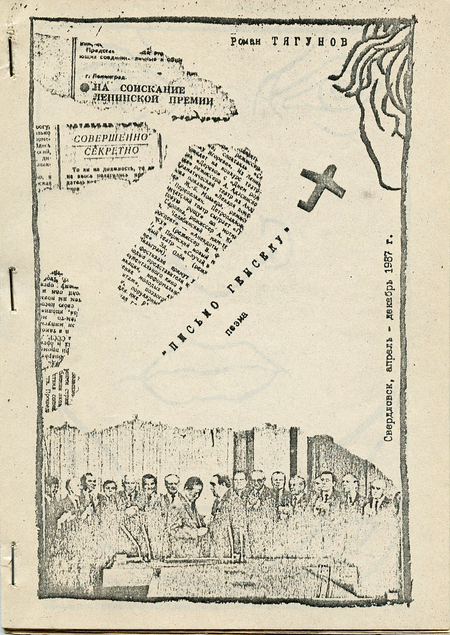
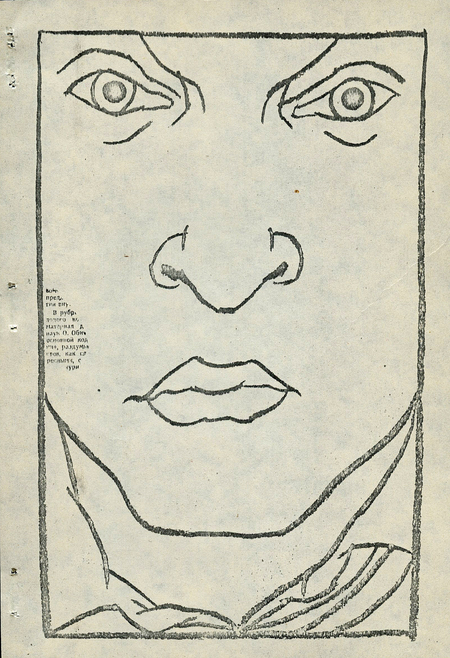
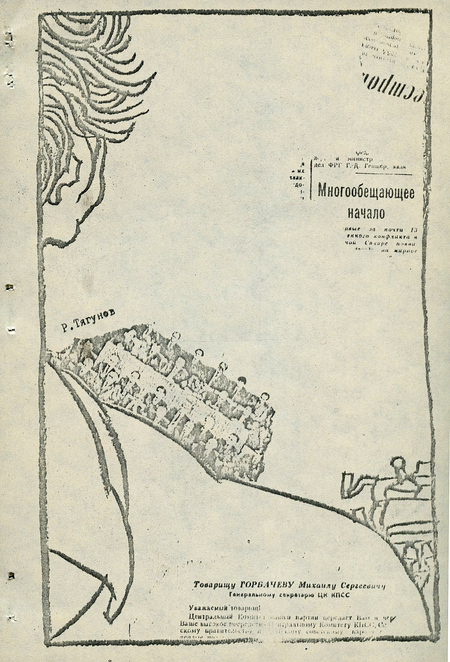
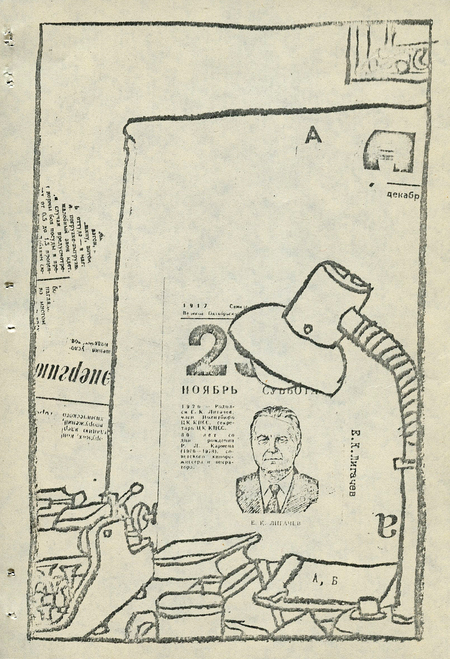
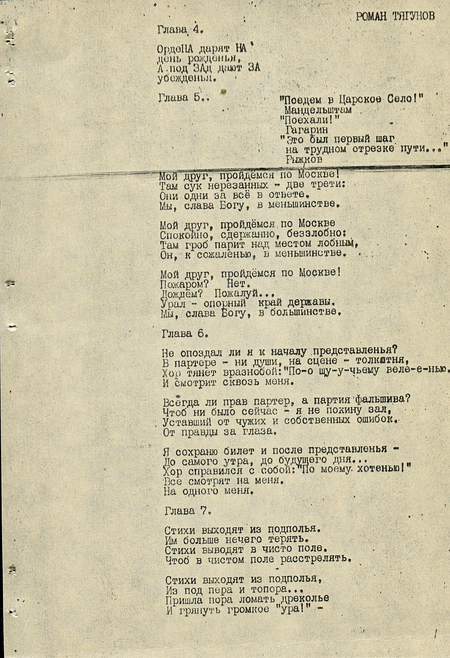
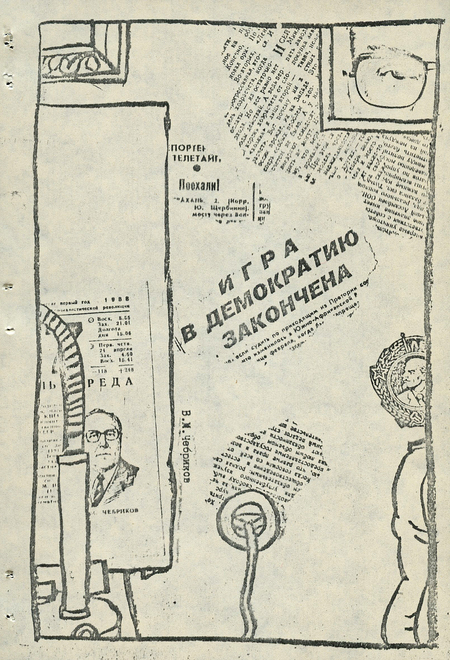
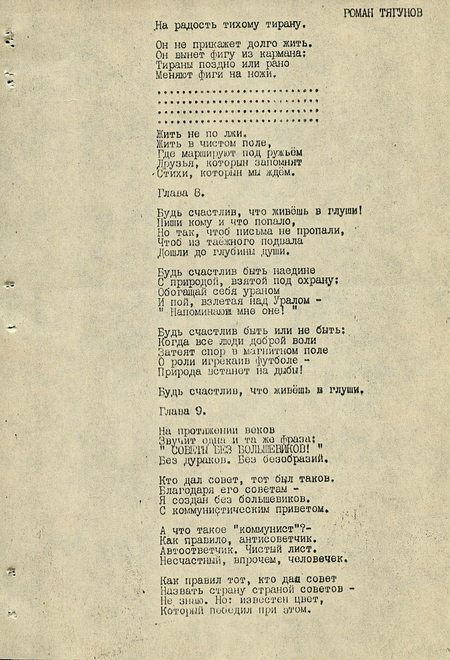
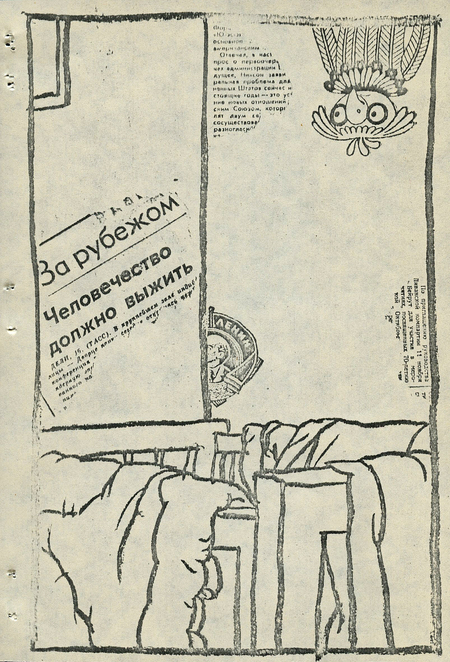
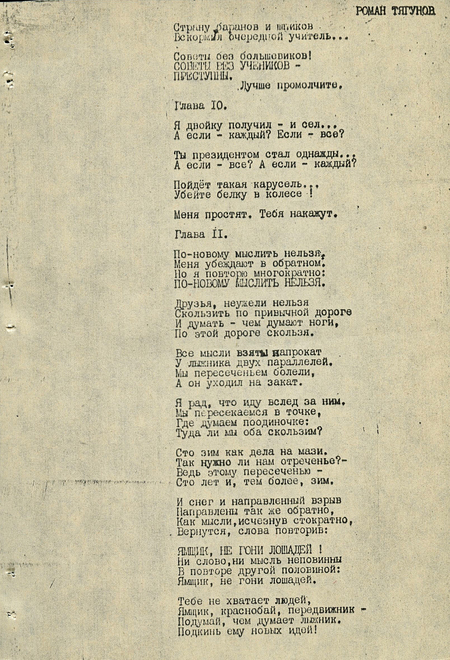
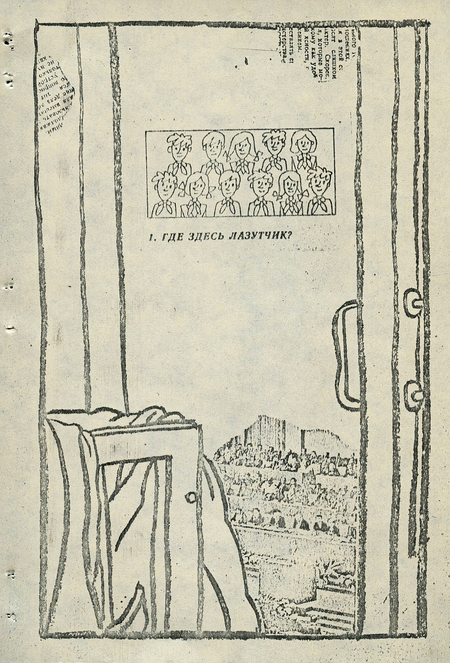
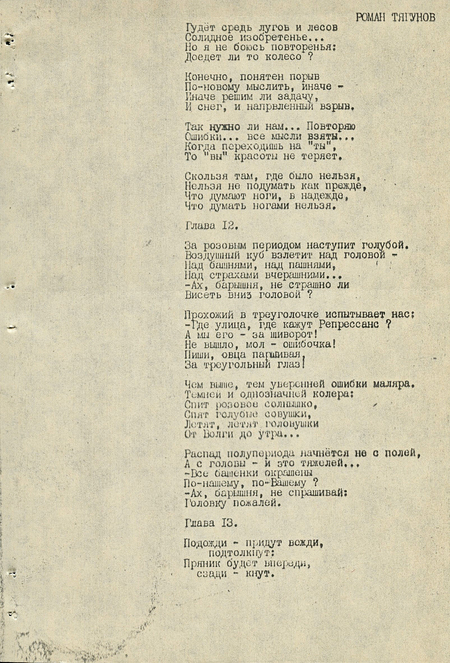
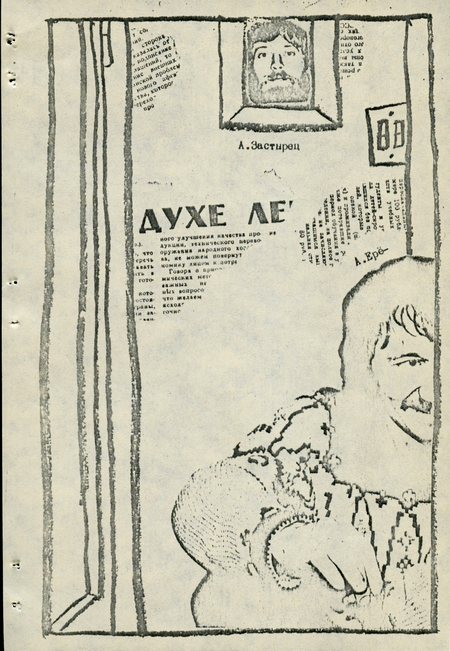
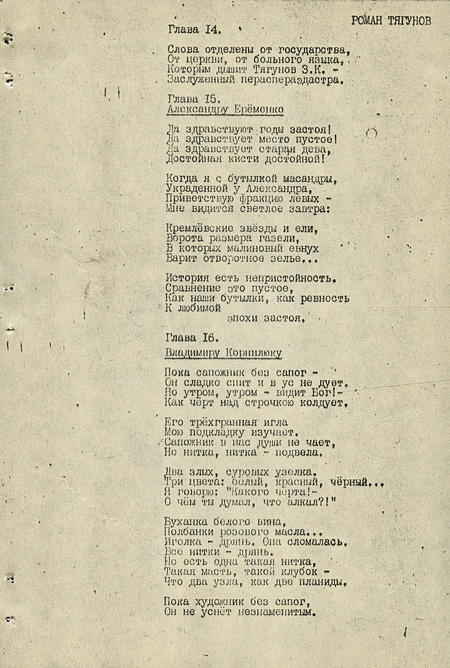
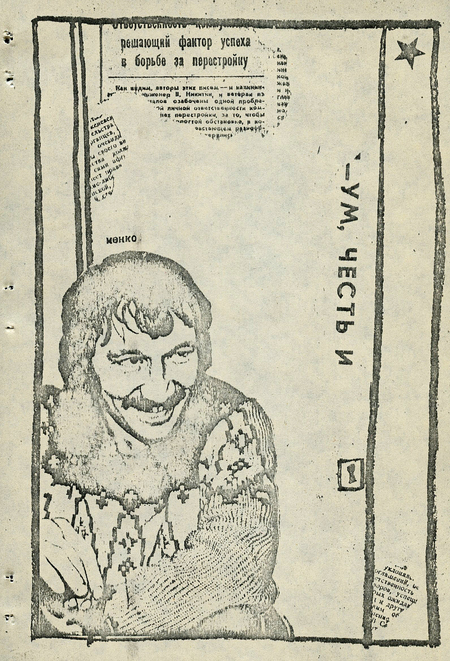
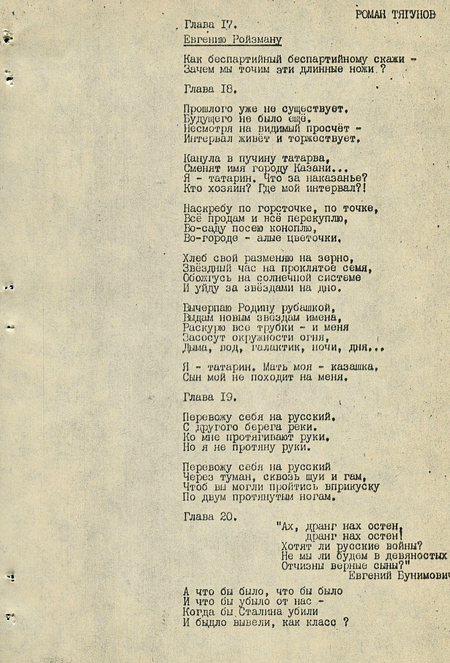
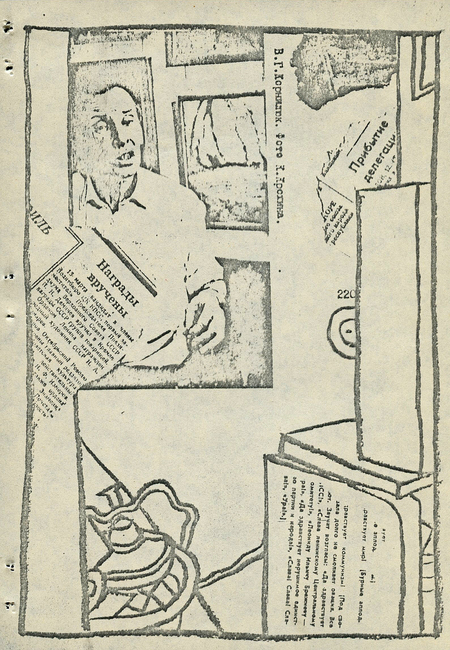
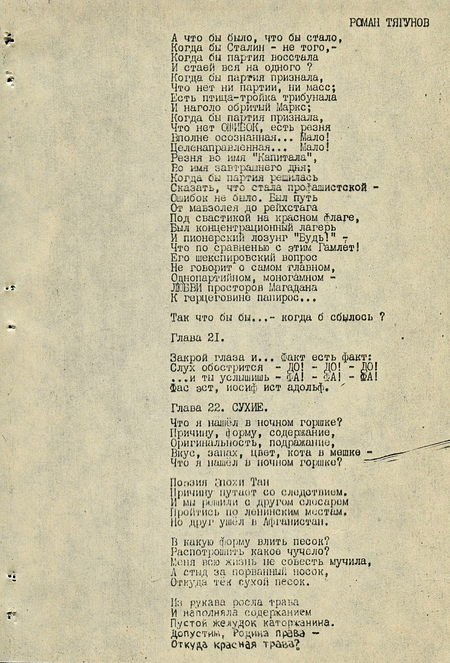
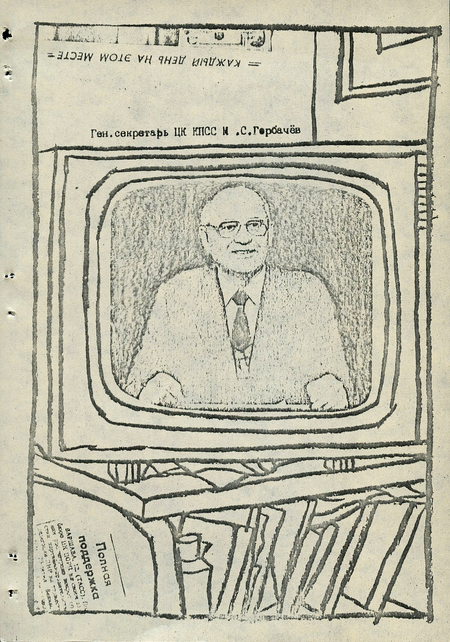
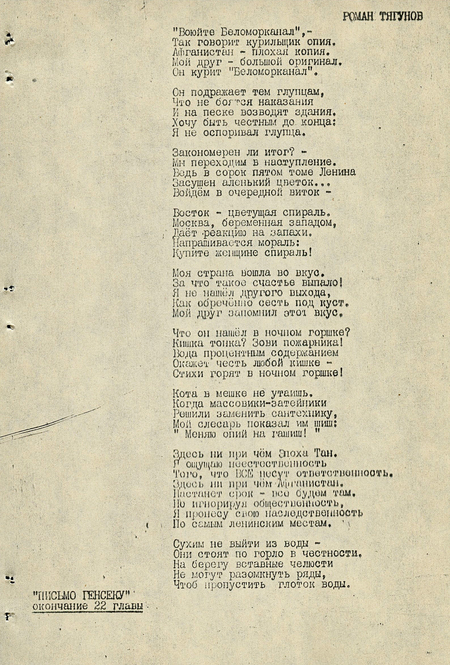
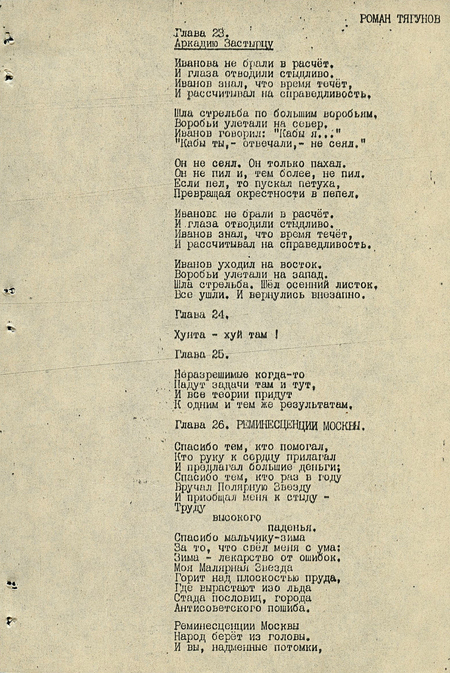
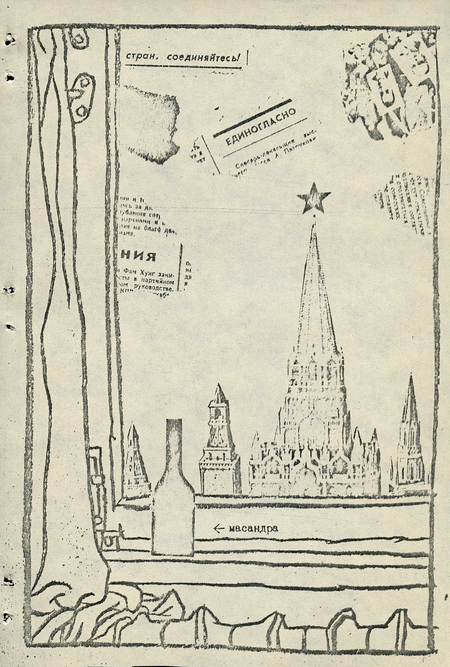
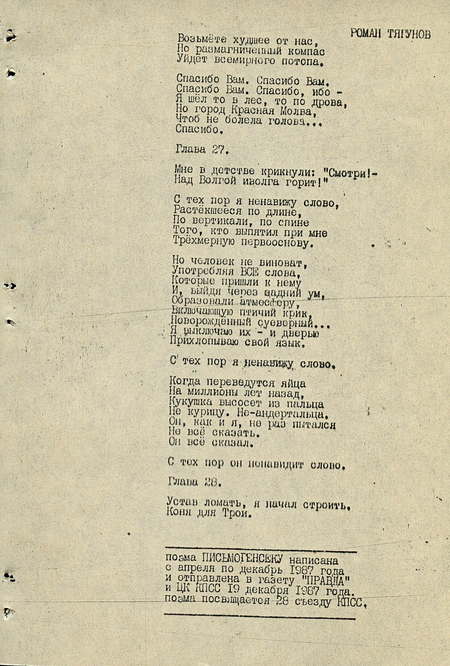
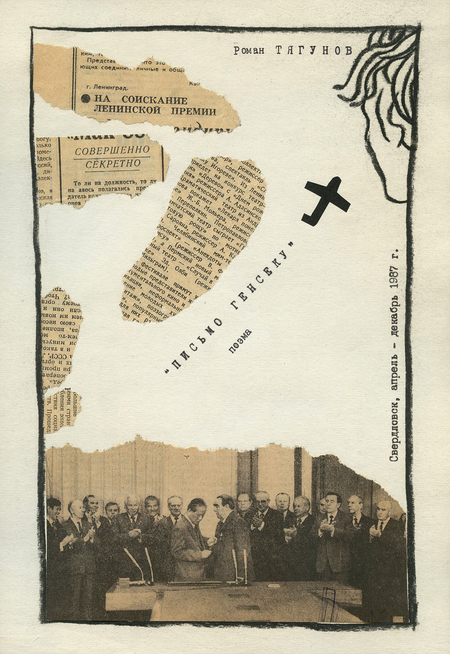
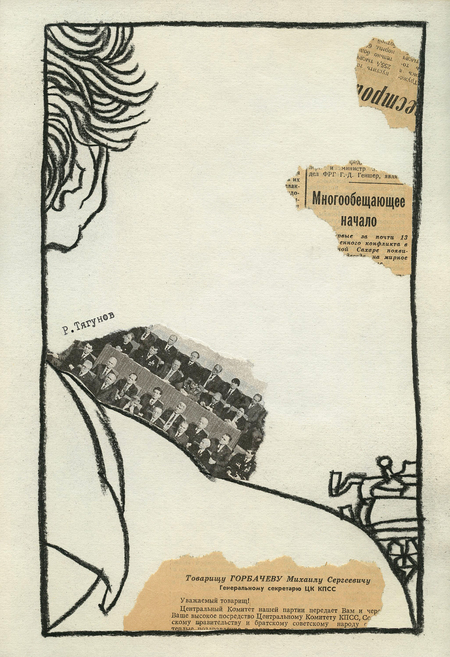
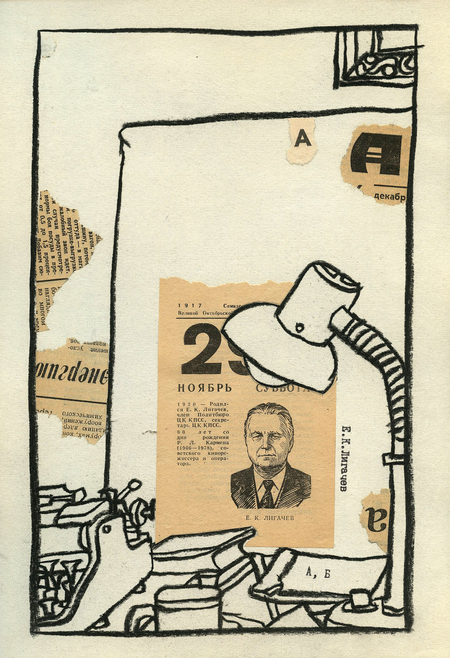
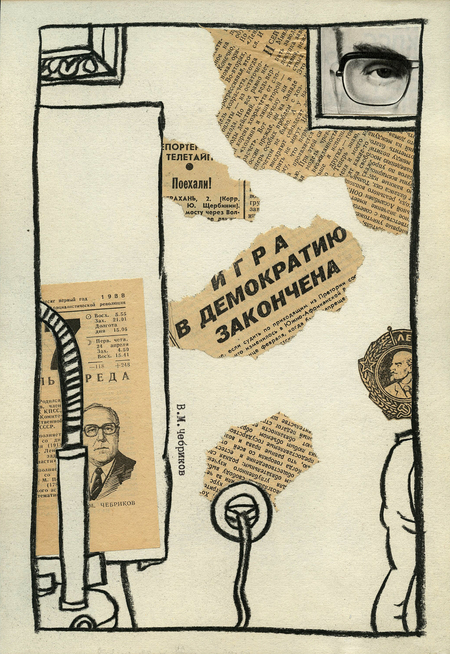
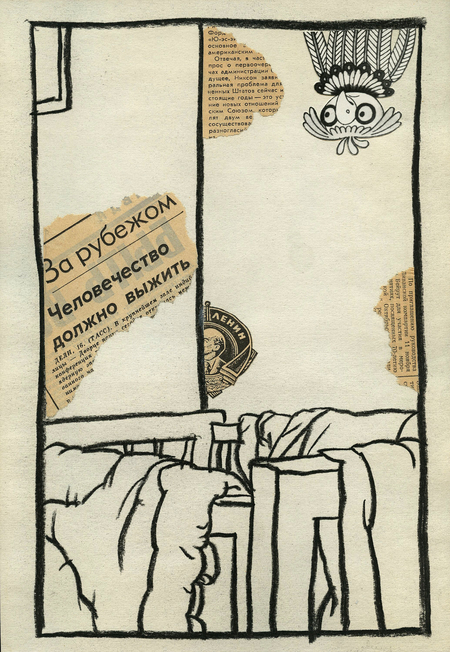
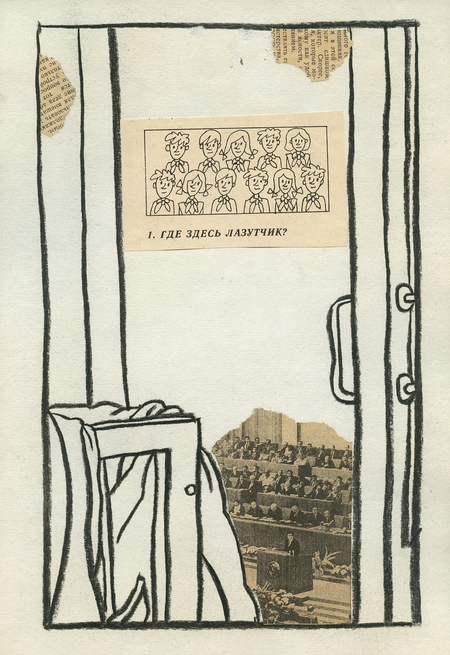
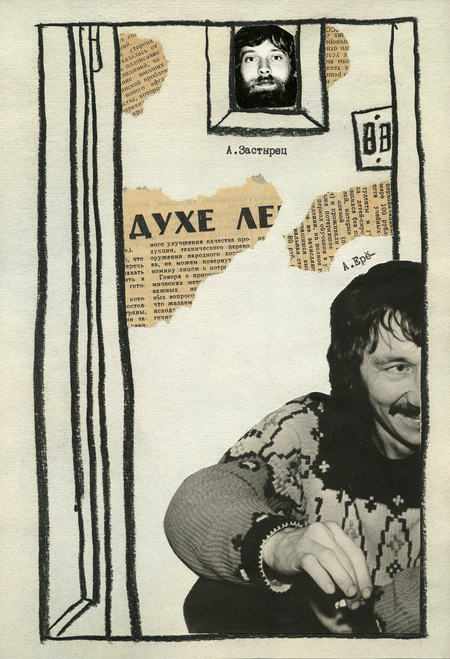
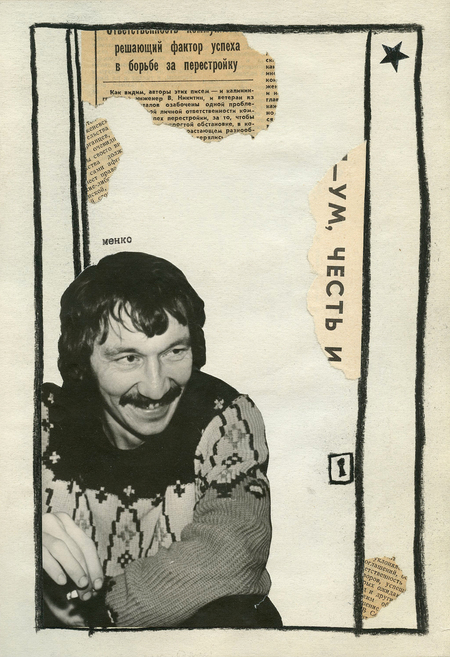
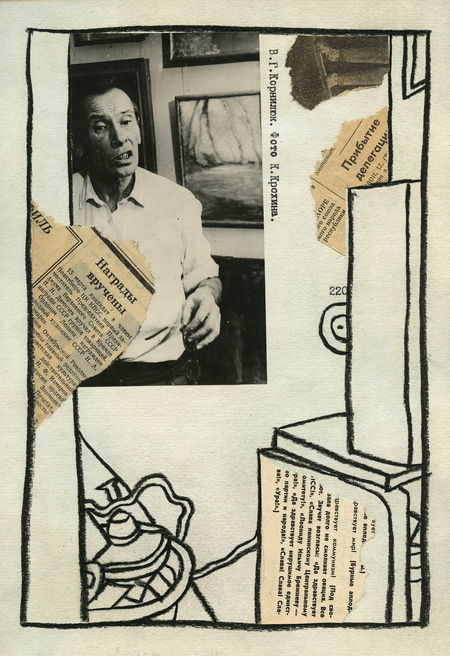
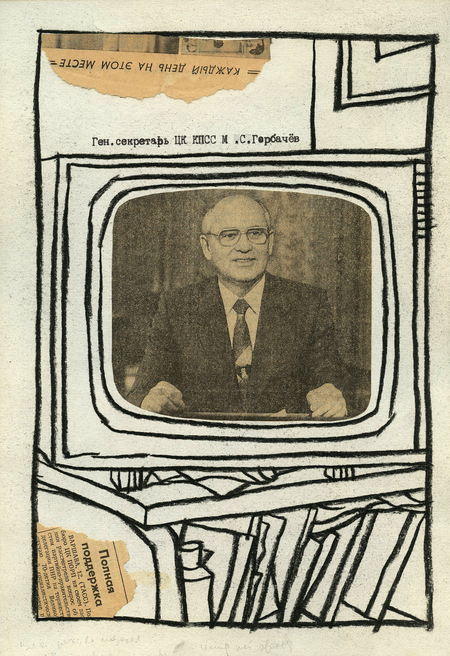
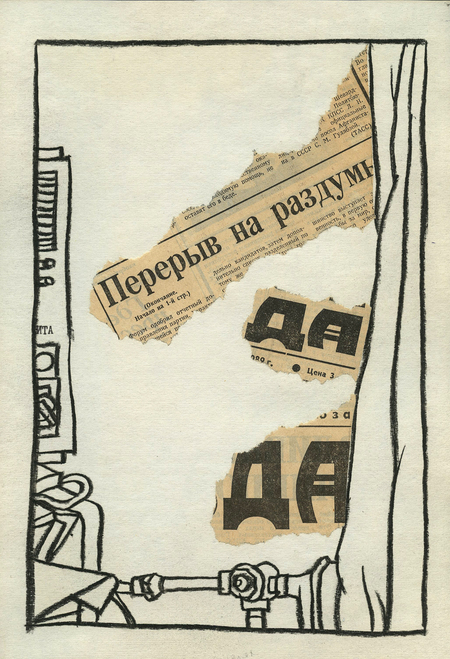
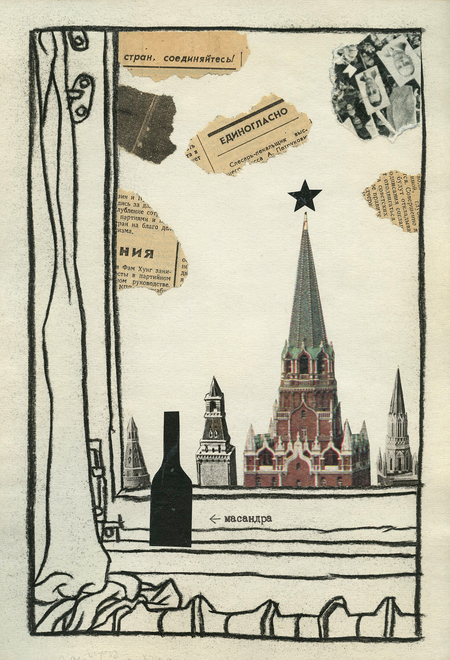
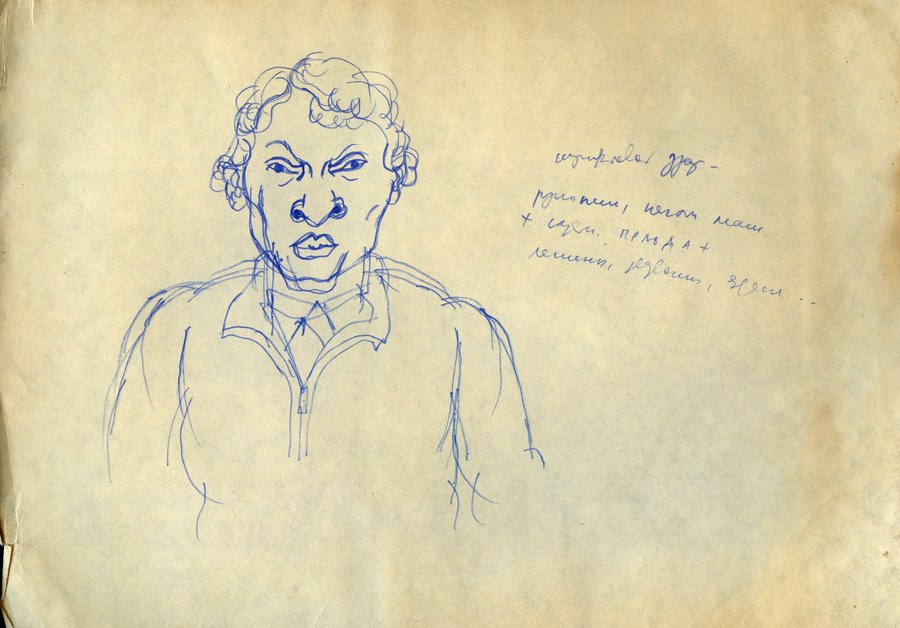
Pictures to Roman Trugunov’s poem «Write to Gensek», 1989
Художник Александр Шабуров создал иллюстрации к поэме Романа Тягунова «Письмо генсеку», написанной в 1989 году. Проект включает в себя воспоминания о самиздатской деятельности Тягунова и его сотрудничестве с Шабуровым в 1990-х годах.
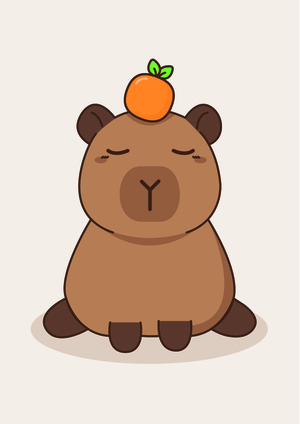
Диана Турченко создала серию иллюстраций о неторопливом Капи, посетителе кофейни с капибарами. Проект посвящён моментам покоя и повседневным паузам, в которых можно делать всё в своём темпе.
Серия иллюстраций про Капи — неторопливого посетителя кофейни с капибарами. Иллюстрации посвящены состояниям покоя, паузам и повседневным моментам, в которых можно не торопиться и позволить себе делать всё в своём темпе.
Юлия Шпак создала графическую серию, основанную на сказке А. С. Пушкина «Сказка о попе и о работнике его Балде». Проект включает яркие геометричные сюжеты на платках, выполненные насыщенными цветами и имеющие плоские, конструкторские образы героев.
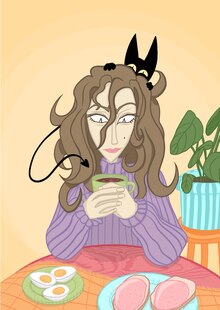
Маргарита Варламова рассказывает о домовых как о духах-хранителях, которые олицетворяют душу дома и традиционно считались бесами на Руси. Проект подчёркивает, что домовой отражает характер своего хозяина и требует соблюдения определённых ритуалов для дружественного сосуществования.
We use cookies to improve the operation of the HSE website and to enhance its usability. More detailed information on the use of cookies can be fou...
Show more
Press space bar to start a drag.
When dragging you can use the arrow keys to move the item around and escape to cancel.
Some screen readers may require you to be in focus mode or to use your pass through key
Press space bar to start a drag.
When dragging you can use the arrow keys to move the item around and escape to cancel.
Some screen readers may require you to be in focus mode or to use your pass through key
Press space bar to start a drag.
When dragging you can use the arrow keys to move the item around and escape to cancel.
Some screen readers may require you to be in focus mode or to use your pass through key
Press space bar to start a drag.
When dragging you can use the arrow keys to move the item around and escape to cancel.
Some screen readers may require you to be in focus mode or to use your pass through key
Press space bar to start a drag.
When dragging you can use the arrow keys to move the item around and escape to cancel.
Some screen readers may require you to be in focus mode or to use your pass through key
Press space bar to start a drag.
When dragging you can use the arrow keys to move the item around and escape to cancel.
Some screen readers may require you to be in focus mode or to use your pass through key
Press space bar to start a drag.
When dragging you can use the arrow keys to move the item around and escape to cancel.
Some screen readers may require you to be in focus mode or to use your pass through key
Press space bar to start a drag.
When dragging you can use the arrow keys to move the item around and escape to cancel.
Some screen readers may require you to be in focus mode or to use your pass through key
Press space bar to start a drag.
When dragging you can use the arrow keys to move the item around and escape to cancel.
Some screen readers may require you to be in focus mode or to use your pass through key
Press space bar to start a drag.
When dragging you can use the arrow keys to move the item around and escape to cancel.
Some screen readers may require you to be in focus mode or to use your pass through key
Press space bar to start a drag.
When dragging you can use the arrow keys to move the item around and escape to cancel.
Some screen readers may require you to be in focus mode or to use your pass through key
Press space bar to start a drag.
When dragging you can use the arrow keys to move the item around and escape to cancel.
Some screen readers may require you to be in focus mode or to use your pass through key
Press space bar to start a drag.
When dragging you can use the arrow keys to move the item around and escape to cancel.
Some screen readers may require you to be in focus mode or to use your pass through key
Press space bar to start a drag.
When dragging you can use the arrow keys to move the item around and escape to cancel.
Some screen readers may require you to be in focus mode or to use your pass through key
Press space bar to start a drag.
When dragging you can use the arrow keys to move the item around and escape to cancel.
Some screen readers may require you to be in focus mode or to use your pass through key
Press space bar to start a drag.
When dragging you can use the arrow keys to move the item around and escape to cancel.
Some screen readers may require you to be in focus mode or to use your pass through key
Press space bar to start a drag.
When dragging you can use the arrow keys to move the item around and escape to cancel.
Some screen readers may require you to be in focus mode or to use your pass through key
Press space bar to start a drag.
When dragging you can use the arrow keys to move the item around and escape to cancel.
Some screen readers may require you to be in focus mode or to use your pass through key