в фэшн индустрии, в которой я работаю и учусь, сейчас очень актуальна тема
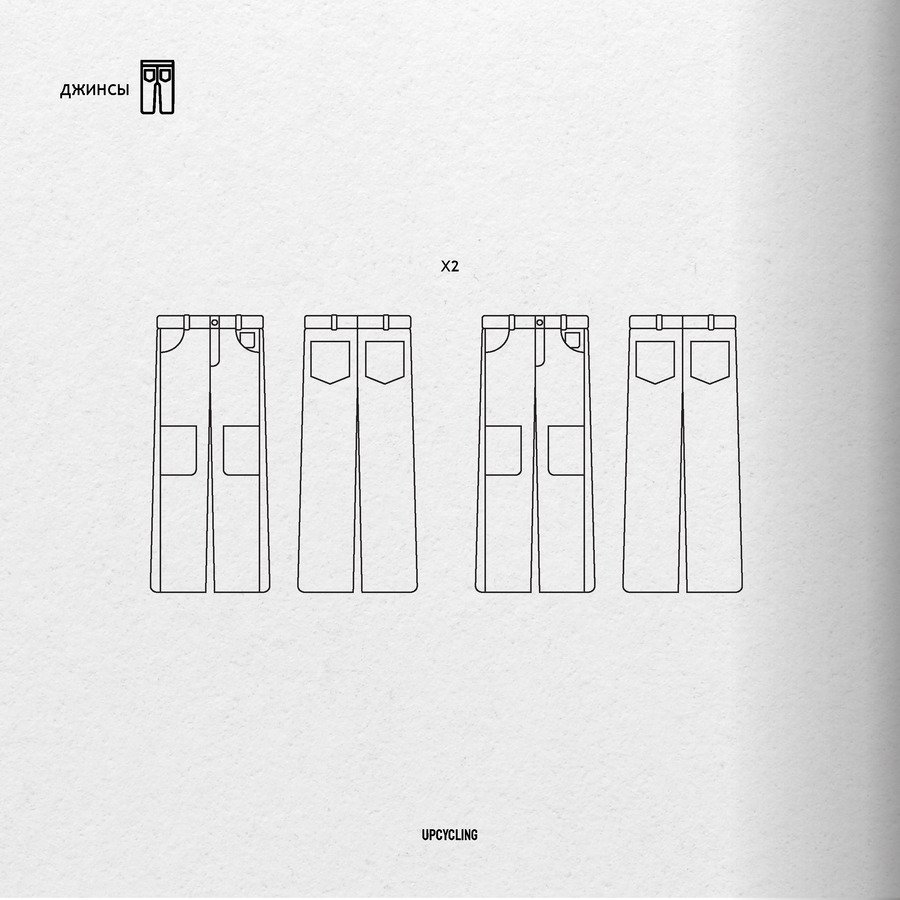
переработки. многие бренды выступают за эко-подход, создают коллекции из старой одежды и изобрели множество способов апсайклинга.
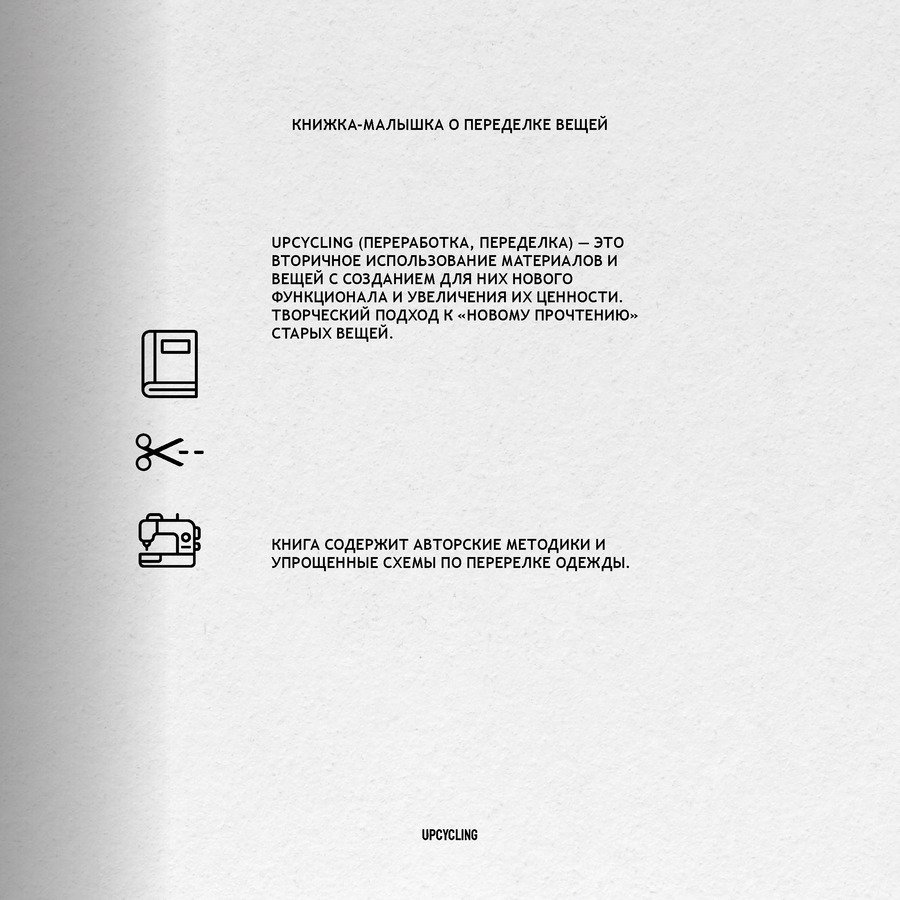
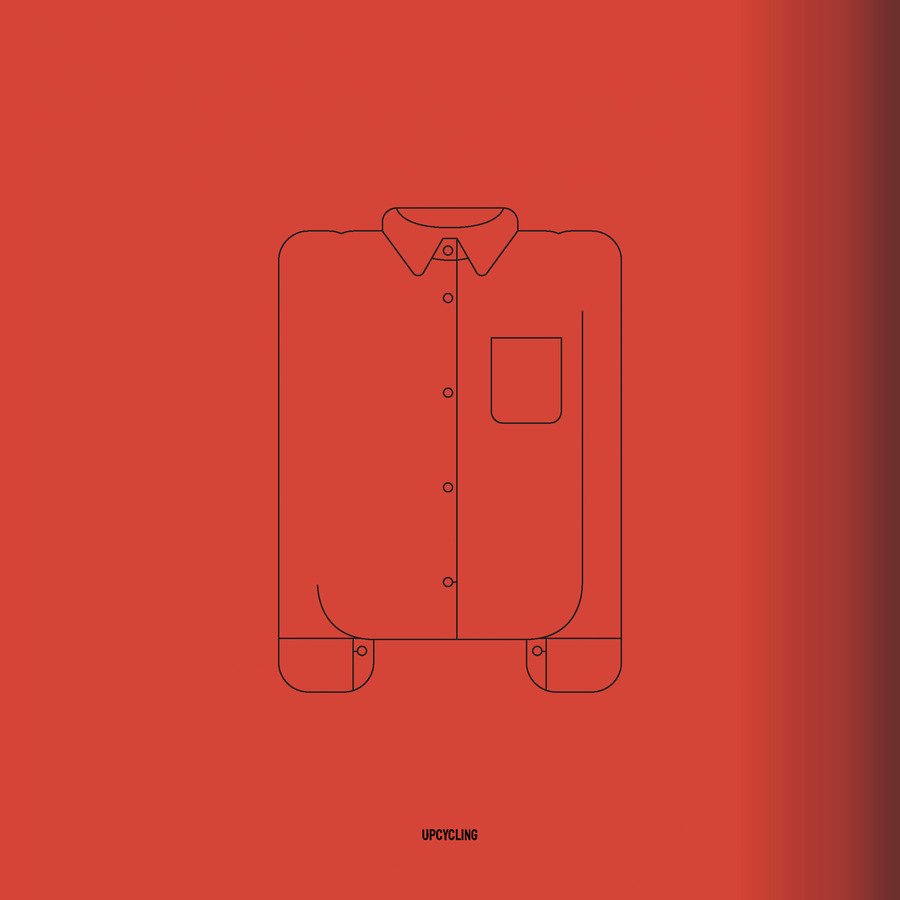
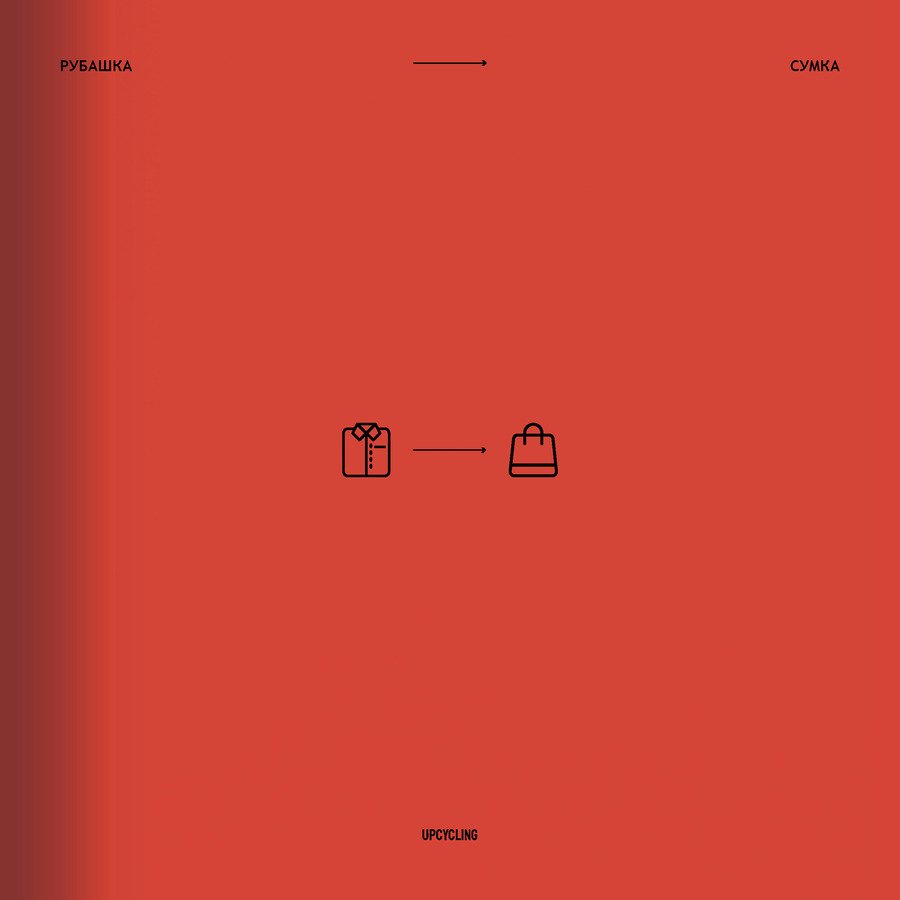
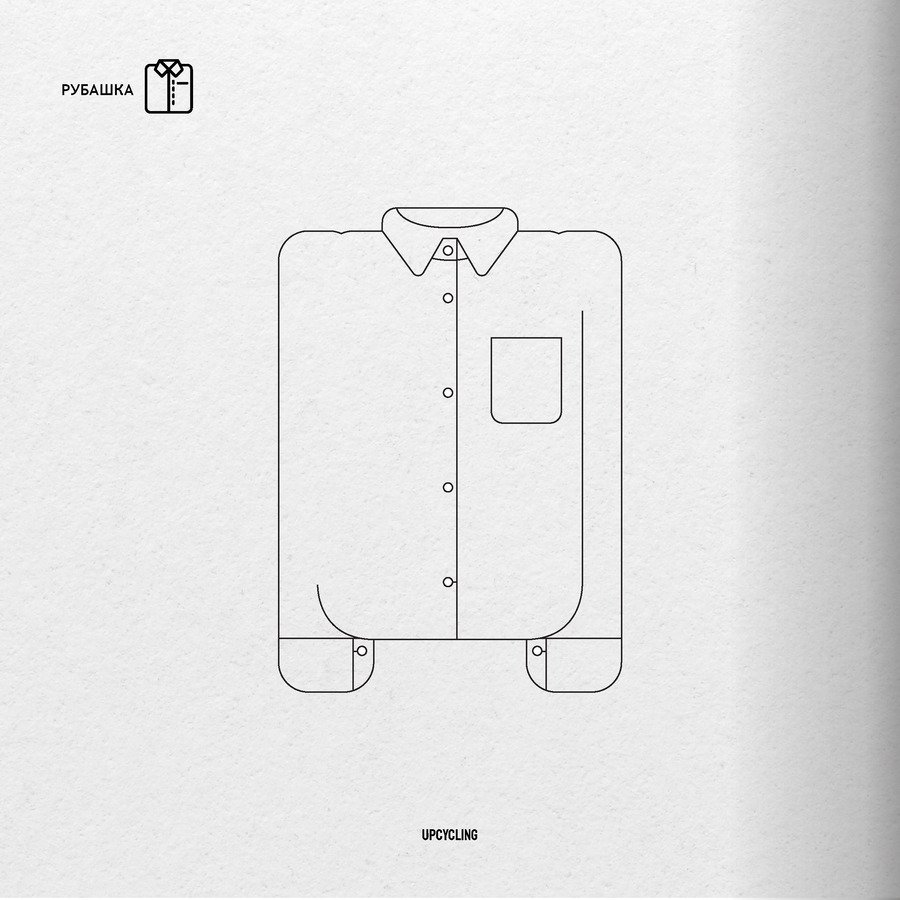
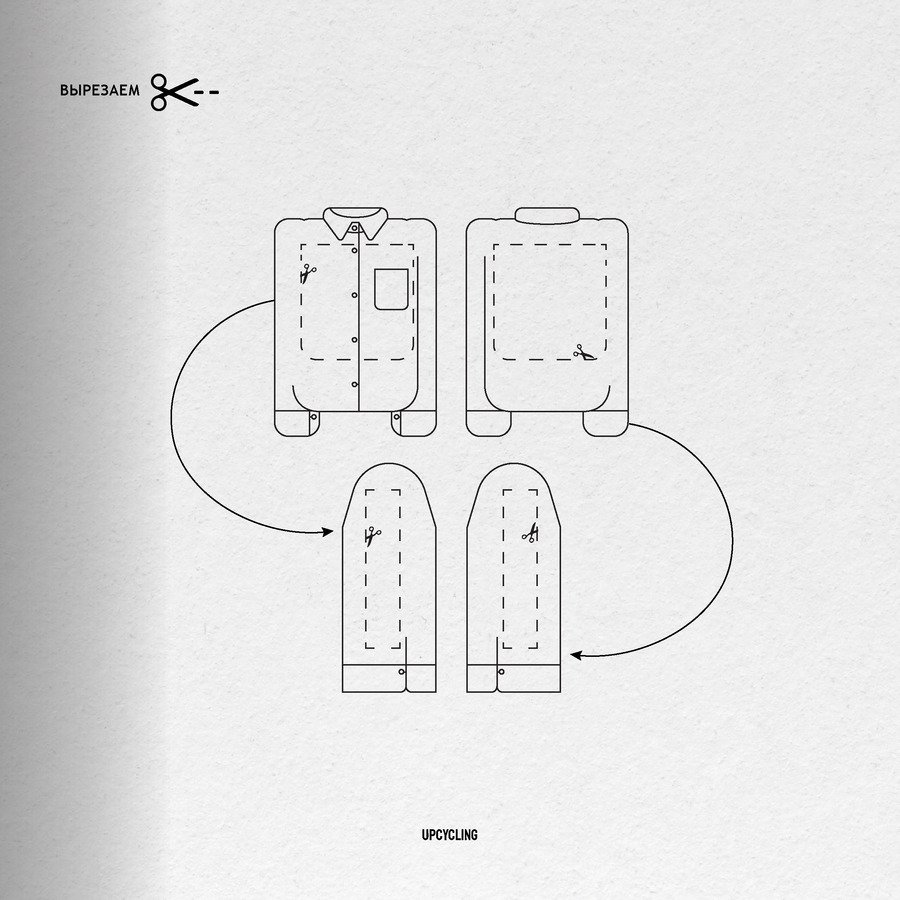
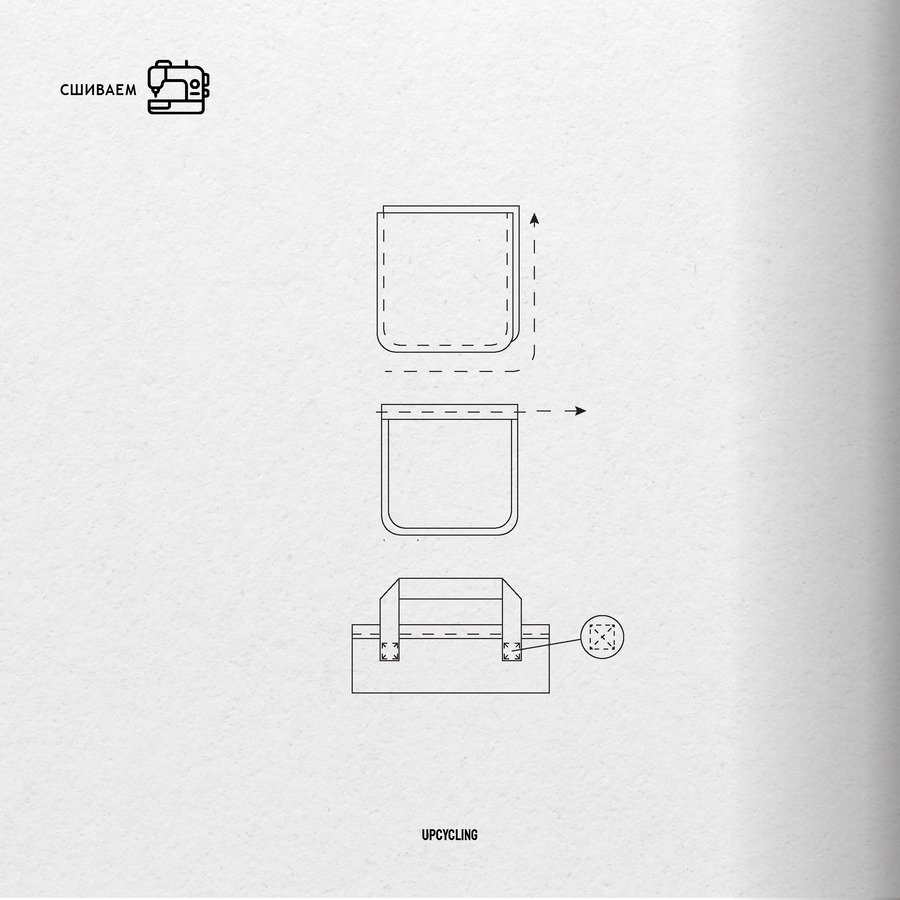
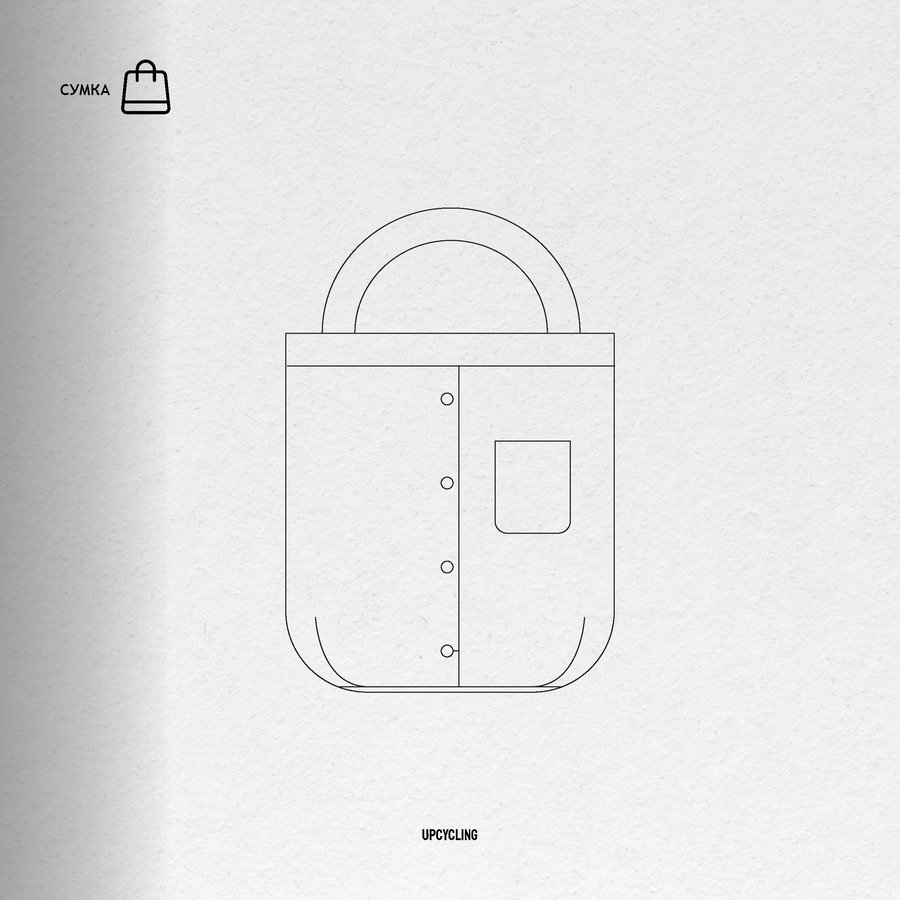
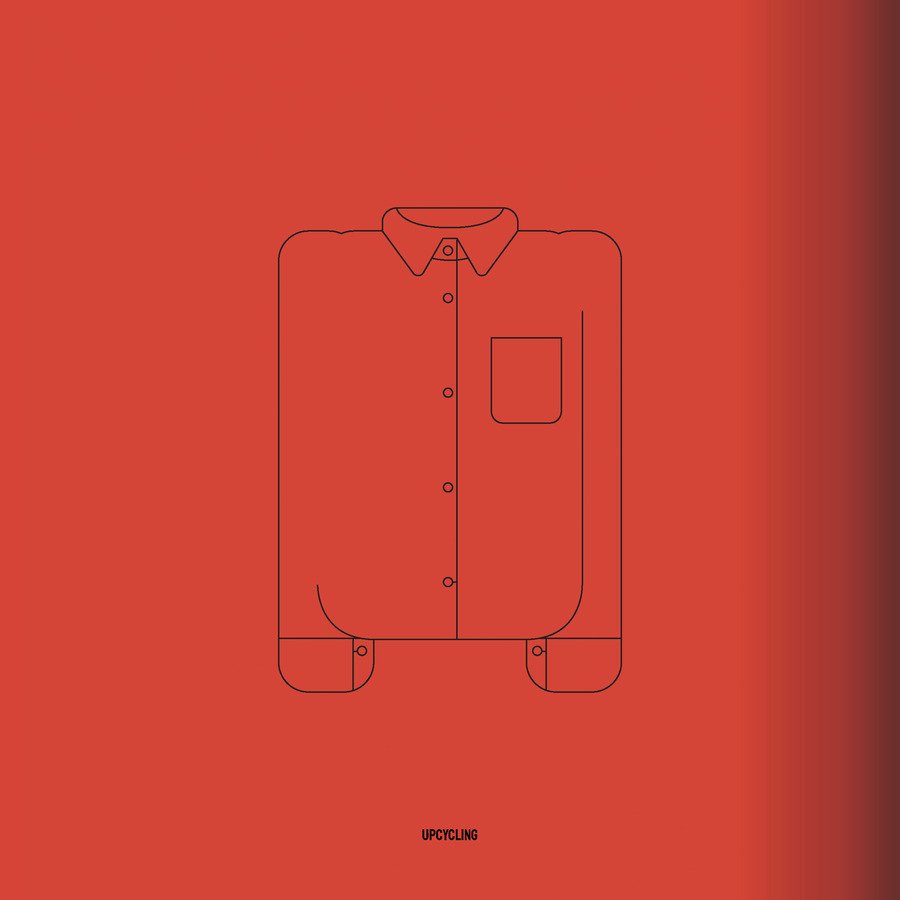
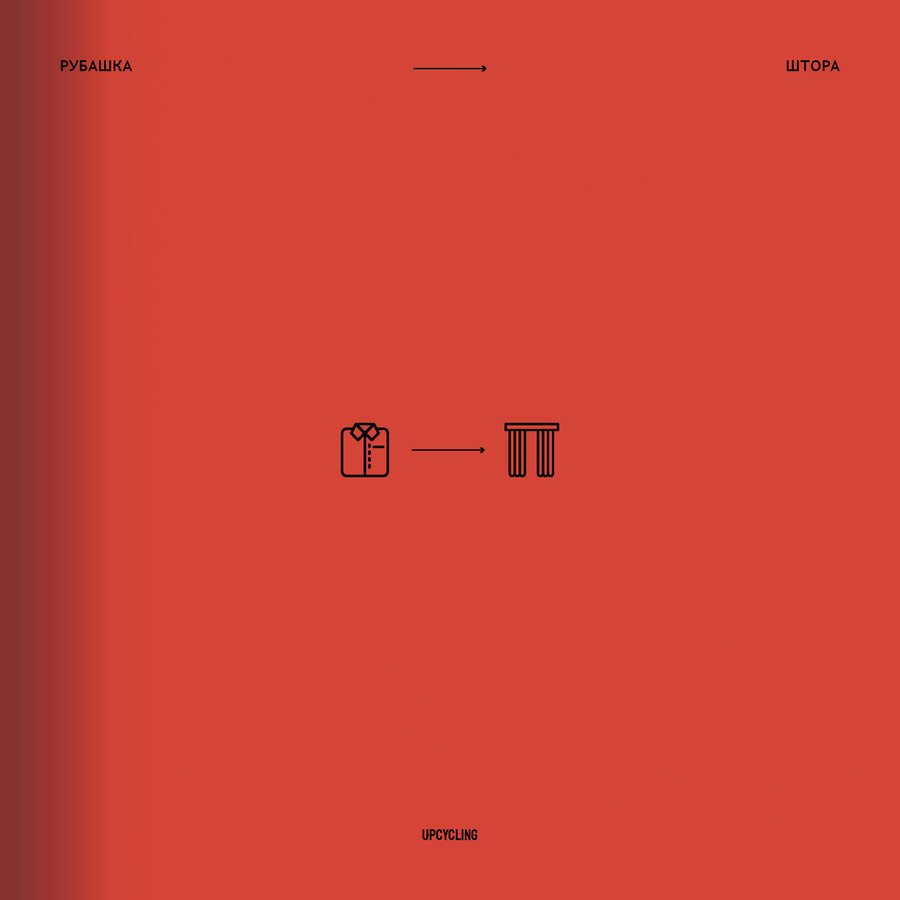
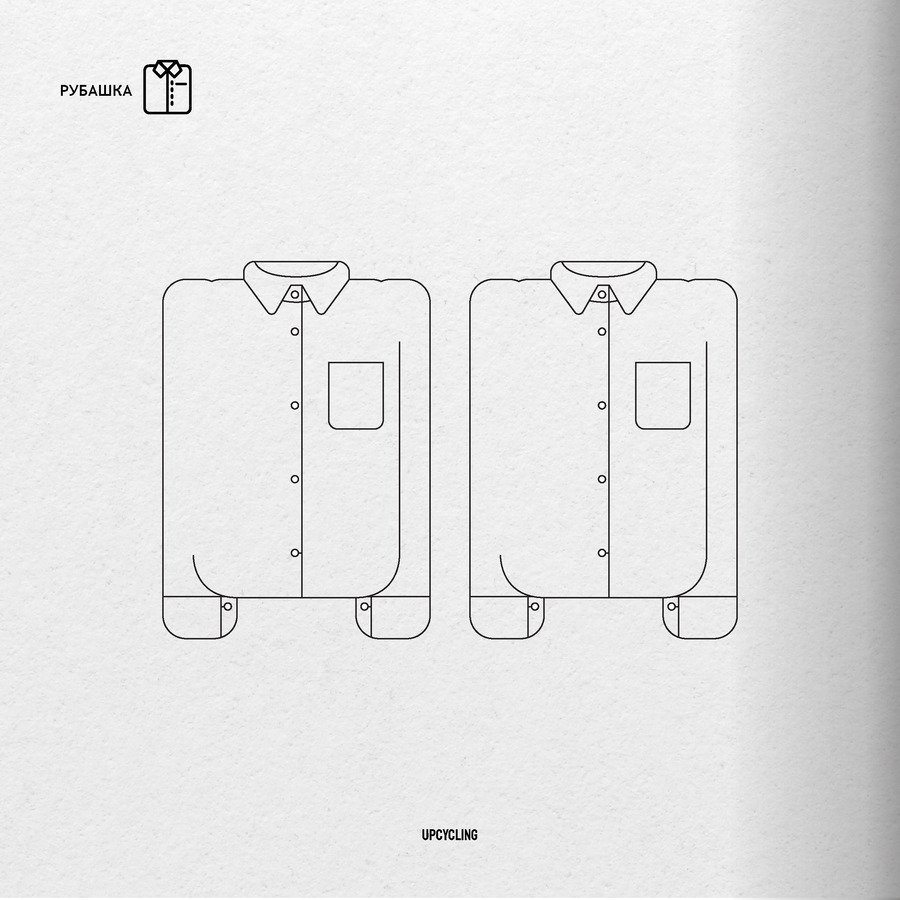
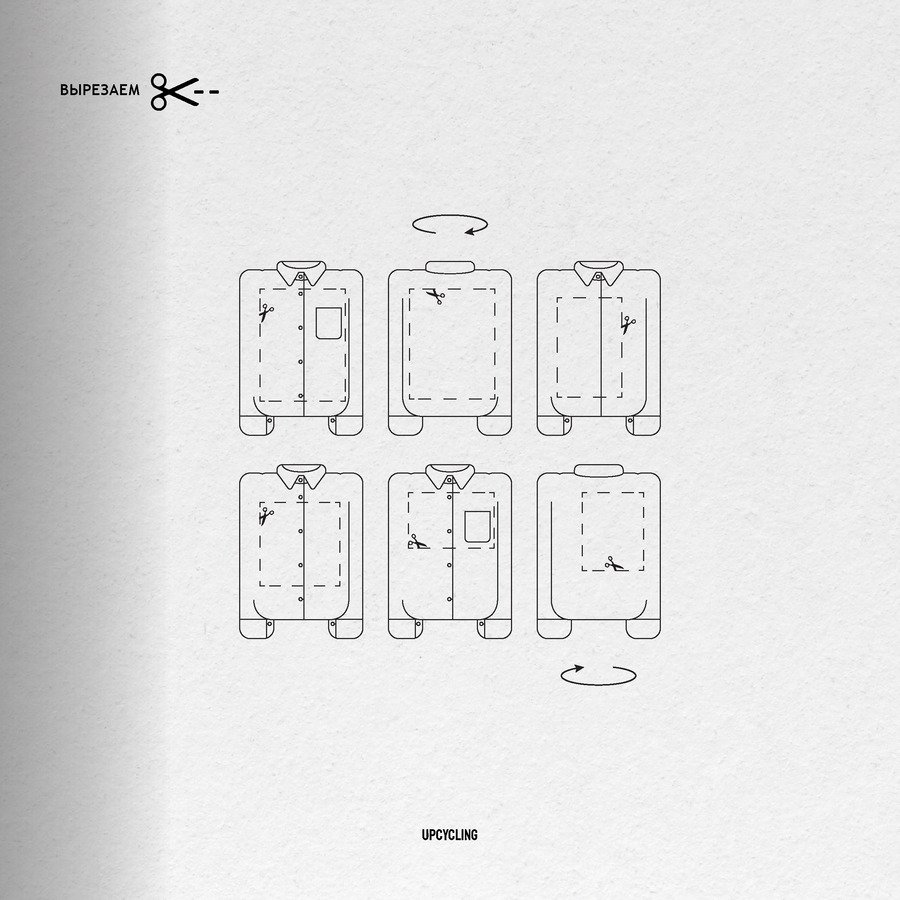
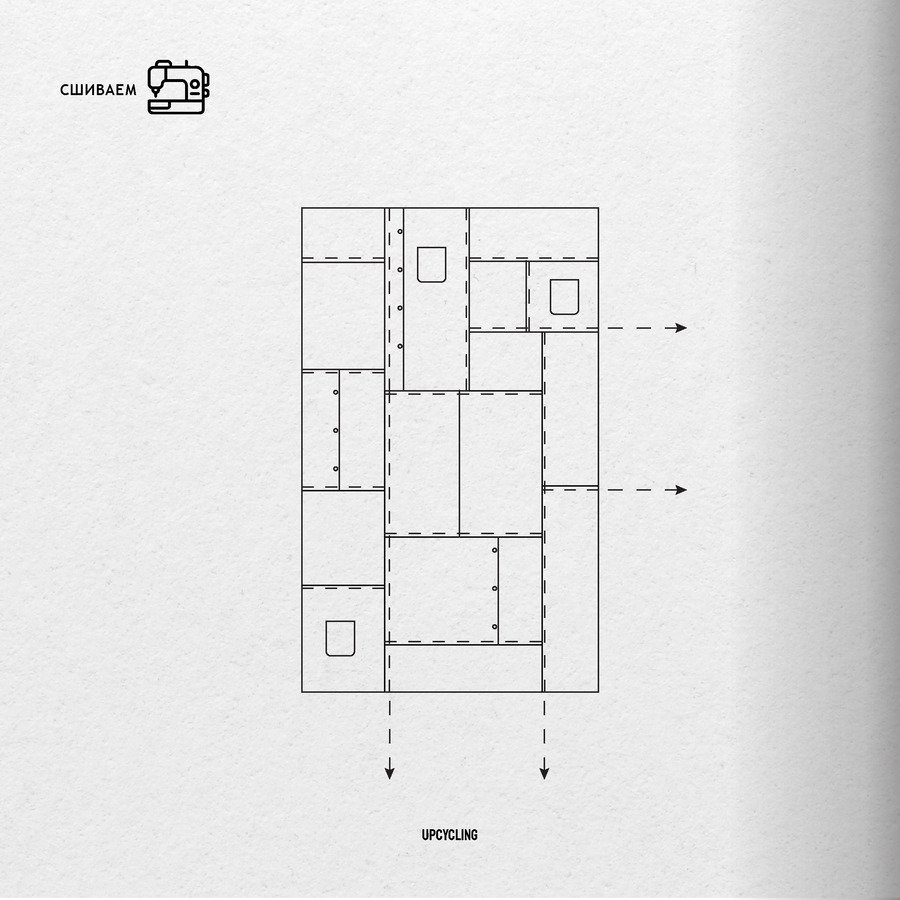
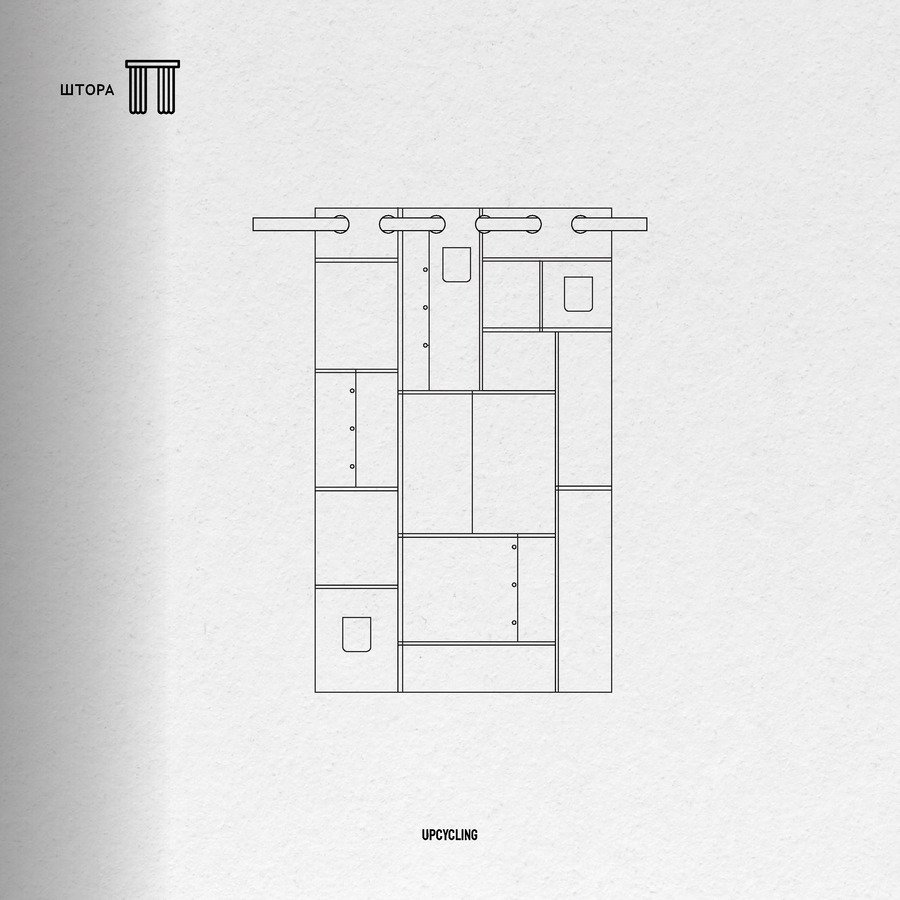
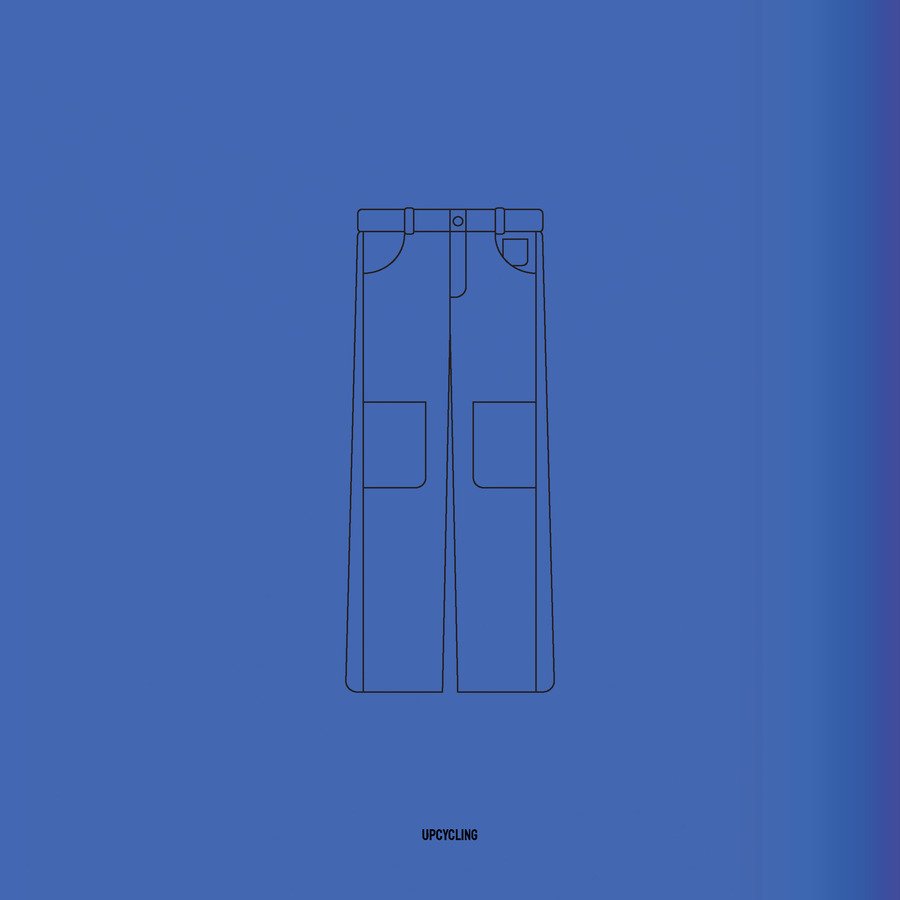
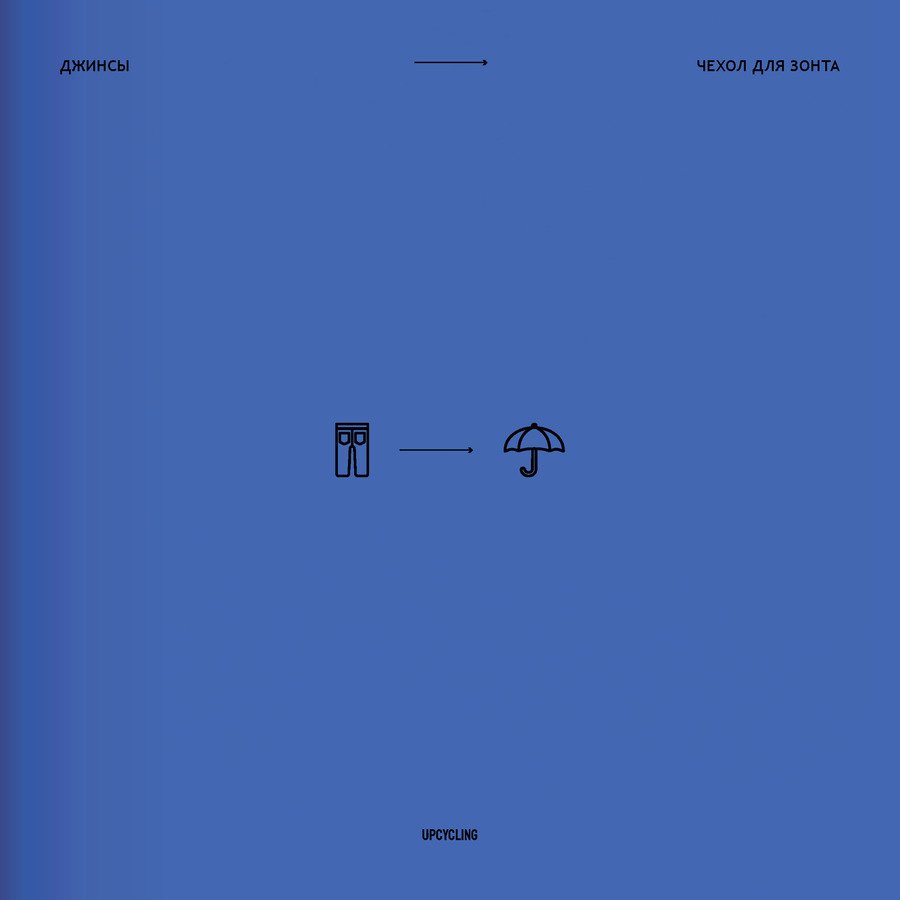
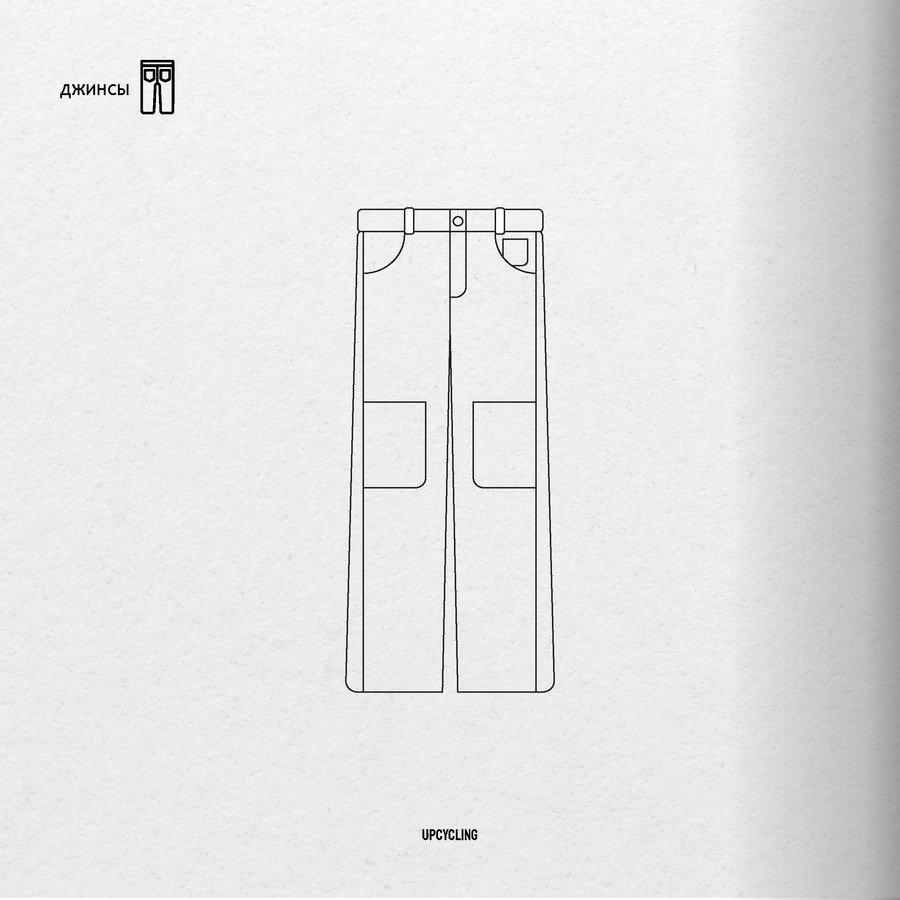
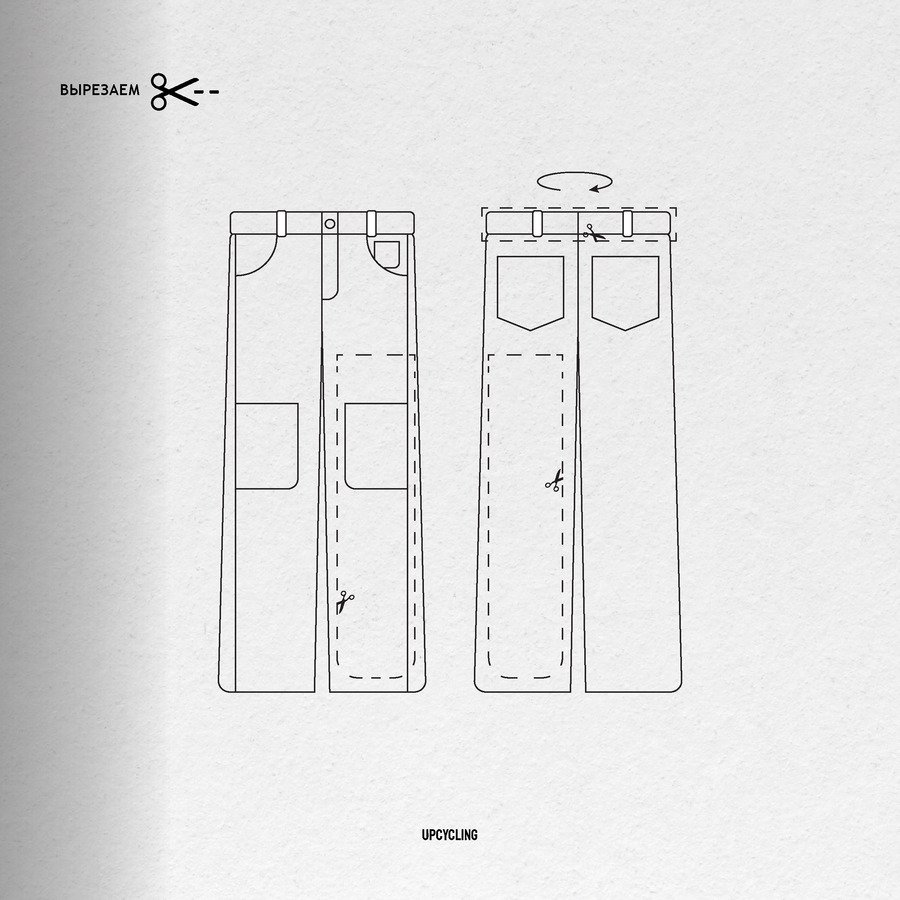
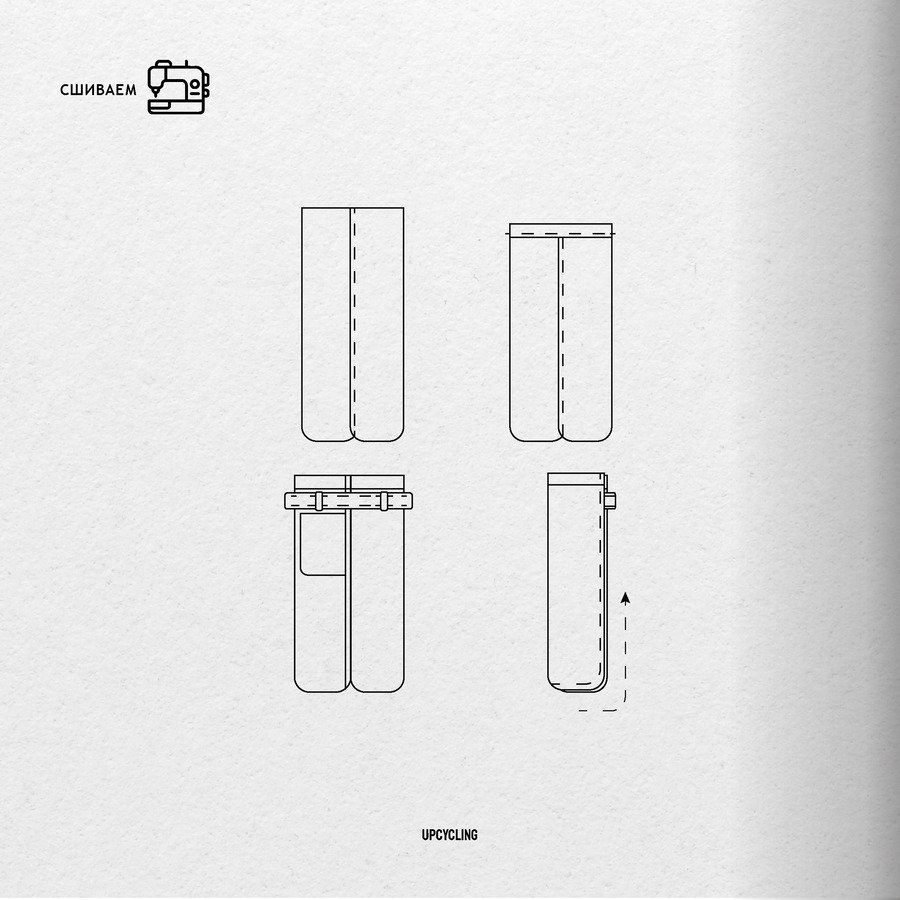
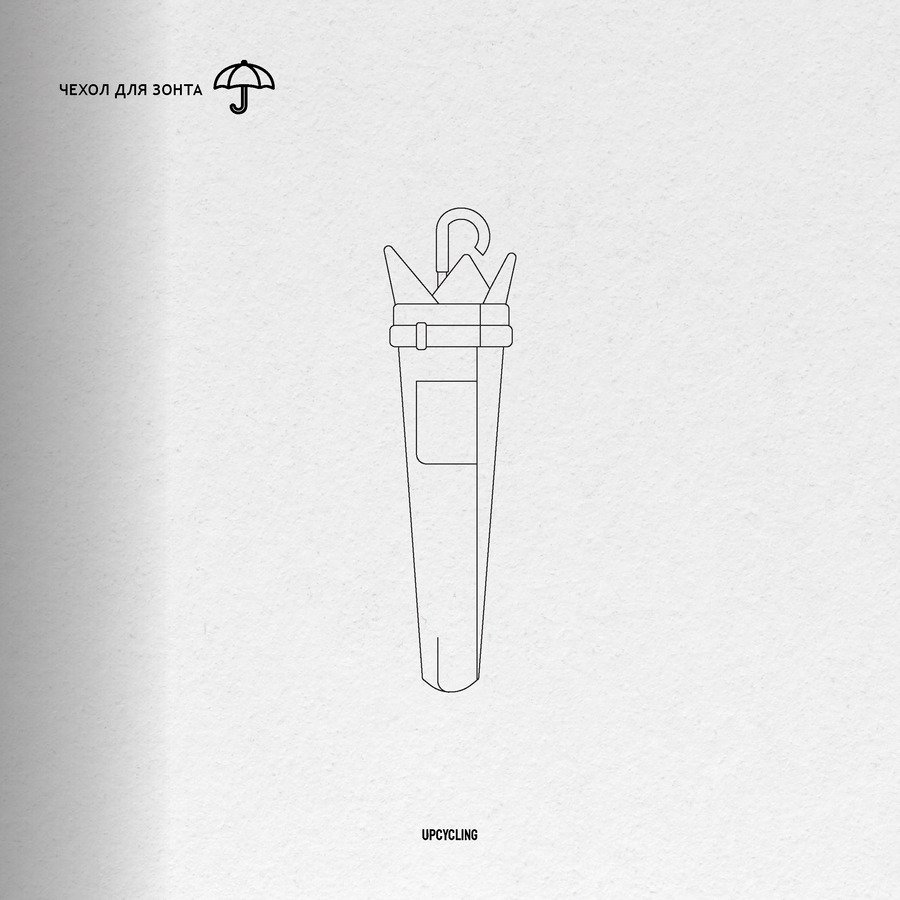
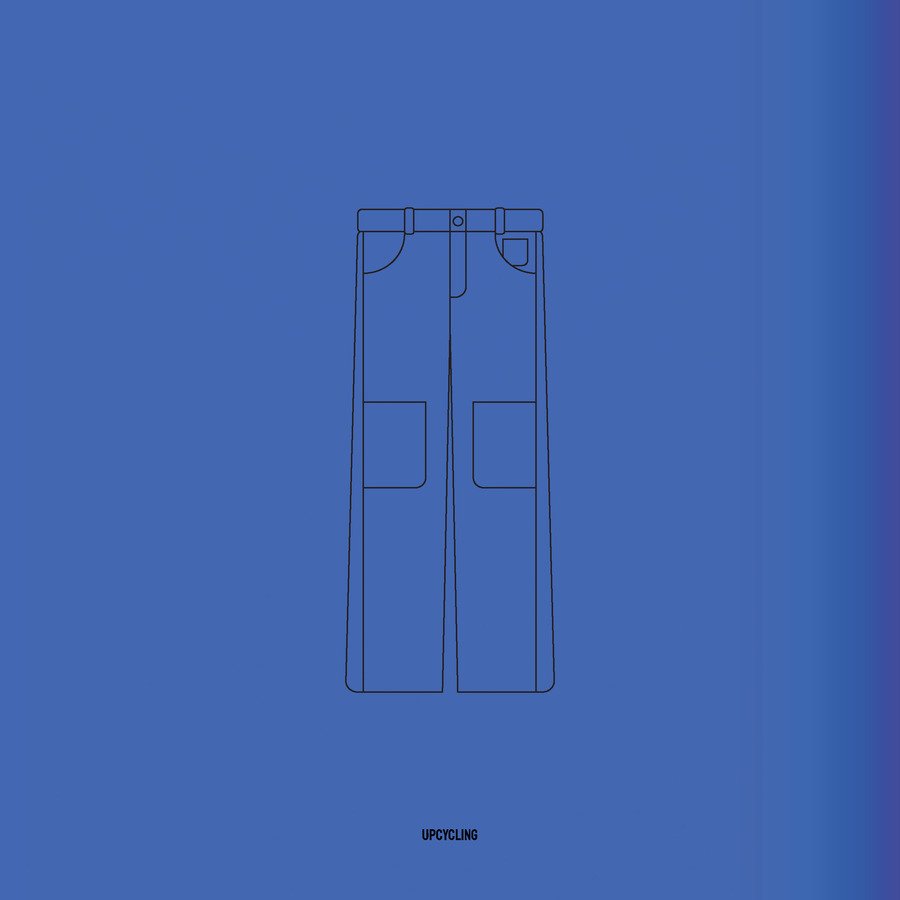
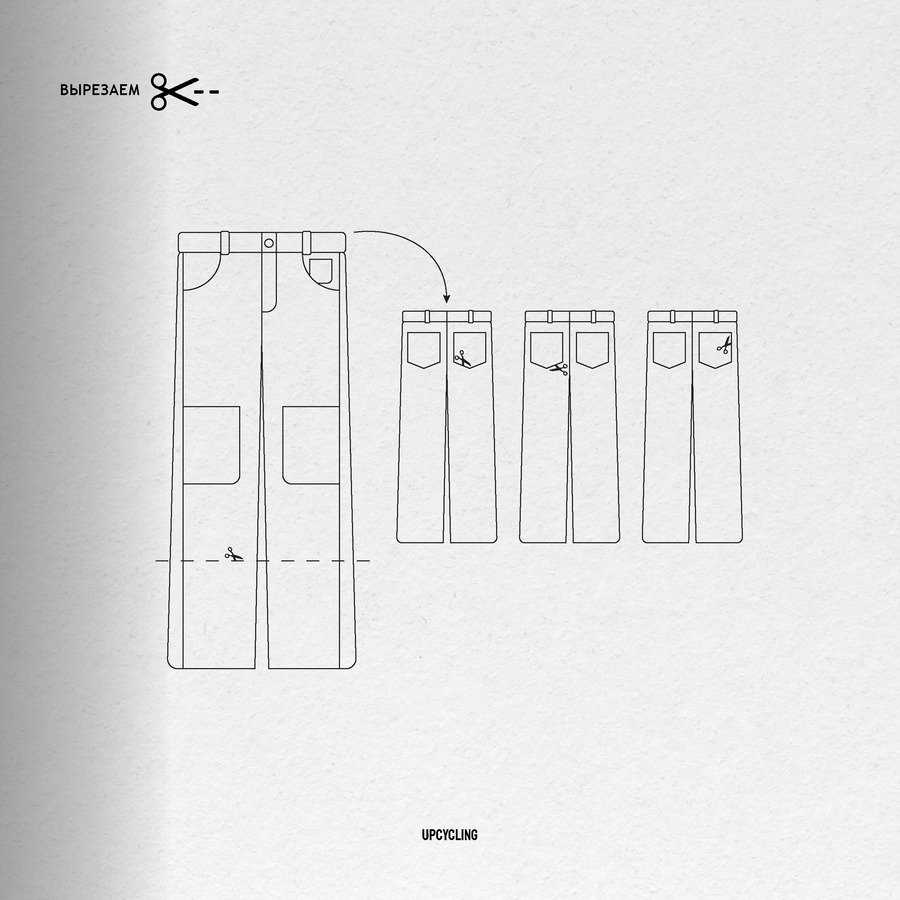
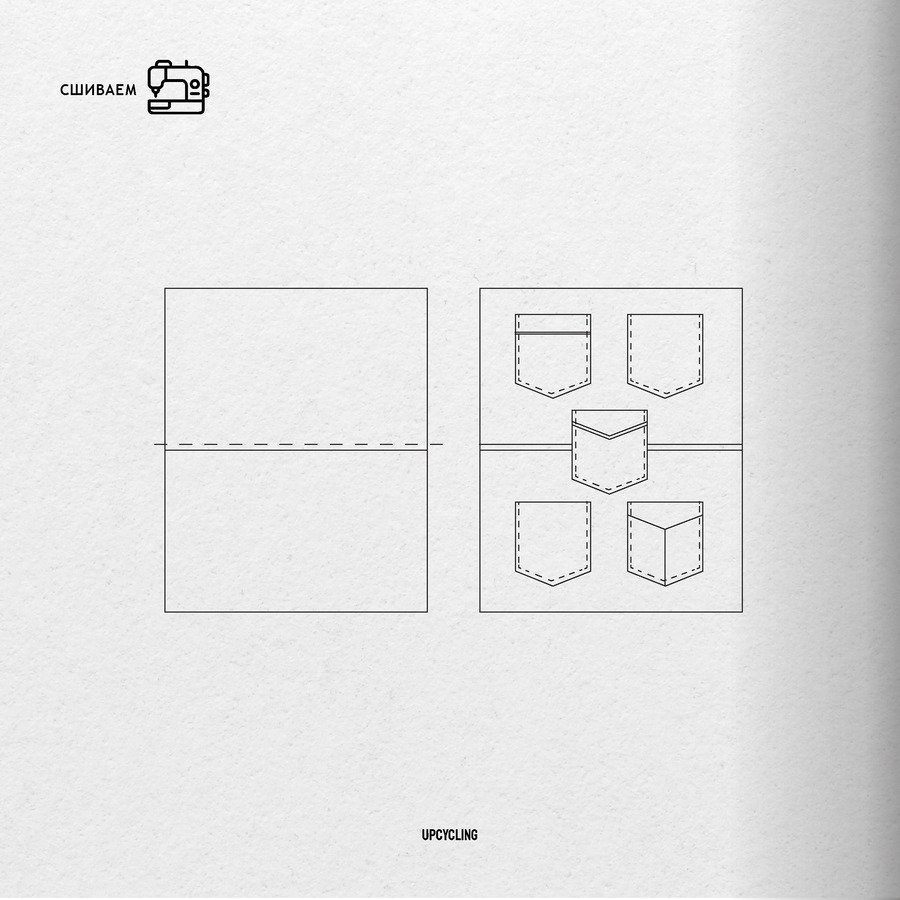
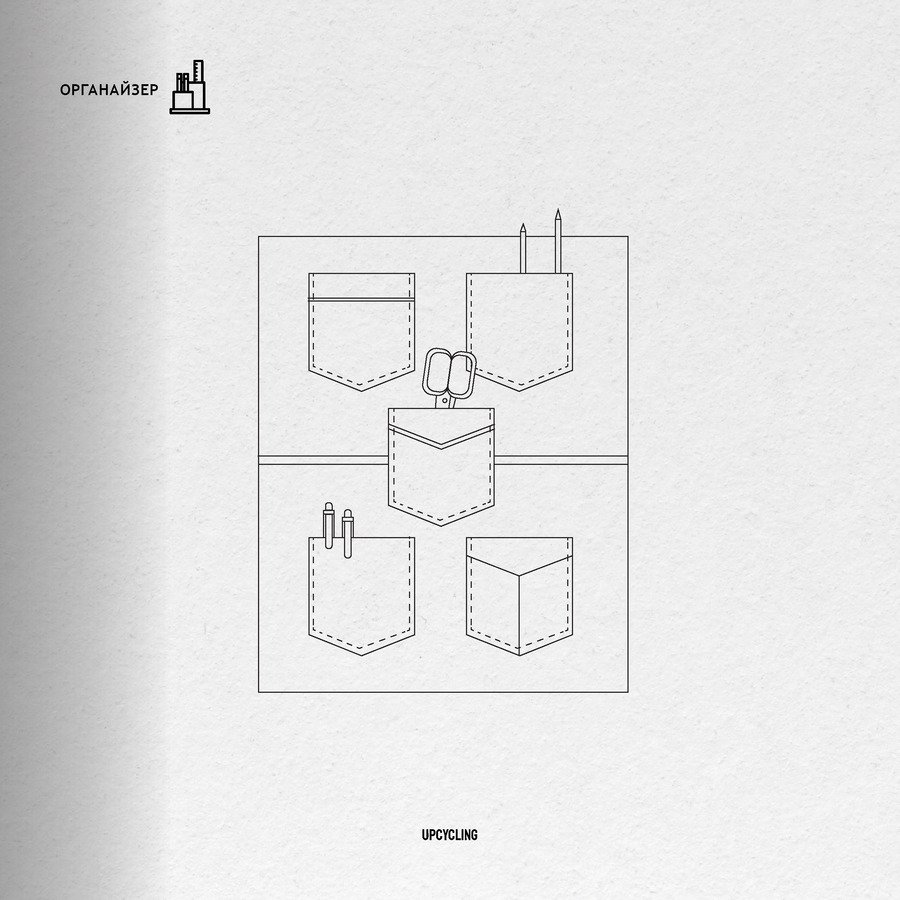
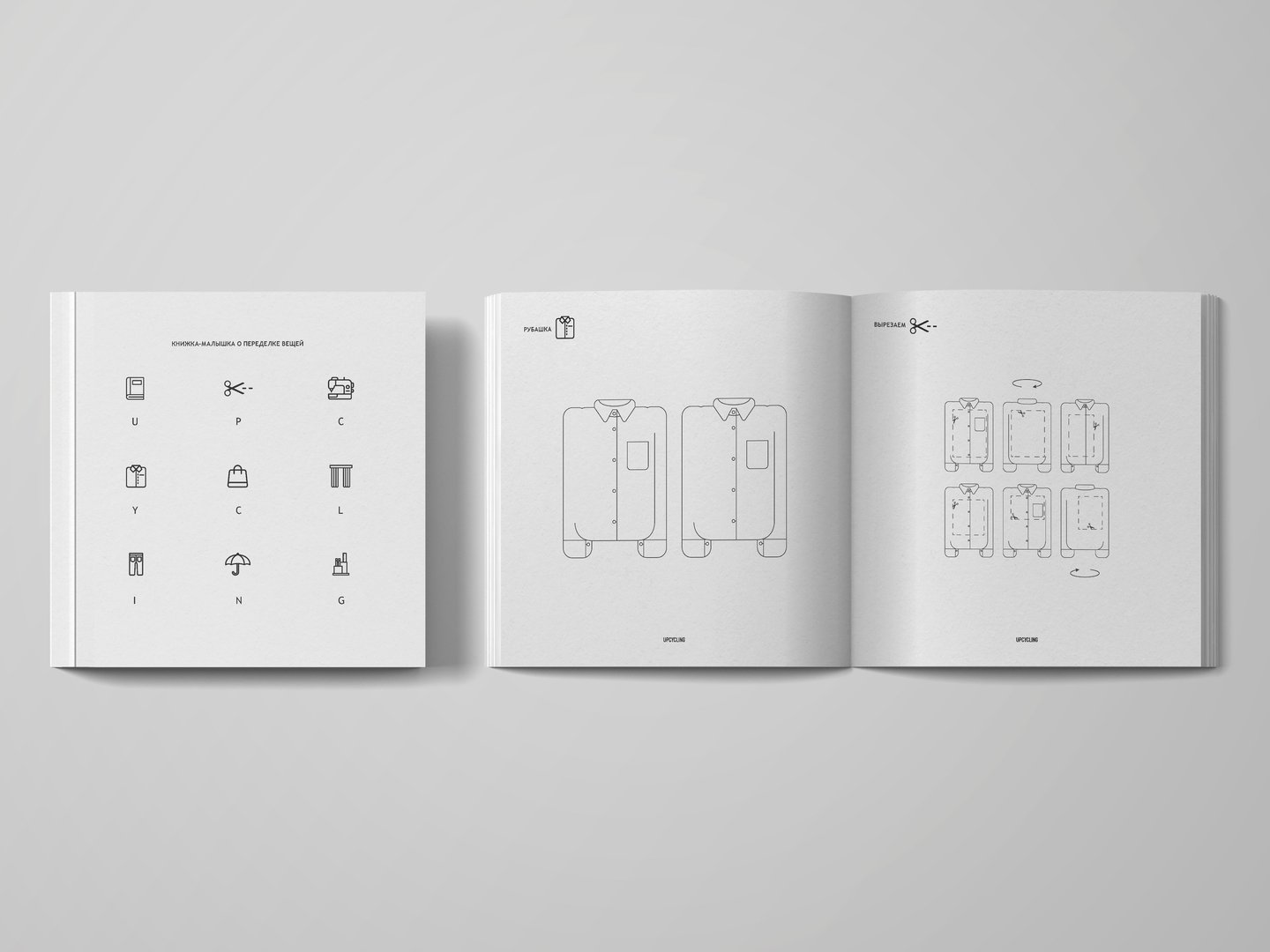
моя книжка содержит бытовые, но креативные способы по переделке одежды. своими простыми схемами я напоминаю о сложной проблеме
мирового перепроизводства и подталкиваю зрителя к созданию нового из старого.
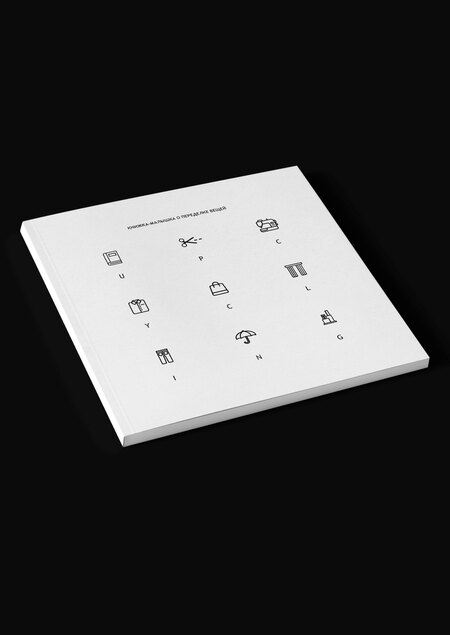
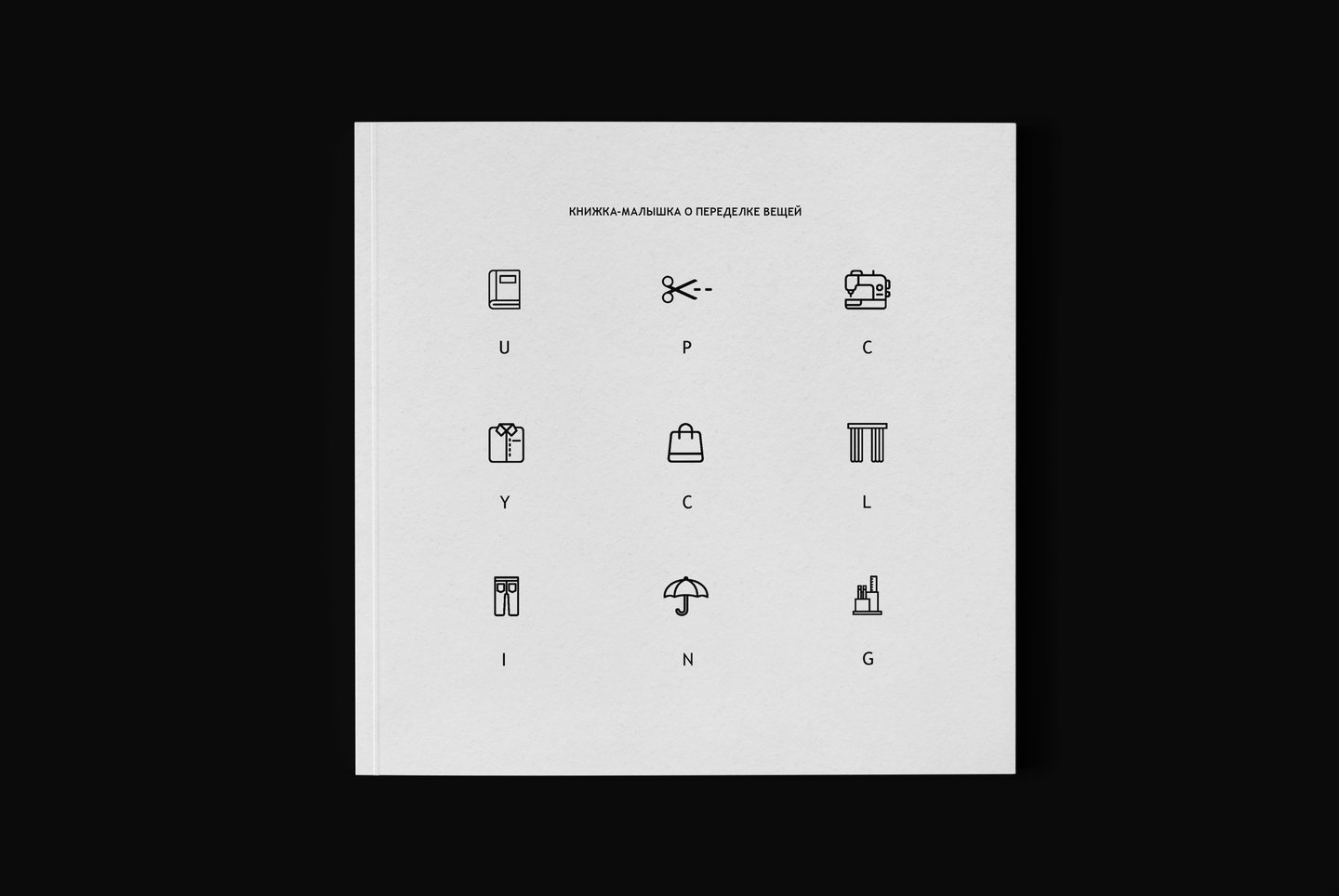
для еще большего упрощения и снижения градуса серьезности был выбран мини-формат: 10,5 на 10,5 сантиметров, а весь проект приобрел кодовое название «книжка-малышка».
Александра Туманина создала книжку-малышку о творческом подходе к переделке одежды. Проект представляет собой мини-формат размером 10,5 на 10,5 сантиметра с простыми схемами для апсайклинга.
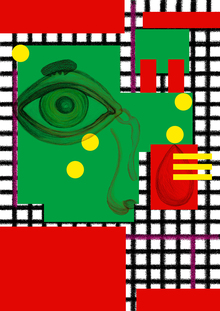
Автор Анастасия Данилова создала текст, посвящённый природе и нормальности плача как физиологического процесса. Проект включает в себя тексты, основанные на данных опроса о частоте плача над фильмами студии Pixar.
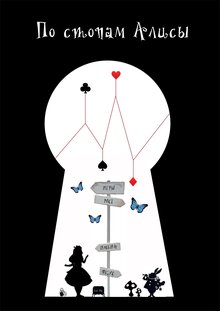
Анна Васильева создала инфографику, посвящённую визуализации ключевых элементов из книги Льюиса Кэрролла "Алиса в стране чудес". Проект включает диаграммы, графики и облако слов, основанные на анализе текста оригинального произведения.
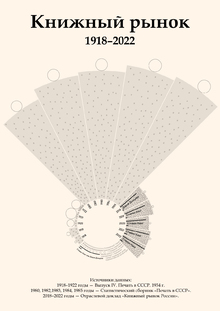
Ульяна Бельтюкова подготовила книгу с анализом динамики книжного рынка с 1918 по 2022 год. В работе использовались только онлайн-ресурсы и были включены данные по объёму рынка и популярным авторам художественной литературы.
Яна Суркова создала визуализацию личных расходов для сервиса ZENMONEY в формате открытки-постера. Визуализация включает транзакции с привязкой к категориям, датам, номерам счетов и компаниям.
We use cookies to improve the operation of the HSE website and to enhance its usability. More detailed information on the use of cookies can be fou...
Show more
Press space bar to start a drag.
When dragging you can use the arrow keys to move the item around and escape to cancel.
Some screen readers may require you to be in focus mode or to use your pass through key
Press space bar to start a drag.
When dragging you can use the arrow keys to move the item around and escape to cancel.
Some screen readers may require you to be in focus mode or to use your pass through key
Press space bar to start a drag.
When dragging you can use the arrow keys to move the item around and escape to cancel.
Some screen readers may require you to be in focus mode or to use your pass through key
Press space bar to start a drag.
When dragging you can use the arrow keys to move the item around and escape to cancel.
Some screen readers may require you to be in focus mode or to use your pass through key
Press space bar to start a drag.
When dragging you can use the arrow keys to move the item around and escape to cancel.
Some screen readers may require you to be in focus mode or to use your pass through key
Press space bar to start a drag.
When dragging you can use the arrow keys to move the item around and escape to cancel.
Some screen readers may require you to be in focus mode or to use your pass through key
Press space bar to start a drag.
When dragging you can use the arrow keys to move the item around and escape to cancel.
Some screen readers may require you to be in focus mode or to use your pass through key
Press space bar to start a drag.
When dragging you can use the arrow keys to move the item around and escape to cancel.
Some screen readers may require you to be in focus mode or to use your pass through key
Press space bar to start a drag.
When dragging you can use the arrow keys to move the item around and escape to cancel.
Some screen readers may require you to be in focus mode or to use your pass through key
Press space bar to start a drag.
When dragging you can use the arrow keys to move the item around and escape to cancel.
Some screen readers may require you to be in focus mode or to use your pass through key
Press space bar to start a drag.
When dragging you can use the arrow keys to move the item around and escape to cancel.
Some screen readers may require you to be in focus mode or to use your pass through key
Press space bar to start a drag.
When dragging you can use the arrow keys to move the item around and escape to cancel.
Some screen readers may require you to be in focus mode or to use your pass through key
Press space bar to start a drag.
When dragging you can use the arrow keys to move the item around and escape to cancel.
Some screen readers may require you to be in focus mode or to use your pass through key
Press space bar to start a drag.
When dragging you can use the arrow keys to move the item around and escape to cancel.
Some screen readers may require you to be in focus mode or to use your pass through key