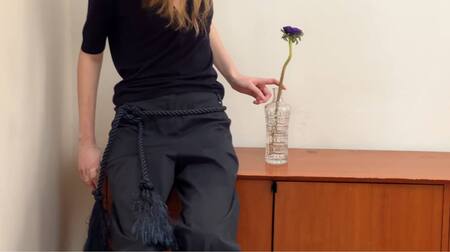
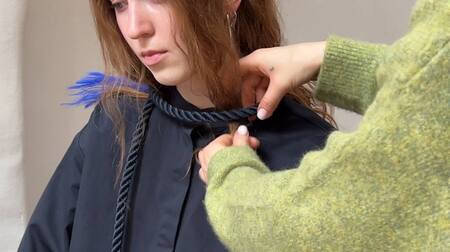
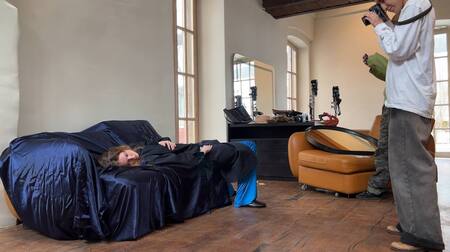
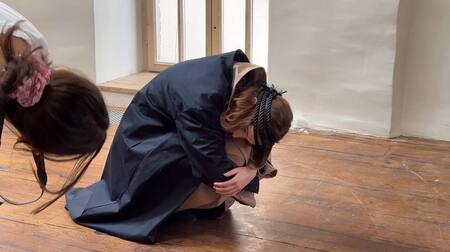
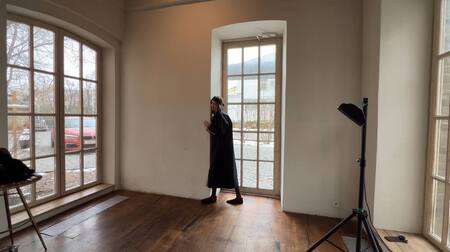
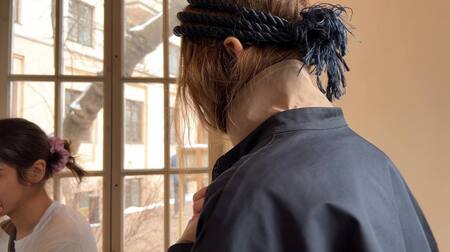
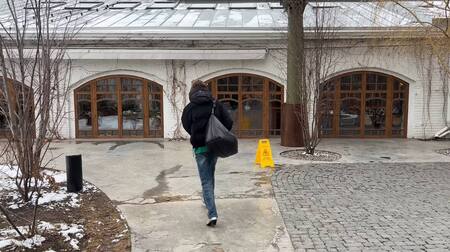
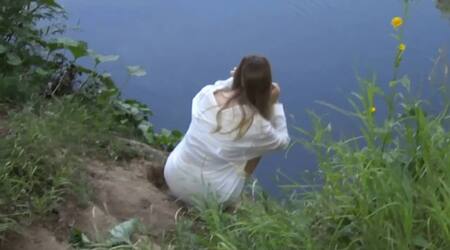
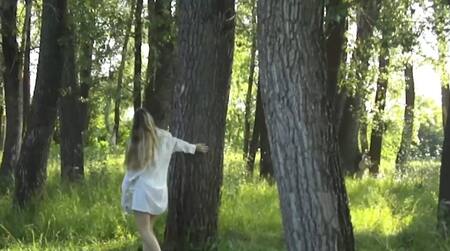
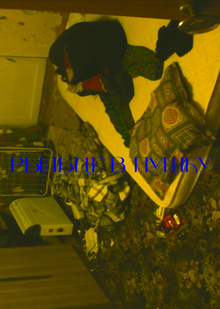
документация фэшн-съемки совместно созданной студентами разных направлений школы дизайна.
кадры
Loading...
ВРЕМЯ
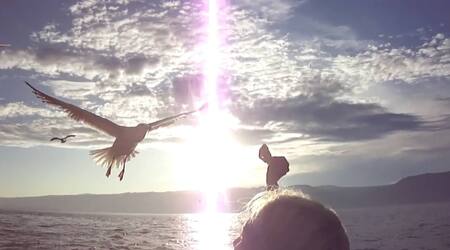
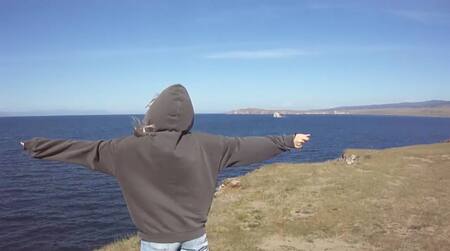
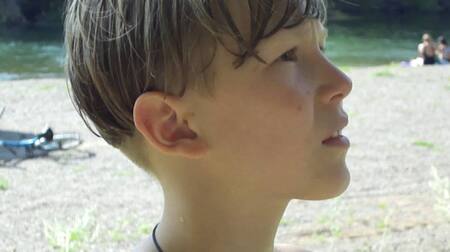
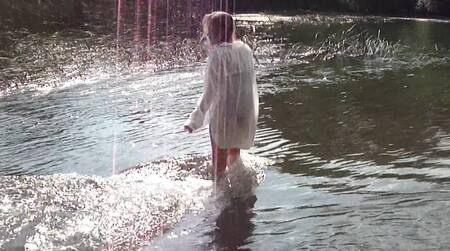
работа является личным переживанием о важности прошлого и его неизбежной связи с настоящим.
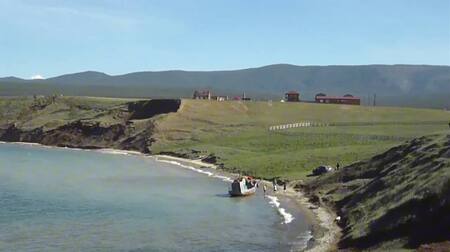
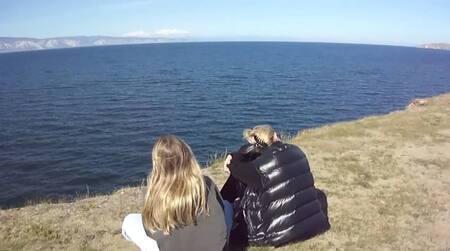
это архивные кадры объединенные одним временным отрезком и переживаниями героя.
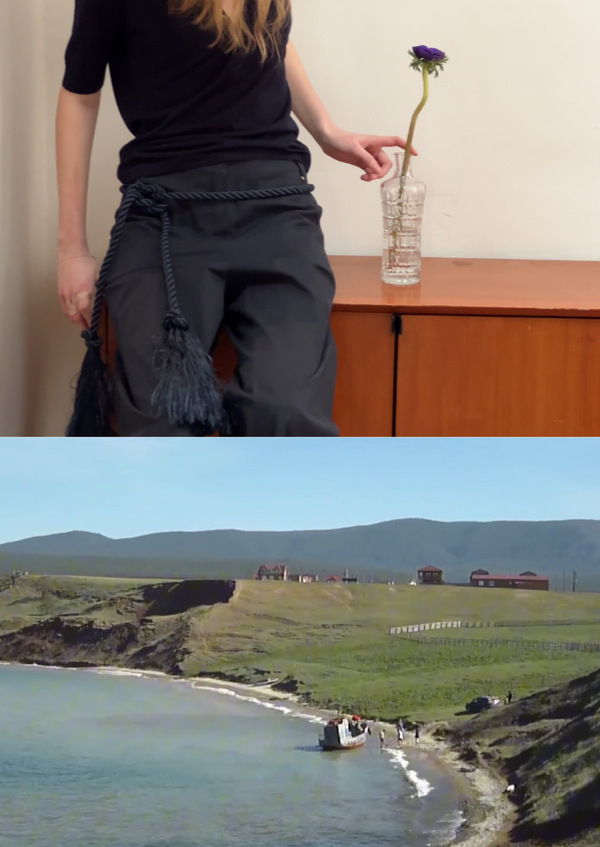
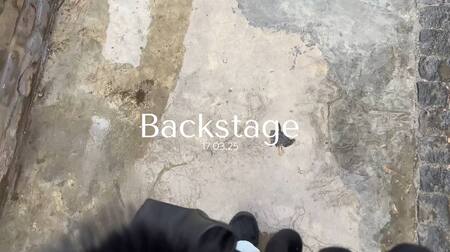
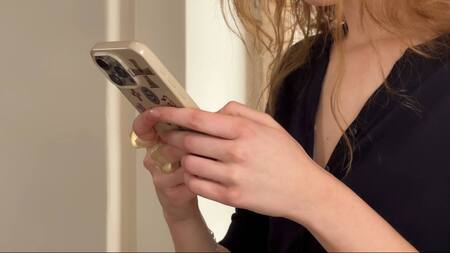
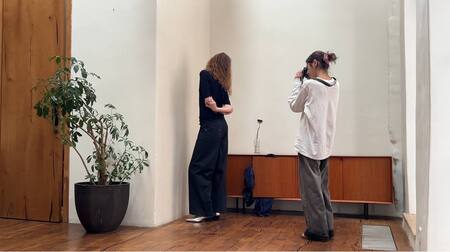
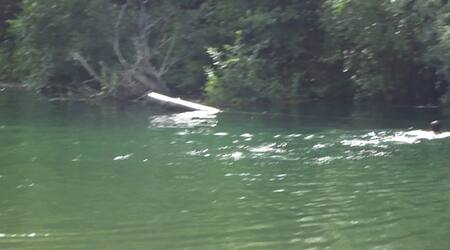
Анастасия Пальчикова создала документальную работу «Backstage// ВРЕМЯ», объединяющую архивные кадры фэшн-съёмок студентов школы дизайна. Проект представляет собой личное переживание, связывающее прошлое и настоящее через временные отрезки и эмоции героя.
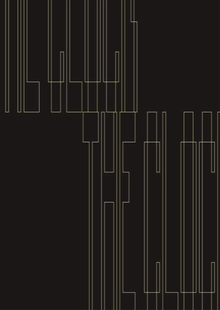
Роман Александров создал видеоарт, вдохновлённый стихотворением К. Бальмонта "Часы". Проект использует клиповую нарезку лайфстайл кадров для передачи метафизических вопросов самоидентификации.
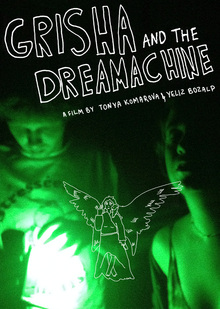
Тоня Комарова и Елиз Бозалп создали телепередачу "Гриша Лёшечкин и Дримммашина". Проект рассказывает о необычных существах, встречающихся в тусовочном мире столицы, и загадочной технике, используемой для охоты на них.
We use cookies to improve the operation of the HSE website and to enhance its usability. More detailed information on the use of cookies can be fou...
Show more
Press space bar to start a drag.
When dragging you can use the arrow keys to move the item around and escape to cancel.
Some screen readers may require you to be in focus mode or to use your pass through key
Press space bar to start a drag.
When dragging you can use the arrow keys to move the item around and escape to cancel.
Some screen readers may require you to be in focus mode or to use your pass through key
Press space bar to start a drag.
When dragging you can use the arrow keys to move the item around and escape to cancel.
Some screen readers may require you to be in focus mode or to use your pass through key
Press space bar to start a drag.
When dragging you can use the arrow keys to move the item around and escape to cancel.
Some screen readers may require you to be in focus mode or to use your pass through key
Press space bar to start a drag.
When dragging you can use the arrow keys to move the item around and escape to cancel.
Some screen readers may require you to be in focus mode or to use your pass through key
Press space bar to start a drag.
When dragging you can use the arrow keys to move the item around and escape to cancel.
Some screen readers may require you to be in focus mode or to use your pass through key
Press space bar to start a drag.
When dragging you can use the arrow keys to move the item around and escape to cancel.
Some screen readers may require you to be in focus mode or to use your pass through key
Press space bar to start a drag.
When dragging you can use the arrow keys to move the item around and escape to cancel.
Some screen readers may require you to be in focus mode or to use your pass through key
Press space bar to start a drag.
When dragging you can use the arrow keys to move the item around and escape to cancel.
Some screen readers may require you to be in focus mode or to use your pass through key
Press space bar to start a drag.
When dragging you can use the arrow keys to move the item around and escape to cancel.
Some screen readers may require you to be in focus mode or to use your pass through key