Данный проект является учебной работой студента Школы дизайна или исследовательской работой преподавателя Школы дизайна. Данный проект не является коммерческим и служит образовательным целям
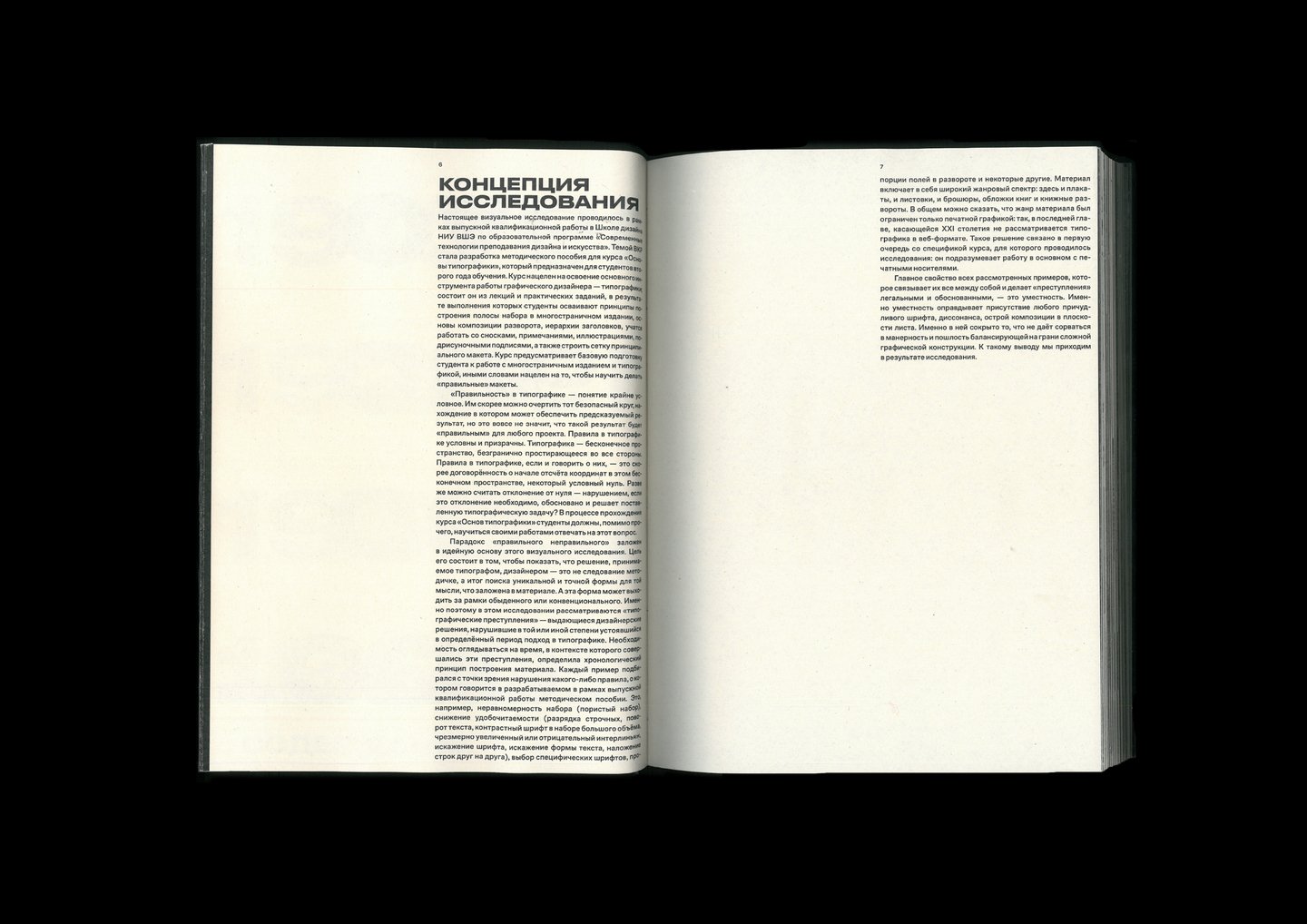
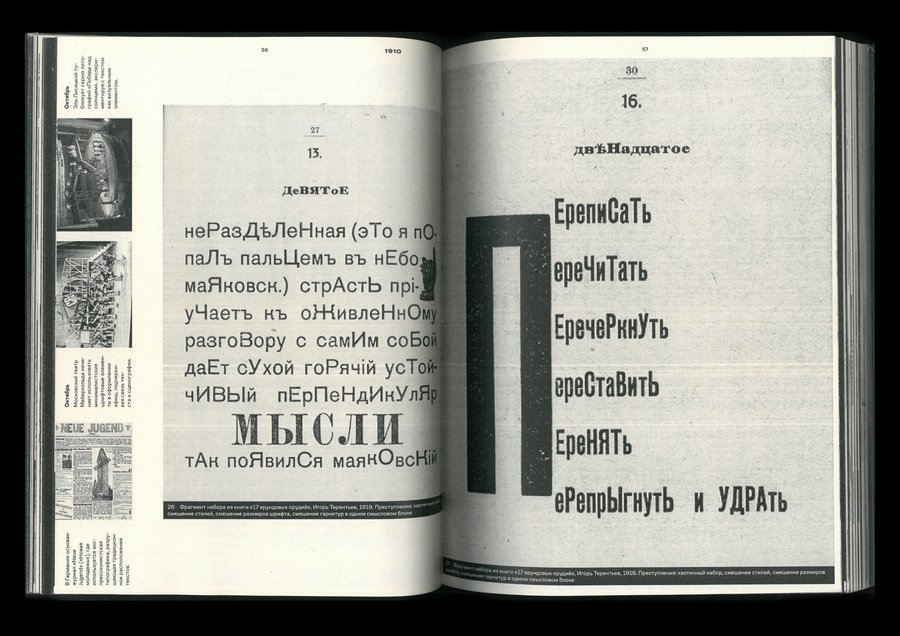
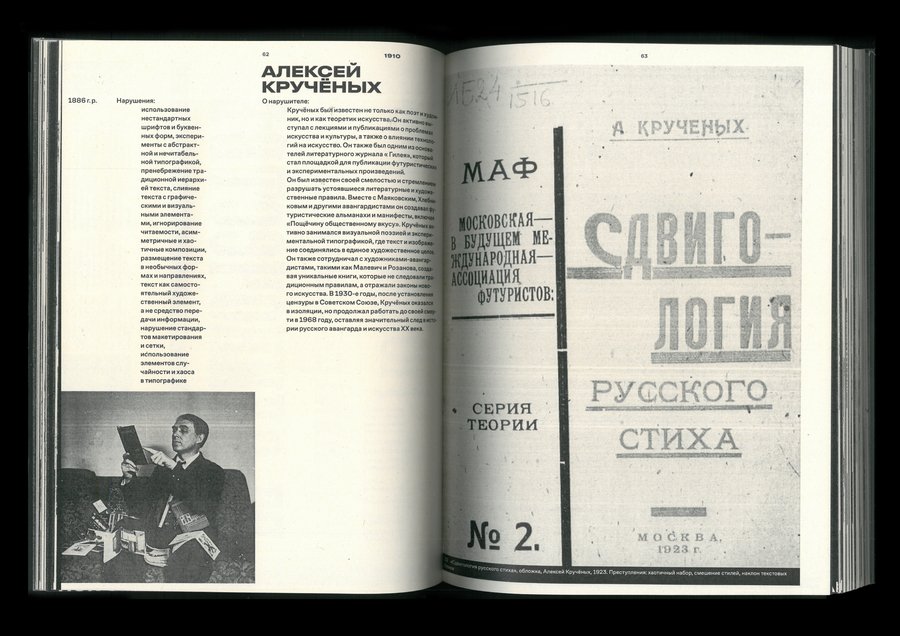
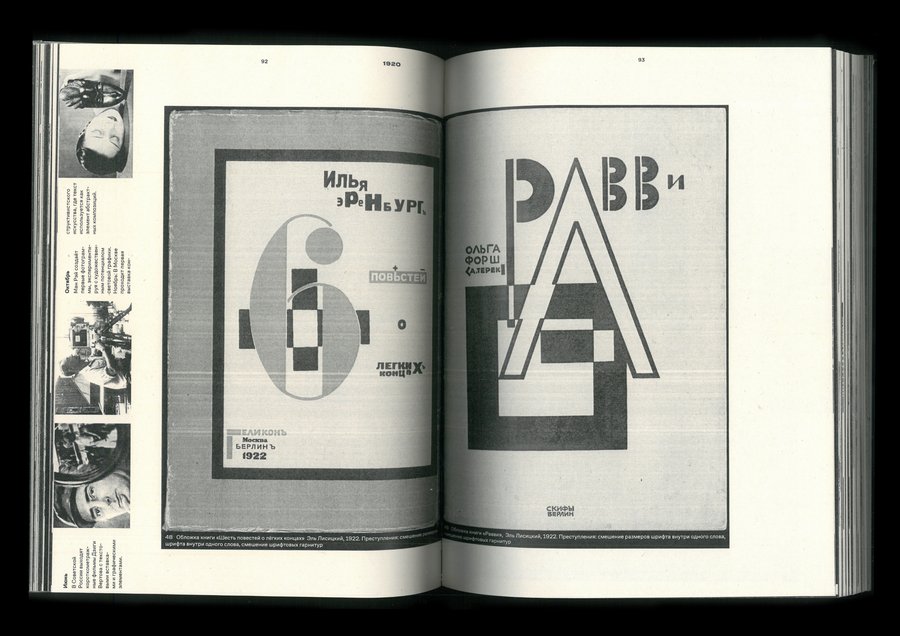
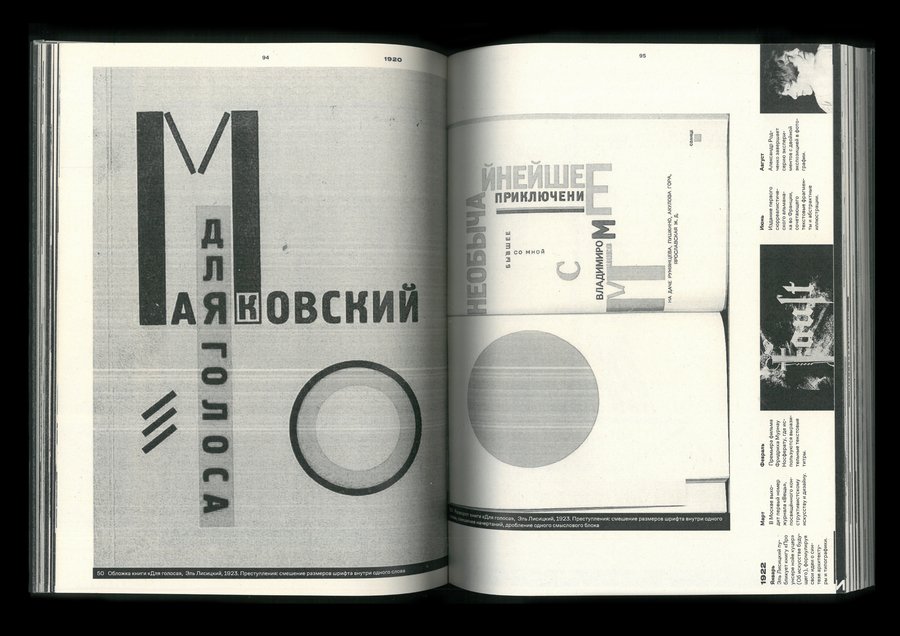
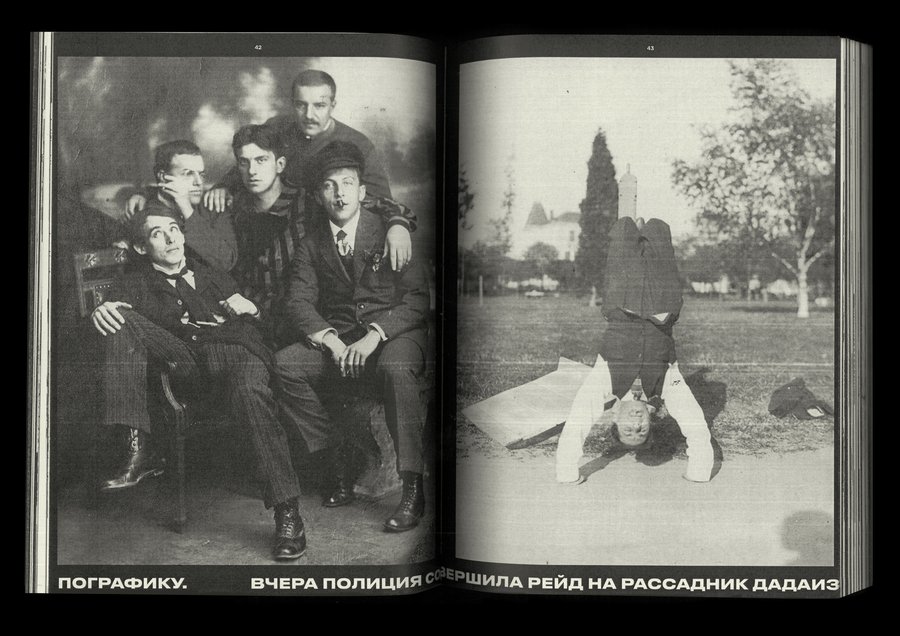
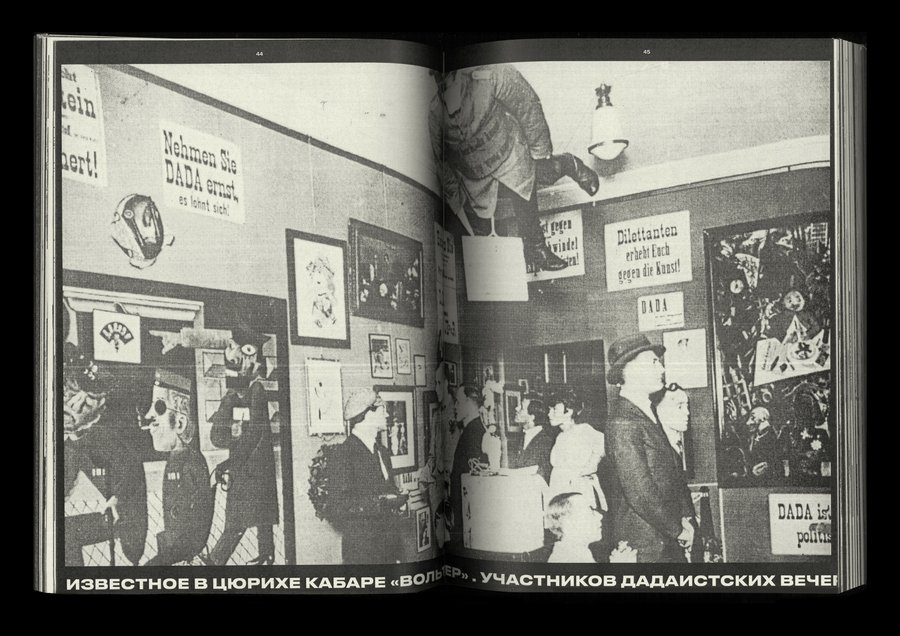
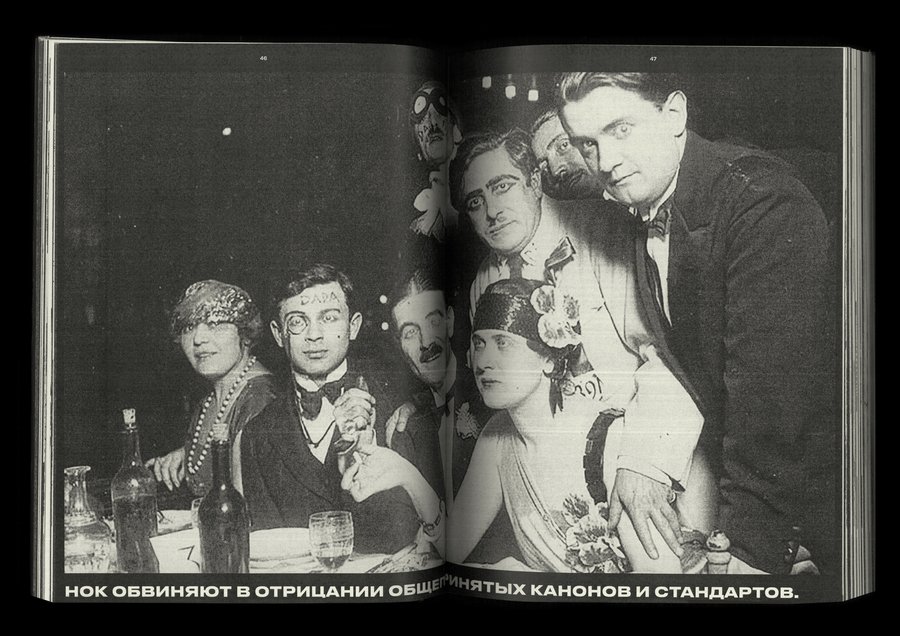
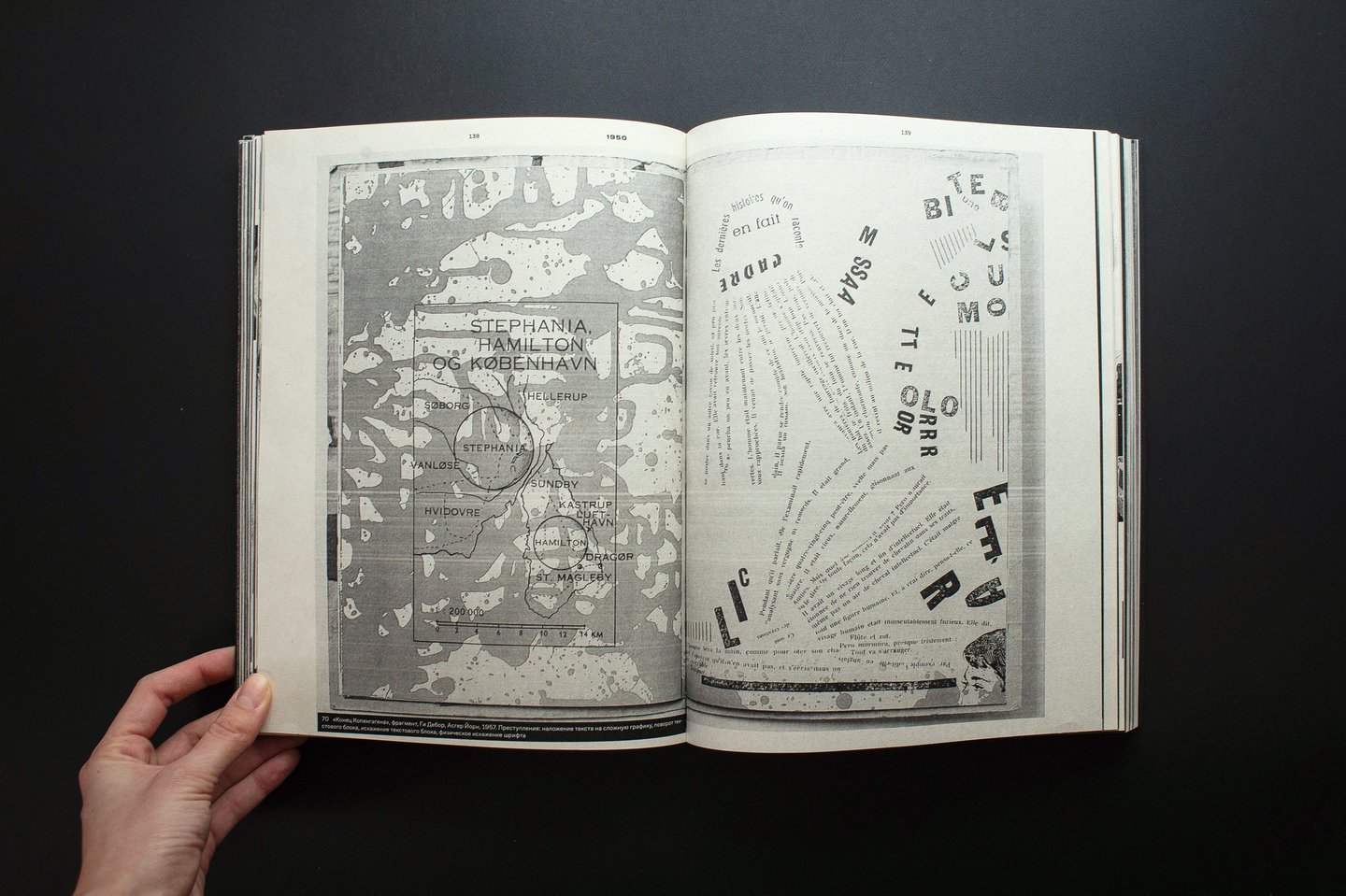
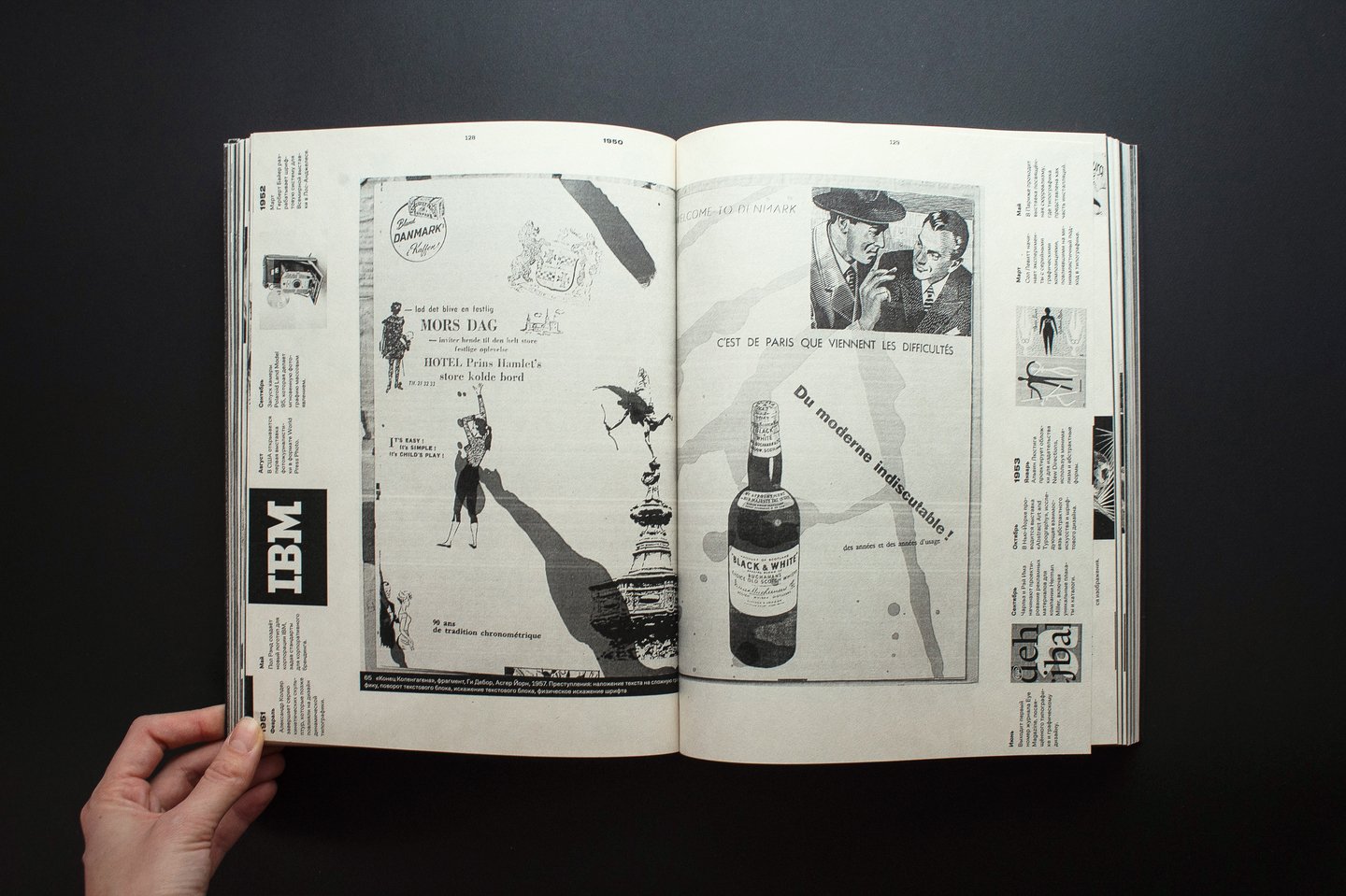
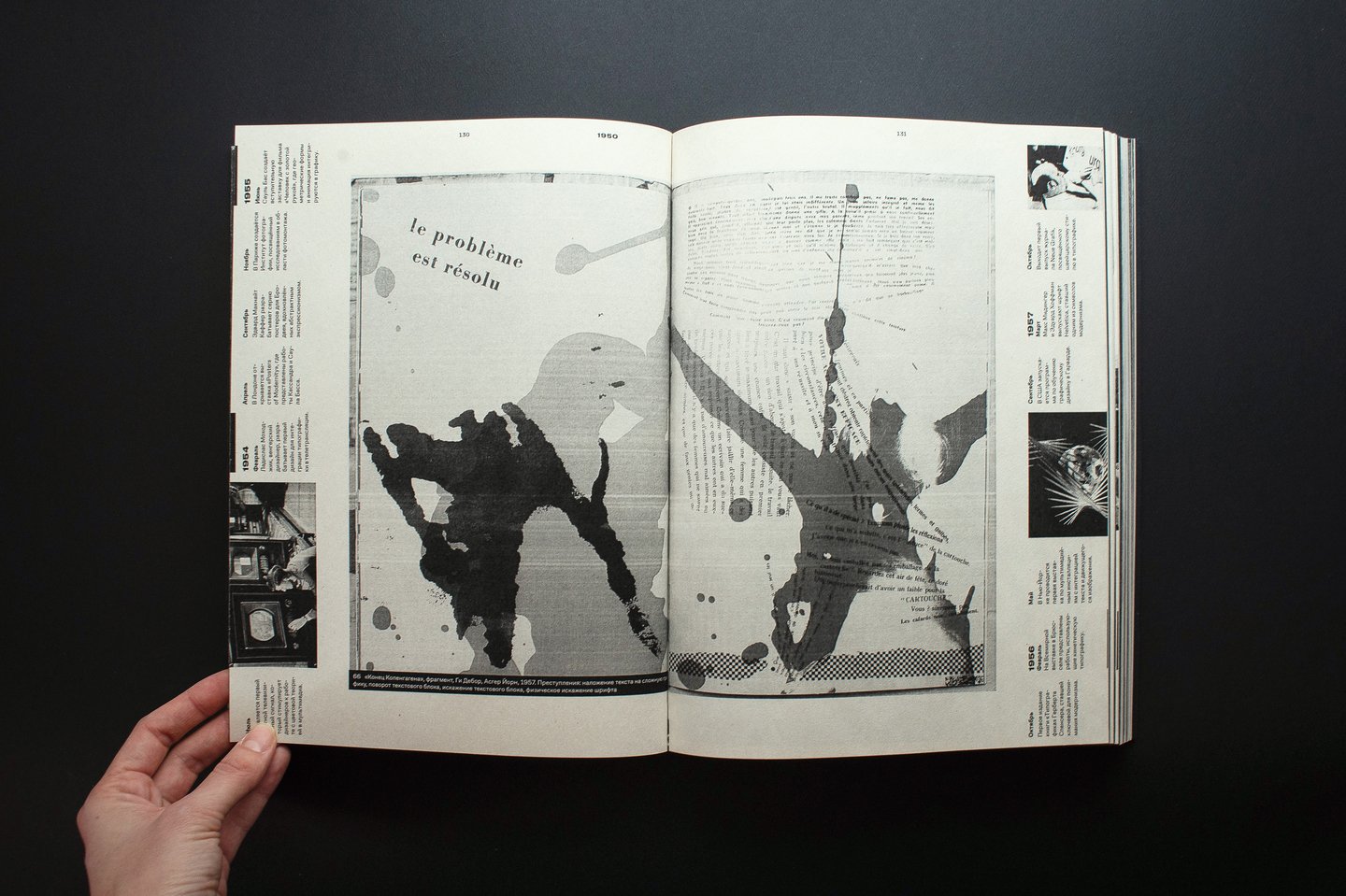
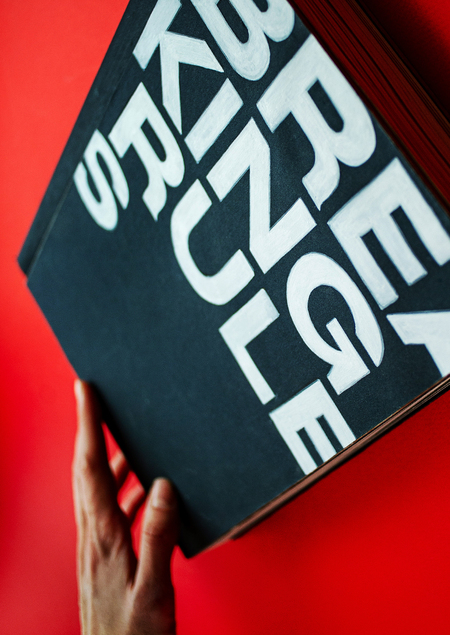
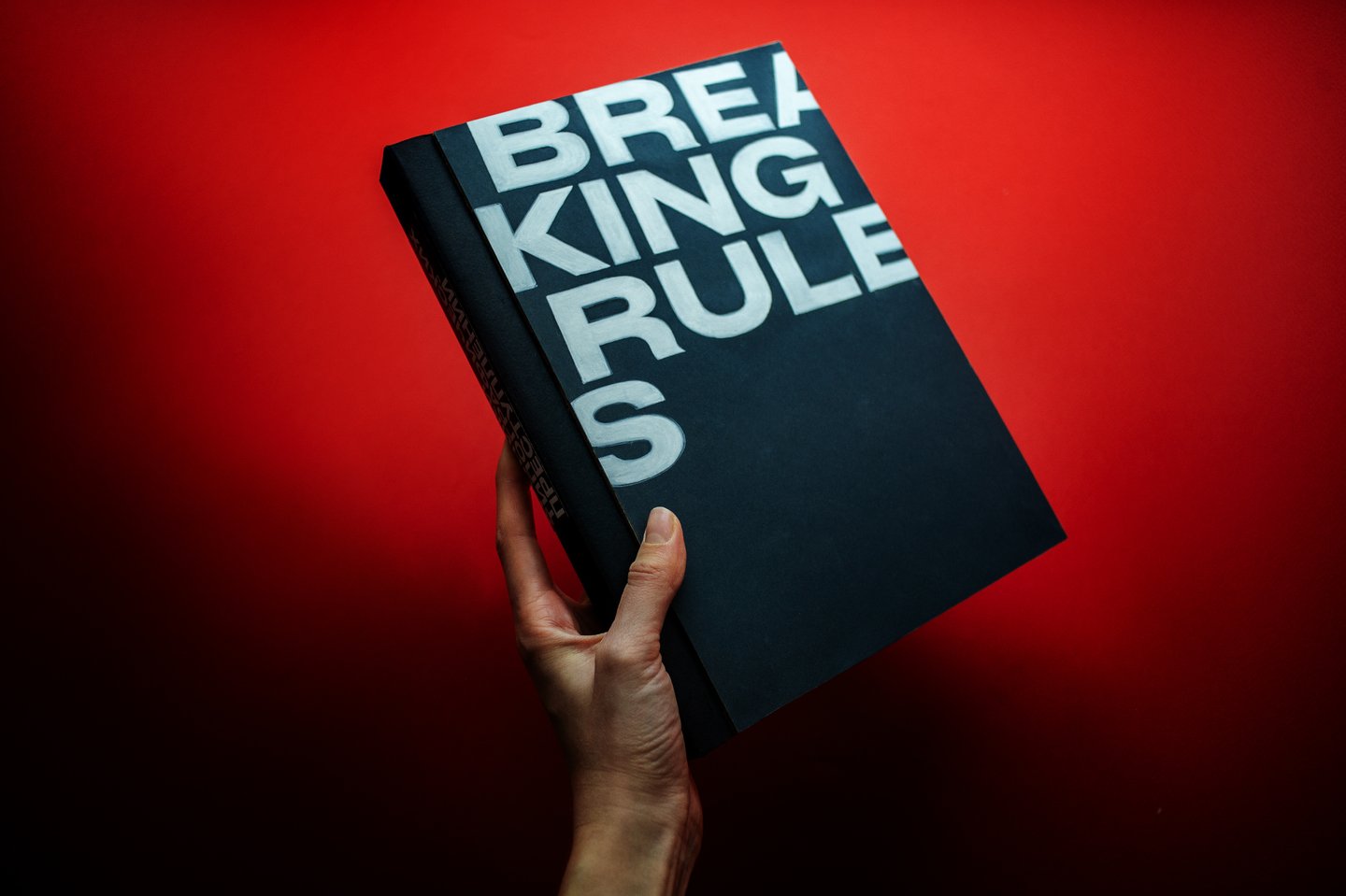
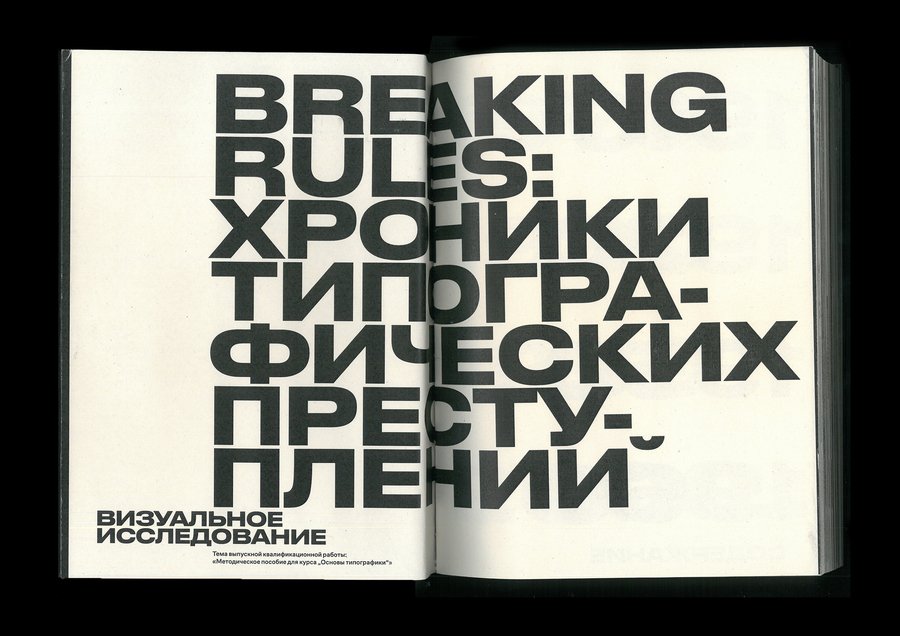
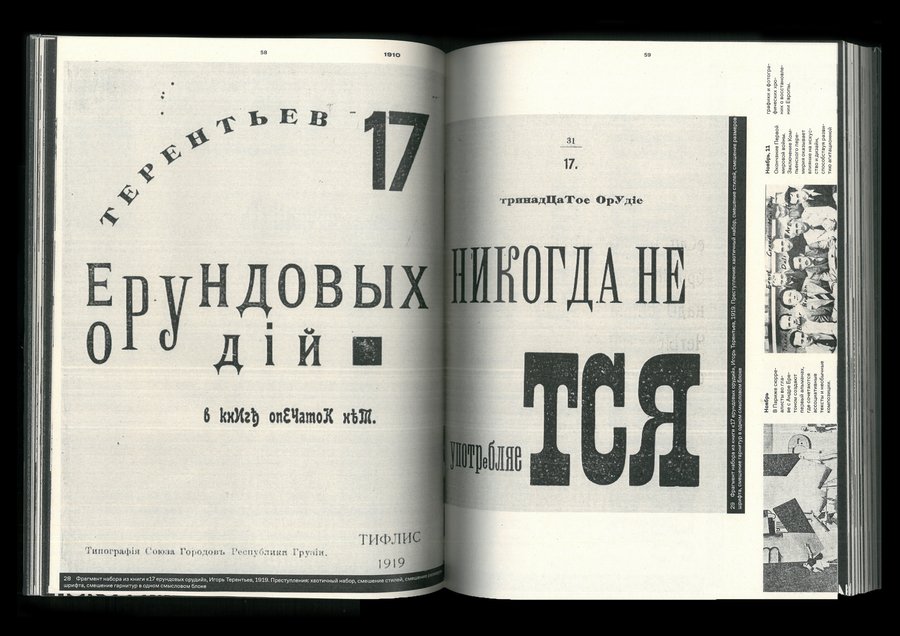
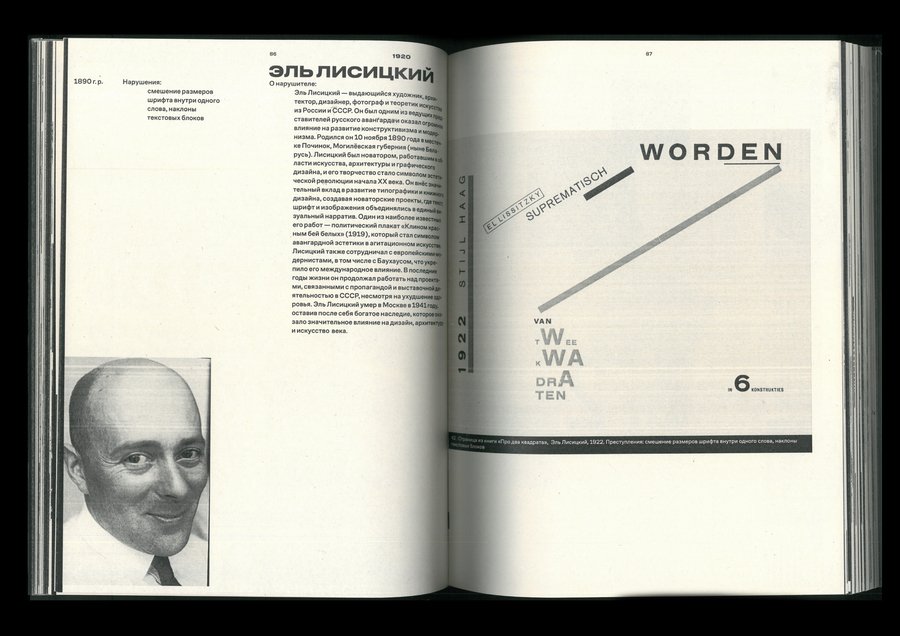
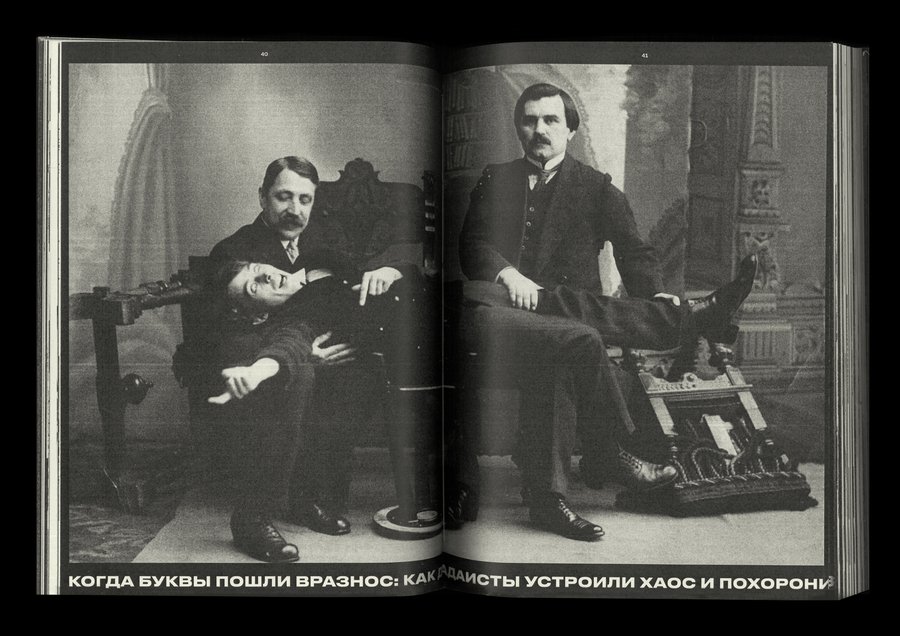
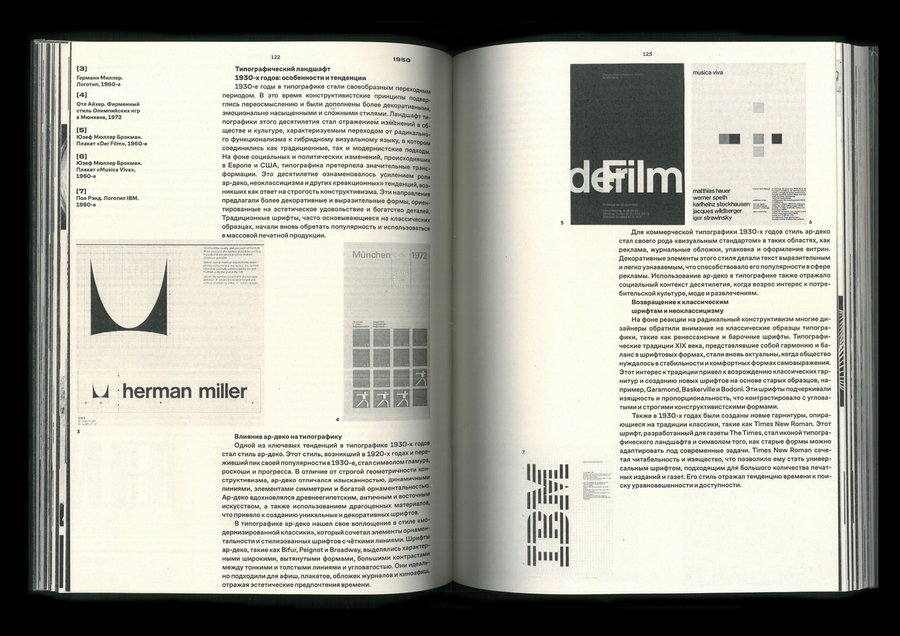
Визуальное исследование о типографическом хулиганстве и сознательном нарушении правил.
Исходный размер 4806x3199
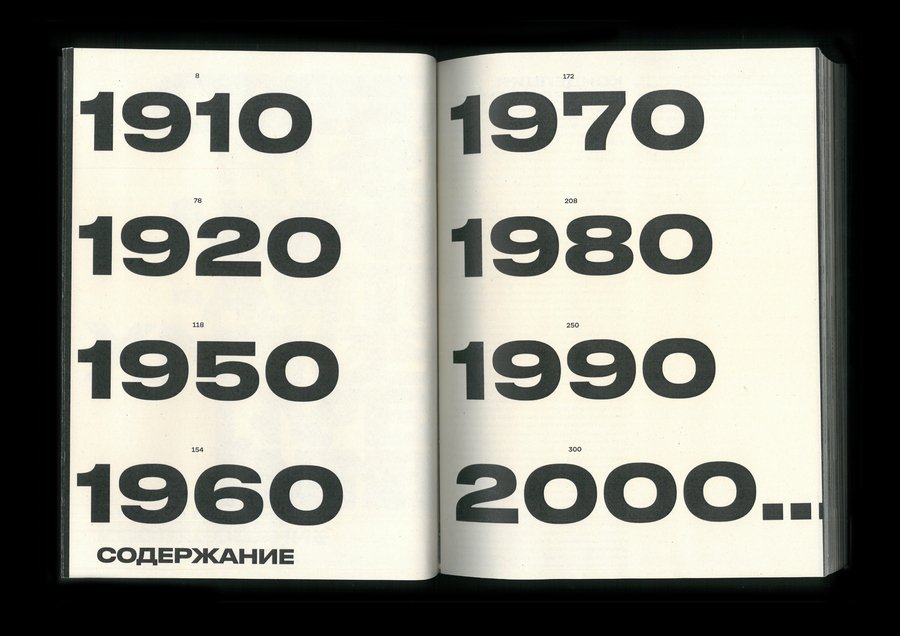
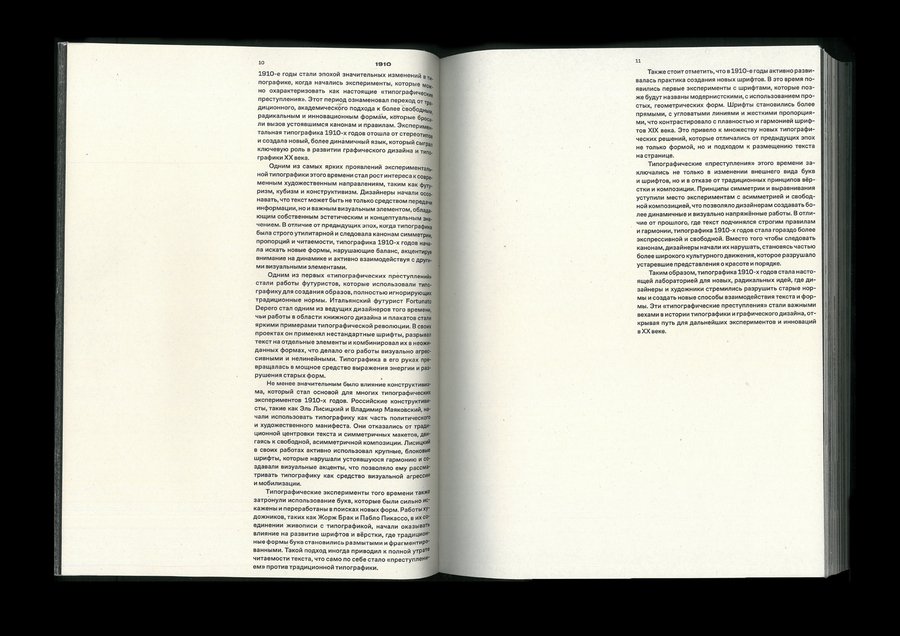
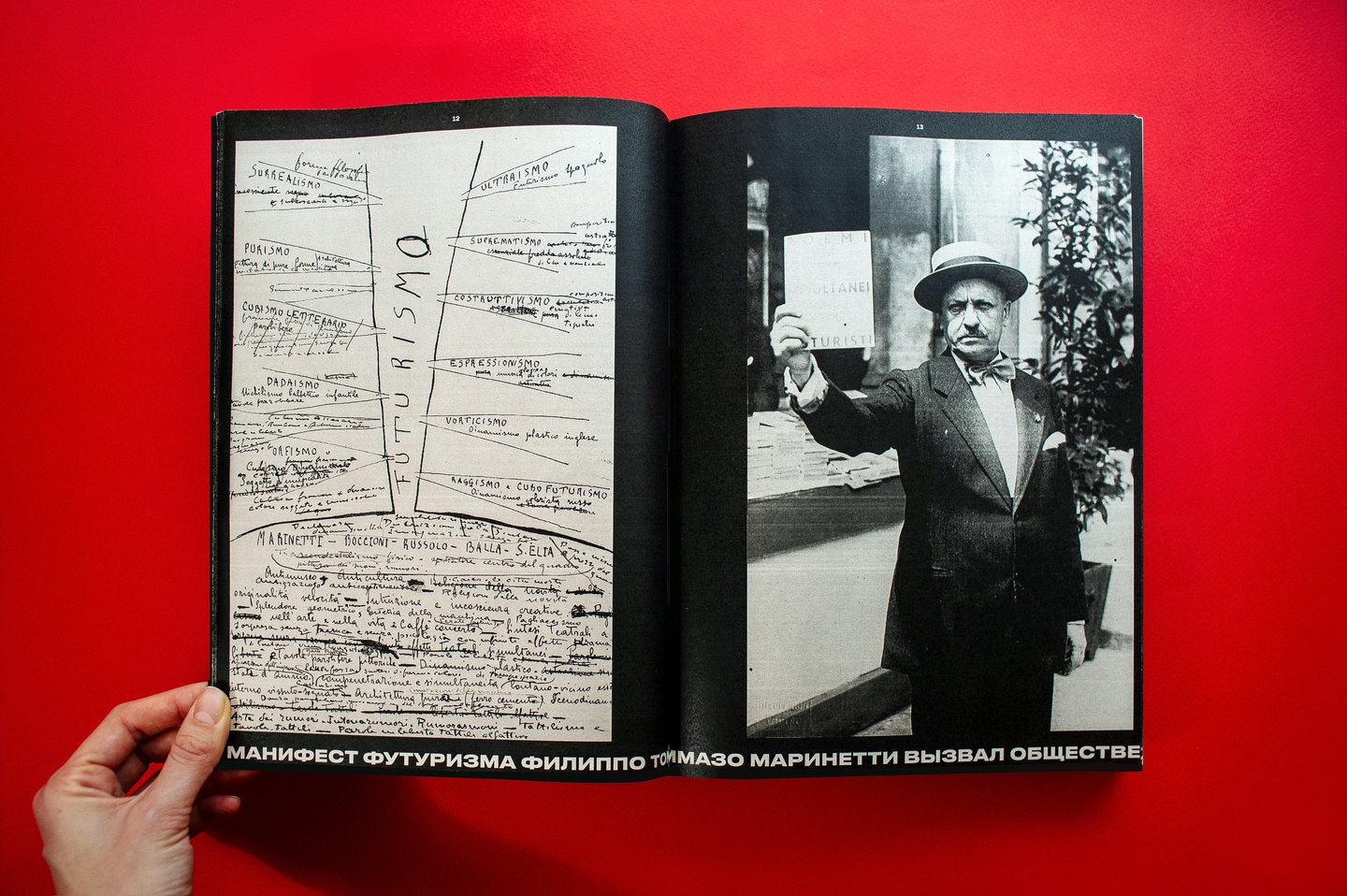
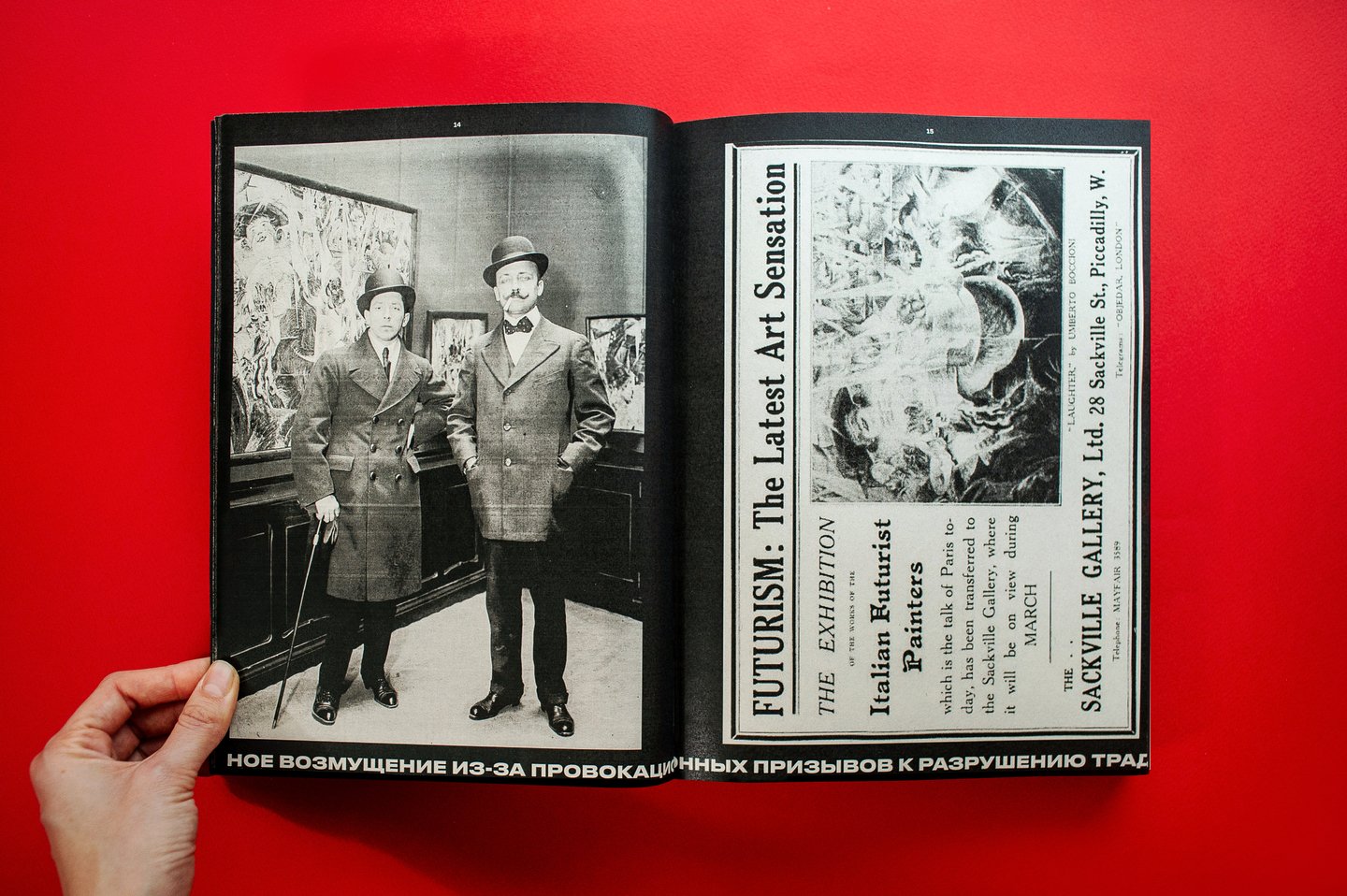
Исследование охватывает большой временной период — с 1910-х по 2000-е, и рассматривает яркие случаи экспериментальной типографики или такие типографические приёмы, которые нарушают условную норму.
Исходный размер 3000x2121
Исходный размер 4556x3020
0
0
0
0
0
Исходный размер 3000x2121
Исходный размер 4419x2942
Исходный размер 2400x52
Исходный размер 4928x3280
Исходный размер 2400x52
Исходный размер 3581x2383
Исходный размер 2400x52
Исходный размер 3000x2121
Исходный размер 2400x52
Исходный размер 4274x2845
Исходный размер 4682x3116
0
0
0
0
0
0
0
Исходный размер 2400x52
Исходный размер 3000x2121
Исходный размер 4673x3110
Исходный размер 2400x52
Исходный размер 4877x3246
200 × 273 мм
составной переплёт
на обложке: шлифовальная бумага Fuji Star P600
блок: ПСВ ЭКО, 80 г/м²
336 полос
Мы используем файлы cookies для улучшения работы сайта НИУ ВШЭ и большего удобства его использования. Более подробную...
Показать больше
Press space bar to start a drag.
When dragging you can use the arrow keys to move the item around and escape to cancel.
Some screen readers may require you to be in focus mode or to use your pass through key
Press space bar to start a drag.
When dragging you can use the arrow keys to move the item around and escape to cancel.
Some screen readers may require you to be in focus mode or to use your pass through key
Press space bar to start a drag.
When dragging you can use the arrow keys to move the item around and escape to cancel.
Some screen readers may require you to be in focus mode or to use your pass through key
Press space bar to start a drag.
When dragging you can use the arrow keys to move the item around and escape to cancel.
Some screen readers may require you to be in focus mode or to use your pass through key
Press space bar to start a drag.
When dragging you can use the arrow keys to move the item around and escape to cancel.
Some screen readers may require you to be in focus mode or to use your pass through key
Press space bar to start a drag.
When dragging you can use the arrow keys to move the item around and escape to cancel.
Some screen readers may require you to be in focus mode or to use your pass through key
Press space bar to start a drag.
When dragging you can use the arrow keys to move the item around and escape to cancel.
Some screen readers may require you to be in focus mode or to use your pass through key
Press space bar to start a drag.
When dragging you can use the arrow keys to move the item around and escape to cancel.
Some screen readers may require you to be in focus mode or to use your pass through key
Press space bar to start a drag.
When dragging you can use the arrow keys to move the item around and escape to cancel.
Some screen readers may require you to be in focus mode or to use your pass through key
Press space bar to start a drag.
When dragging you can use the arrow keys to move the item around and escape to cancel.
Some screen readers may require you to be in focus mode or to use your pass through key
Press space bar to start a drag.
When dragging you can use the arrow keys to move the item around and escape to cancel.
Some screen readers may require you to be in focus mode or to use your pass through key
Press space bar to start a drag.
When dragging you can use the arrow keys to move the item around and escape to cancel.
Some screen readers may require you to be in focus mode or to use your pass through key